
Which DMX stage lighting controller is best for live concerts?
|
- 1. What are the key factors to consider when selecting a DMX stage lighting controller for live concerts?
- 2. How do I determine the appropriate number of DMX channels and universes for my live concert lighting setup?
- 3. What are the advantages and disadvantages of hardware versus software DMX controllers for live concerts?
- 4. How can I ensure compatibility between my DMX controller and various lighting fixtures?
- 5. What are the potential challenges in integrating a DMX controller with existing lighting systems, and how can they be addressed?
- 6. How do I balance budget constraints with the need for advanced features in a DMX controller for live concerts?
1. What are the key factors to consider when selecting a DMX stage lighting controller for live concerts?
When choosing a DMX stage lighting controller for live concerts, it's crucial to evaluate several factors to ensure seamless integration and optimal performance:
Number of DMX Channels and Universes: Assess the total number of channels required to control all lighting fixtures. A single DMX universe supports up to 512 channels; larger setups may necessitate multiple universes.
Fixture Compatibility: Ensure the controller is compatible with your lighting fixtures, including moving heads, wash lights, and special effects. Verify that the controller supports the specific DMX profiles of your fixtures.
User Interface and Ease of Use: Opt for a controller with an intuitive interface, such as physical faders, touchscreens, or software-based controls, to facilitate quick adjustments during live performances.
Reliability and Build Quality: Choose a controller known for its durability and consistent performance to withstand the rigors of live events. ((https://www.rgbsystem.com/article/top-dmx-controller-brands-reliability-support/))
Budget Considerations: Align the controller's features and capabilities with your budget, considering both initial investment and potential future expansion needs.
2. How do I determine the appropriate number of DMX channels and universes for my live concert lighting setup?
Determining the appropriate number of DMX channels and universes involves:
Calculating Total Channel Requirements: List all lighting fixtures and their respective channel counts. Multiply the number of fixtures by their individual channel requirements to obtain the total channel count.
Assessing Universe Needs: Since each DMX universe supports up to 512 channels, divide the total channel count by 512 to determine the number of universes required. Round up to the nearest whole number if necessary.
Considering Future Expansion: Account for potential additions to your lighting setup to ensure the controller can accommodate future growth without requiring immediate upgrades.
3. What are the advantages and disadvantages of hardware versus software DMX controllers for live concerts?
Hardware DMX Controllers:
Advantages:
Immediate Tactile Control: Physical faders and buttons provide real-time, hands-on control over lighting parameters.
Reliability: Less dependent on computer systems, reducing the risk of software crashes or technical issues during performances.
Disadvantages:
Limited Flexibility: May lack the advanced features and customization options available in software-based controllers.
Higher Cost: Generally more expensive, especially for models supporting multiple universes.
Software DMX Controllers:
Advantages:
High Flexibility and Customization: Easily update or integrate new fixtures and features.
Cost-Effective: Often more affordable, with some options available for free or at a lower price point.
Disadvantages:
Dependence on Computer Hardware: Requires a reliable computer system, which can introduce potential points of failure.
Learning Curve: May require time to master, especially for complex software platforms.
4. How can I ensure compatibility between my DMX controller and various lighting fixtures?
To ensure compatibility:
Check Fixture Profiles: Verify that the controller supports the DMX profiles of your lighting fixtures, which define how the controller communicates with the fixture.
Review Firmware and Software Updates: Ensure both the controller and fixtures have the latest firmware and software updates to support new features and maintain compatibility.
Consult Manufacturer Specifications: Refer to the technical documentation provided by the fixture and controller manufacturers for detailed compatibility information.
5. What are the potential challenges in integrating a DMX controller with existing lighting systems, and how can they be addressed?
Potential challenges include:
Signal Interference: Ensure proper grounding and use of high-quality DMX cables to prevent signal degradation.
Addressing Conflicts: Assign unique DMX addresses to each fixture to avoid conflicts and ensure accurate control.
System Overload: Monitor the total number of channels and universes to prevent overloading the controller, which can lead to performance issues.
6. How do I balance budget constraints with the need for advanced features in a DMX controller for live concerts?
Balancing budget and features involves:
Prioritizing Essential Features: Identify the most critical features required for your performances and focus on controllers that offer these within your budget.
Considering Future Needs: Choose a controller that can accommodate future expansion or additional features without requiring a complete replacement.
Exploring Cost-Effective Options: Look into software-based controllers or entry-level hardware controllers that offer a good balance between cost and functionality.
In conclusion, selecting the right DMX stage lighting controller is pivotal for the success of live concerts. By carefully evaluating factors such as channel requirements, fixture compatibility, user interface, reliability, and budget, you can make an informed decision that enhances your lighting setup and overall performance.
For personalized assistance and a tailored quote, please contact us at info@rgbsystem.com or visit our website at www.rgbsystem.com.
Latest News
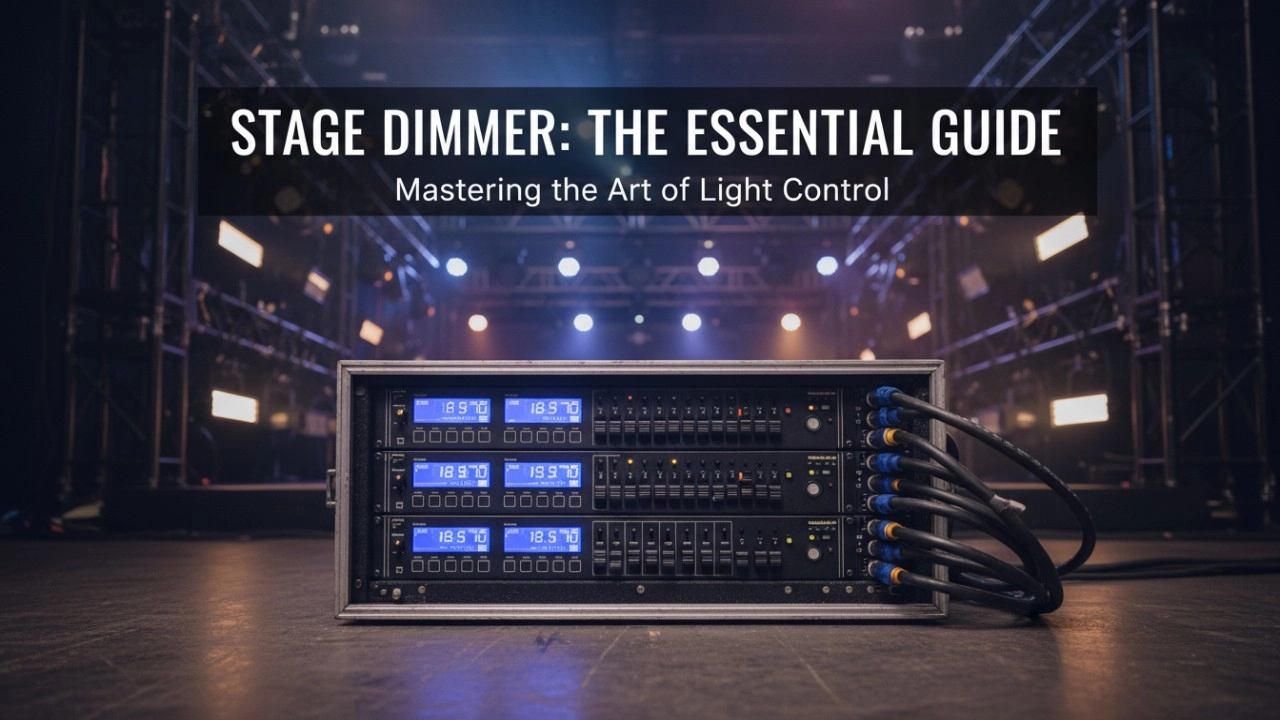
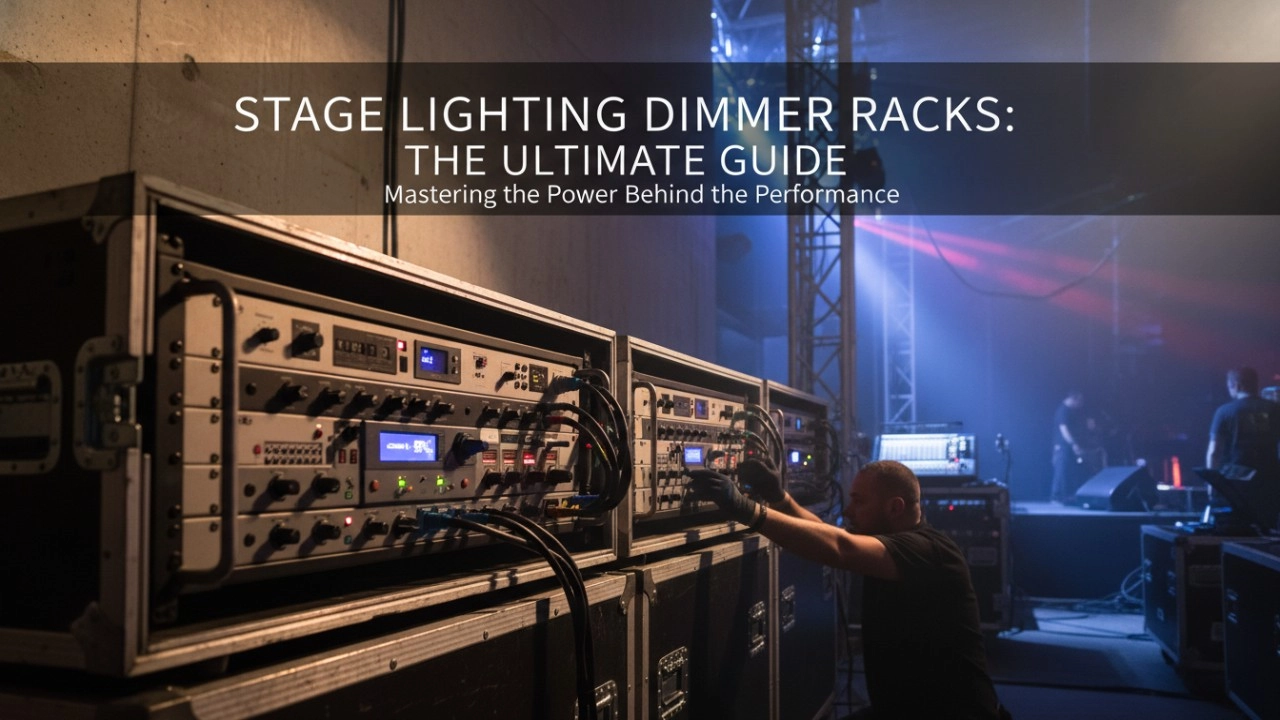
A comprehensive 2026 guide to selecting high-performance stage lighting dimmer racks. We review top hybrid systems, explore SCR vs sine wave technology, and analyze essential features like ThruPower for modern venues.
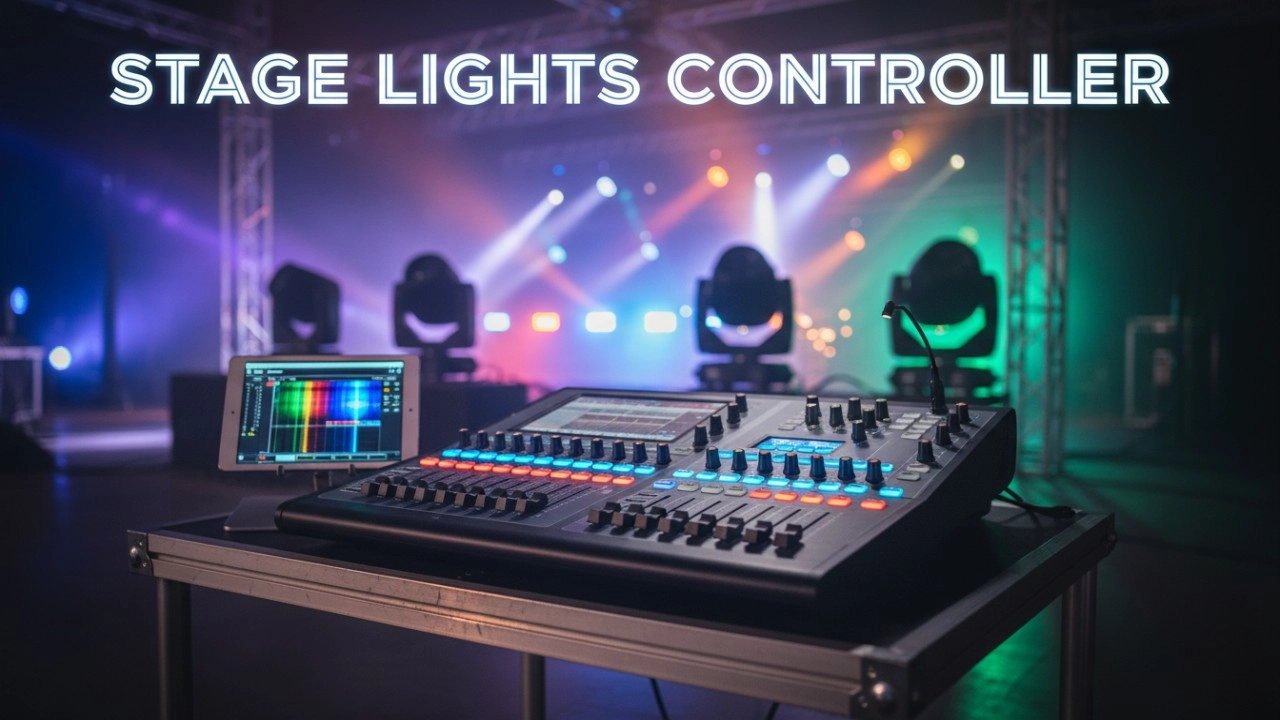
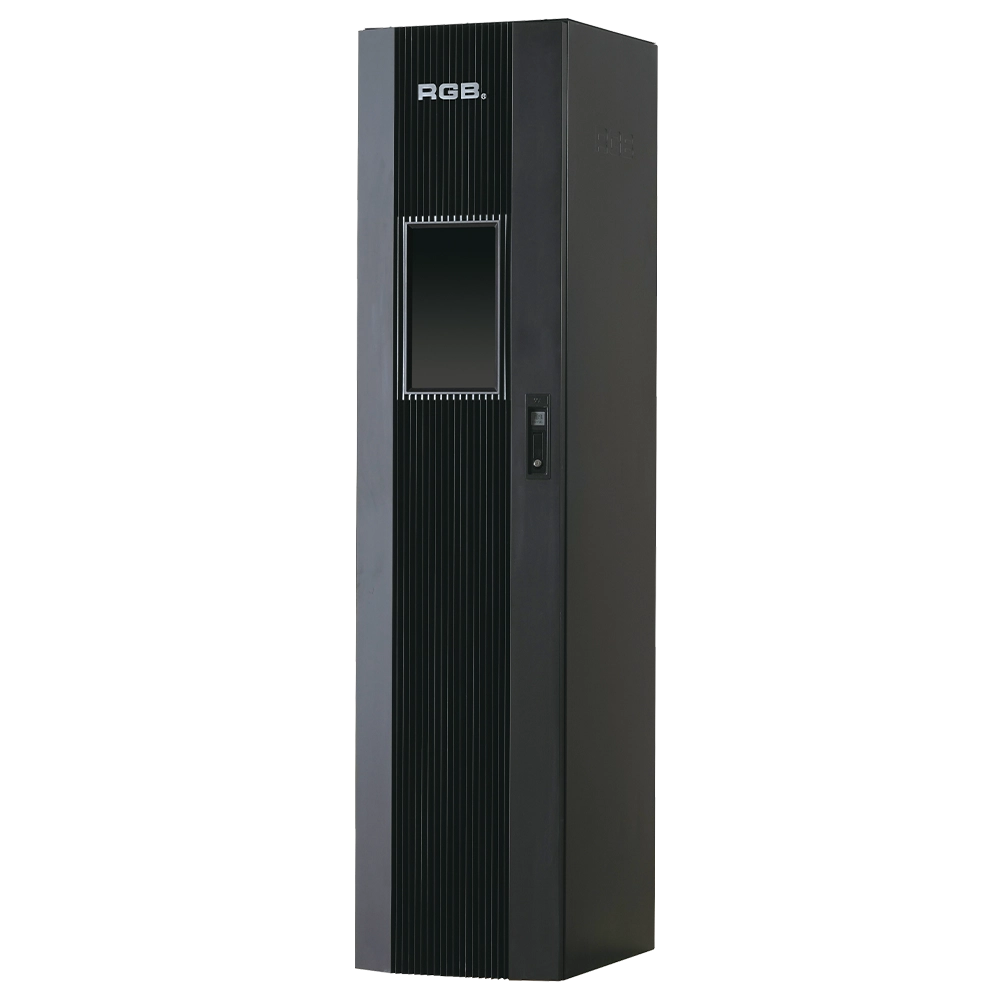
9i intelligent network Dimmer/Relay Racks
9i is an artificial intelligence dimming racks independently developed by RGB, which has completely independent core technology and obtained software Copyrights, all digital electrodeless trigger and multi-backup independent CPU central processor technology. It has a variety of output configurations such as sine wave, thyR, relay and dimming relay mix, and supports visual lighting control system and visually displays the online and offline status of dimming racks. Realize remote monitoring, editing and setting of relevant parameters.
It is suitable for the lighting control needs of different places such as high standard grand theater, TV station, gymnasium and environmental intelligent lighting.
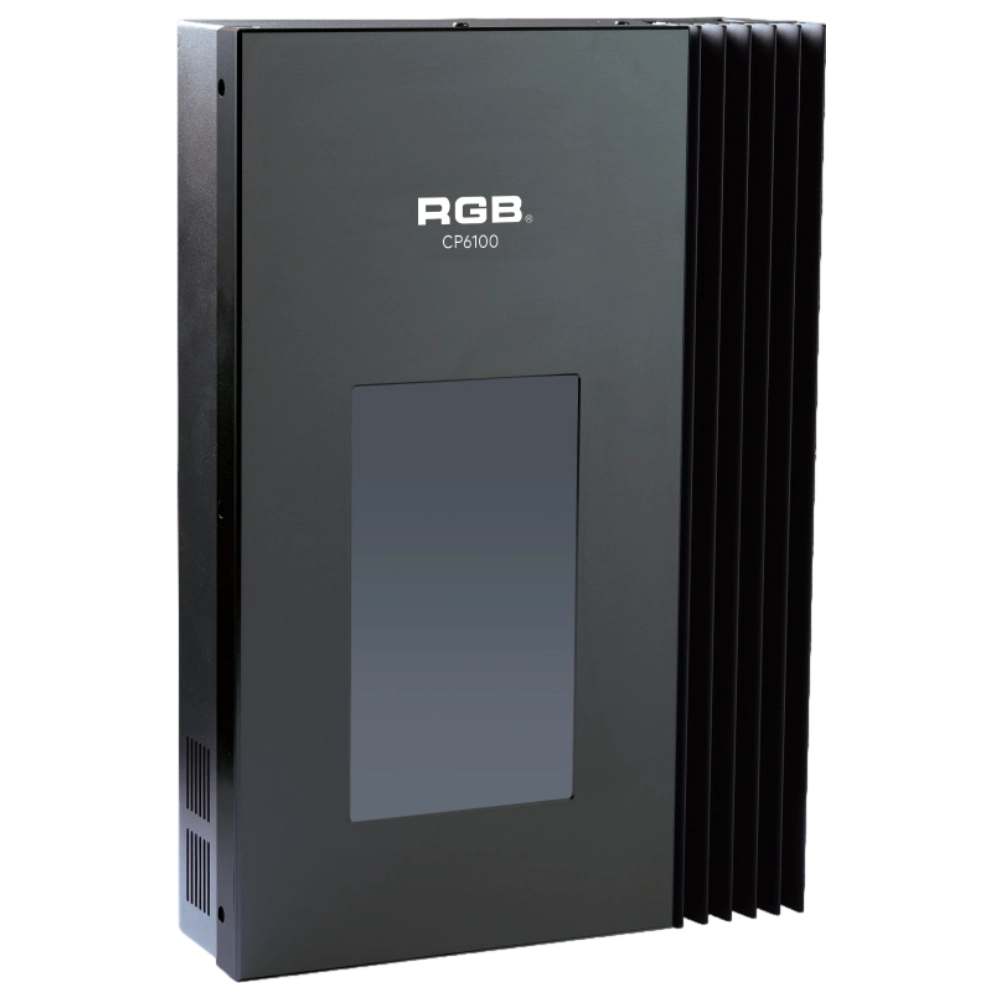
CP6100 Light Control System
The lighting control host is the main control device for theater stage lights, work lights, environmental lighting, commercial art lighting, sports venue lighting, and other places. By connecting the dedicated lighting control panels CP6104 and CP6108, it realizes the central control of the lighting system, supports a visual lighting control system, and intuitively displays the online and offline status of CP6100. Realize remote monitoring, editing, and setting of corresponding parameters.
It is widely applicable to theaters, cinemas, auditoriums, stadiums, museums, exhibition halls, cultural tourism performances, commercial art lighting, and other places.
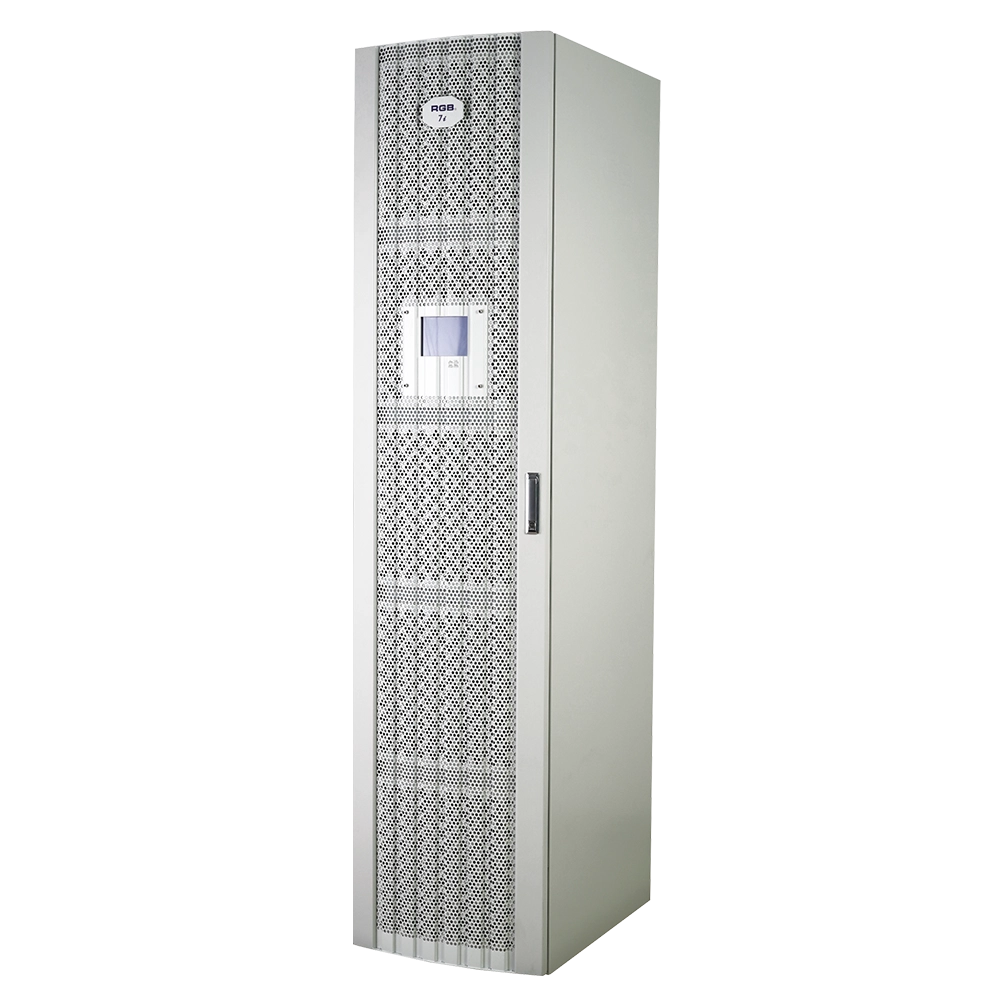
7i Dimmer/Relay Racks
7i is RGB independent research and development, with completely independent core technology, full digital decoding technology dimming racks, using a dual system, double decoding, double trigger, and duplex dual backup central decoding processor, with thyristor, relay, dimming relay mixed and other output configurations, supporting a visual lighting control system, intuitive display of dimming racks' online and offline status, and remote monitoring.
It is widely used in performing arts and cultural venues such as theaters, concert halls, multi-function halls, cultural travel and performing arts, TV stations, gymnasiums, auditoriums, commercial art lighting and so on.
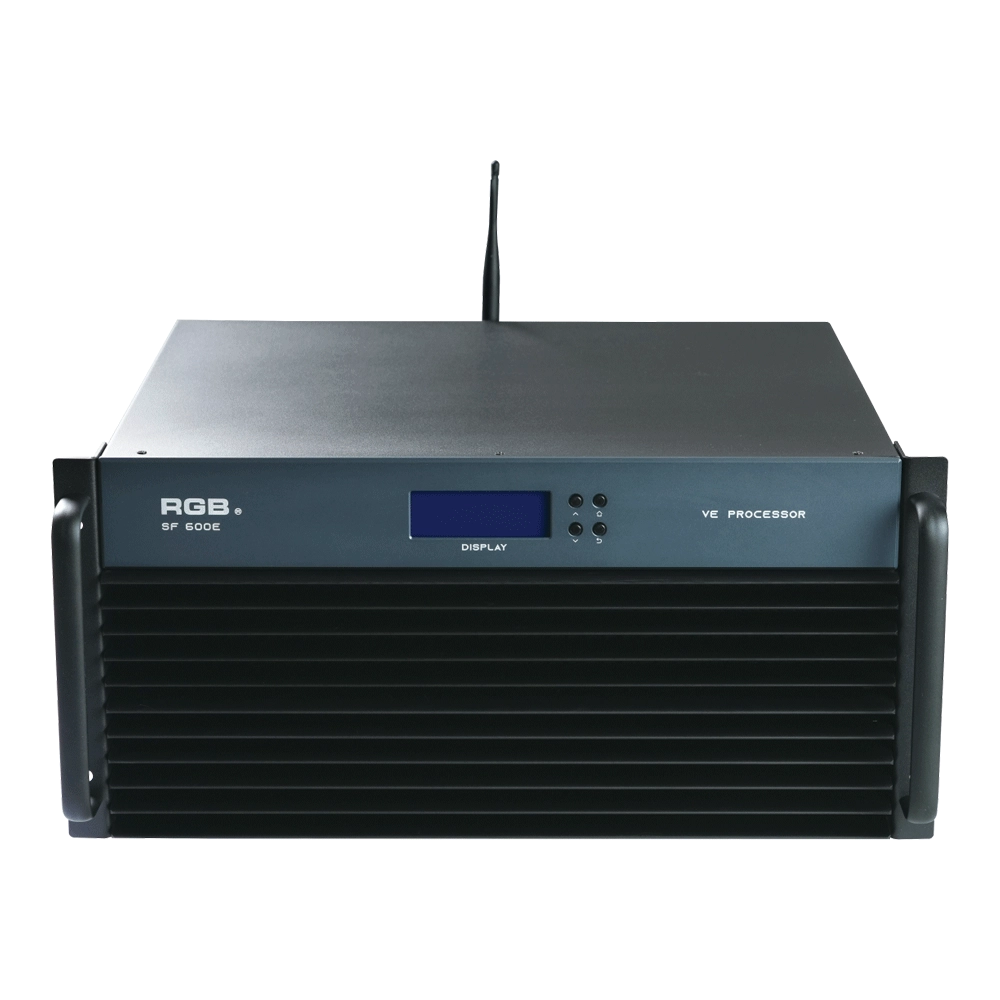
SF600E Visual R-net environment processor
The SF600E Visual R-net environment processor by RGB delivers advanced performance for visual systems. As a leading visual systems manufacturer, RGB ensures seamless integration and high reliability, making SF600E ideal for complex visual processing needs in diverse environments.
Expert Support
Interested in learning more or need expert guidance related to this article? Fill in your details, and our team will provide tailored support.
Intelligent Control. Brilliant Performance.
RGB specializes in stage lighting control systems, delivering intelligent, reliable, and high-performance solutions for theaters and performance spaces worldwide.
Contact
Email:
Tel:
+86 20 3928 0245
+86 20 3928 0247
Address:
No.3, Huashan Road, Shilou Town, Panyu, Guangzhou, China.
Whatsapp: +8615975520131