
Mastering Your Stage Light DMX Controller: The Ultimate Guide to Setup and Control
|
- Introduction
- What is a DMX controller and how does it work?
- What types of stage lights can be controlled by a DMX controller?
- How do you set up and connect a DMX controller to lighting fixtures?
- Do I need a separate DMX controller for every stage light?
- What is the difference between a DMX controller and a standard dimmer switch?
- How do I assign a DMX address to my lighting fixtures?
- What is a DMX universe and how many channels does it support?
- Can I use a wireless DMX system with my stage lighting controller?
- Conclusion
- Call to Action
Introduction
When the crowd peaks and the music drops, the last thing you want is a lighting rig that fails to keep up. A stage light DMX controller is the fundamental tool that turns a chaotic assortment of lights into a synchronized, breathtaking visual performance. Whether you are running a small local theater production, a massive arena concert, or a dynamic corporate event, mastering your lighting control system is non-negotiable for delivering a professional experience.
At its core, understanding how to operate a stage light DMX controller empowers you to manipulate the mood, focus, and energy of any room. It acts as the central command station, communicating your artistic vision to every fixture on the stage. Without it, modern intelligent lighting would be impossible to coordinate effectively.
In this ultimate guide, we will break down everything you need to know about setting up and controlling your stage lighting. From assigning addresses and understanding universes to deciding between wired and wireless networks, this comprehensive resource will answer your most pressing questions and elevate your production quality.
What is a DMX controller and how does it work?
A stage light DMX controller is essentially the brain of any modern lighting setup. It is a piece of hardware, or sometimes a software-based lighting console, that generates and transmits digital control signals to your lighting fixtures. By manipulating faders, buttons, or digital interfaces on the controller, the operator dictates exactly how each light should behave at any given millisecond.
DMX stands for Digital Multiplex. The underlying protocol, DMX512, is a standard for digital communication networks that are commonly used to control lighting and effects Wikipedia. It was established in 1986 by the United States Institute for Theatre Technology to create a universal, standardized language for lighting dimmers and intelligent fixtures, replacing a multitude of incompatible proprietary protocols.
It works by sending a unidirectional stream of data to all connected devices. The controller constantly broadcasts this data in a loop, ensuring that every light receives its specific instructions in real-time. Because the DMX512 protocol is robust and standardized, controllers from one manufacturer can seamlessly communicate with fixtures from completely different brands.
What types of stage lights can be controlled by a DMX controller?
Practically any modern lighting fixture designed for stage, theater, or live event use can be managed by a stage light DMX controller. The protocol is universally adopted across the industry, making it incredibly versatile. From the simplest halogen dimmers to the most complex digital projectors, DMX is the standard language they all understand.
One of the most common applications is controlling moving head lights. These dynamic fixtures require complex instructions to manage their pan, tilt, color mixing, and pattern generation. Similarly, static fixtures like LED par cans, wash lights, and spotlights rely on DMX signals to adjust their intensity, color temperature, and strobing effects with pinpoint accuracy.
Beyond traditional illumination, a stage light DMX controller can also command atmospheric and special effect devices. Fog machines, hazers, cold spark fountains, and even theatrical lasers are frequently equipped with DMX inputs. This allows lighting designers to synchronize atmospheric effects perfectly with lighting cues, creating a fully immersive environment.
How do you set up and connect a DMX controller to lighting fixtures?
Setting up a DMX lighting network requires creating a specific wiring topology known as a "daisy chain." Unlike a traditional computer network that might use a central hub or router, DMX devices are linked sequentially. You begin by connecting a specialized DMX cable from the "DMX OUT" port on your stage light DMX controller to the "DMX IN" port on your first lighting fixture.
From that first fixture, you take another cable and connect it from the "DMX OUT" (sometimes labeled "THRU") port to the "DMX IN" of the second fixture. You repeat this process, linking one light to the next, until all lighting fixtures are connected in a single, continuous line. It is crucial to use proper 120-ohm DMX cables rather than standard microphone cables to prevent signal degradation and erratic light behavior.
Finally, at the very last fixture in the chain, it is highly recommended to insert a DMX terminator into the open "DMX OUT" port. A terminator is a simple connector with a built-in resistor that stops the digital signal from reflecting back down the cable line. Preventing this signal bounce is a critical step in ensuring your lighting rig remains stable and responsive throughout the show.
Do I need a separate DMX controller for every stage light?
No, you absolutely do not need a separate controller for each light. One of the primary advantages of the DMX protocol is its ability to manage a vast array of equipment from a single, centralized command station. A single stage light DMX controller can independently operate dozens, or even hundreds, of fixtures simultaneously over a single network line.
Because the data stream contains discrete instructions for many different channels, all fixtures on the daisy chain receive the entire broadcast. However, each fixture is programmed to only "listen" to the specific data intended for it. This selective listening means that one controller can tell a spotlight to turn red while simultaneously telling a moving head to sweep across the stage.
There are physical limits to how many devices can be connected in a single chain before the electrical signal weakens. The standard rule is a maximum of 32 physical devices on a single DMX run. If your production requires more than 32 lights, you do not add a second controller; instead, you use a device called an optically isolated DMX splitter to safely divide the signal into multiple branches, all still managed by your primary controller.
What is the difference between a DMX controller and a standard dimmer switch?
A standard dimmer switch, like the ones you might find in a residential home or older analog theater setups, operates by physically regulating the electrical voltage sent to a light bulb. By lowering the voltage, the filament burns less brightly. A dimmer switch is typically limited to controlling only one attribute: intensity.
In contrast, a stage light DMX controller operates digitally. It does not alter the power supply going to the fixtures. Instead, fixtures receive continuous, unvarying power from the wall, and the DMX controller sends a low-voltage data signal containing digital instructions. This allows for the control of far more than just brightness.
Because of this digital nature, a DMX controller can dictate a multitude of complex parameters, often referred to as "attributes." While a dimmer switch only dims, a DMX controller can command a light to change its RGB color mix, rotate a gobo stencil, adjust its focus, and rapidly strobe. Each of these parameters is assigned a numerical value between 0 and 255, offering a massive leap in precision and creative capability.
How do I assign a DMX address to my lighting fixtures?
Assigning a DMX address to a fixture is a process commonly known in the industry as "patching." For the controller to communicate with a specific light, that light must be given a unique starting address. This address tells the fixture exactly where to look within the 512-channel data stream to find its specific instructions.
To calculate the correct address, you must know the "channel footprint" of your fixtures. If your first light is an LED par can that requires 4 channels (Red, Green, Blue, Dimmer), you assign it to address 001. It will then occupy channels 1, 2, 3, and 4. The next fixture in the chain must be assigned a starting address of 005 or higher. Proper DMX addressing ensures that signals do not overlap, which would cause the lights to conflict and behave erratically.
Most modern lighting fixtures feature a digital LED or LCD display with menu buttons that make assigning the address incredibly straightforward. On older or more budget-friendly fixtures, you might encounter a row of tiny toggles known as DIP switches. Setting addresses with DIP switches requires translating the desired address into binary code, which can be easily managed using a free DMX calculator app or reference chart.
What is a DMX universe and how many channels does it support?
A DMX universe represents a single, self-contained data link generated by a stage light DMX controller. You can think of a universe as a single highway of information traveling down your DMX cable. Each universe operates independently from any others that might be running simultaneously on a larger production.
By definition, a DMX universe is made up of exactly 512 channels, with each channel carrying an 8-bit value from 0 to 255 Wikipedia. This capacity is hardcoded into the protocol, which is an international ANSI standard maintained by ESTA. Whether you use all 512 channels or only 10 of them, the universe size remains constant.
When productions scale up, 512 channels can be consumed rapidly. A complex moving head light in an extended mode might use 30 or more channels by itself. If a show requires 1,000 channels of control, you cannot cram them into one universe. Instead, you must use a more advanced lighting console capable of outputting two or more distinct DMX universes, routing a second dedicated cable line to the remaining fixtures.
Can I use a wireless DMX system with my stage lighting controller?
Yes, incorporating a wireless DMX system into your stage light DMX controller setup is entirely possible and increasingly common. Wireless systems operate by replacing the traditional XLR cables with radio frequency transmitters and receivers. The transmitter plugs into the DMX output of your controller, broadcasting the signal over a 2.4GHz or 5GHz frequency to receivers plugged into the inputs of your fixtures.
These wireless networks are a massive time-saver for live events, allowing for rapid deployment without the need to tape down hundreds of feet of cable or run lines over doorways. They are particularly useful for placing lights in hard-to-reach areas, such as illuminating architectural features across a room or placing battery-powered uplights in the middle of a crowded gala.
When designing a complex network, professionals often weigh the benefits of different routing technologies. For instance, comparing an Ethernet DMX Node vs Wireless DMX setup is a crucial step. Ethernet nodes offer massive channel capacity and rock-solid reliability for permanent installations, while wireless DMX provides unparalleled flexibility and speed for temporary, mobile applications.
Modern wireless systems are highly reliable, utilizing frequency-hopping spread spectrum (FHSS) technology to avoid interference from Wi-Fi routers and smartphones. However, it is always a best practice to maintain line-of-sight between your transmitter and receivers to guarantee a flawless, uninterrupted light show.
Conclusion
Mastering your stage light DMX controller is a transformative step for any lighting designer, technician, or event producer. By understanding the core mechanics of the DMX512 protocol, the concept of a DMX universe, and the practical steps of daisy-chaining and addressing fixtures, you unlock a world of boundless creative potential.
While the technology might seem intimidating at first glance, the underlying logic is incredibly systematic. Once you grasp how channels, addresses, and parameters interact, programming complex cues and breathtaking dynamic effects becomes intuitive. Start small, practice patching your fixtures accurately, and gradually expand your network to create lighting experiences that truly captivate your audience.
Call to Action
If you are ready to elevate your event production or need expert assistance in configuring your lighting network, please contact us today for a personalized consultation.
Latest News
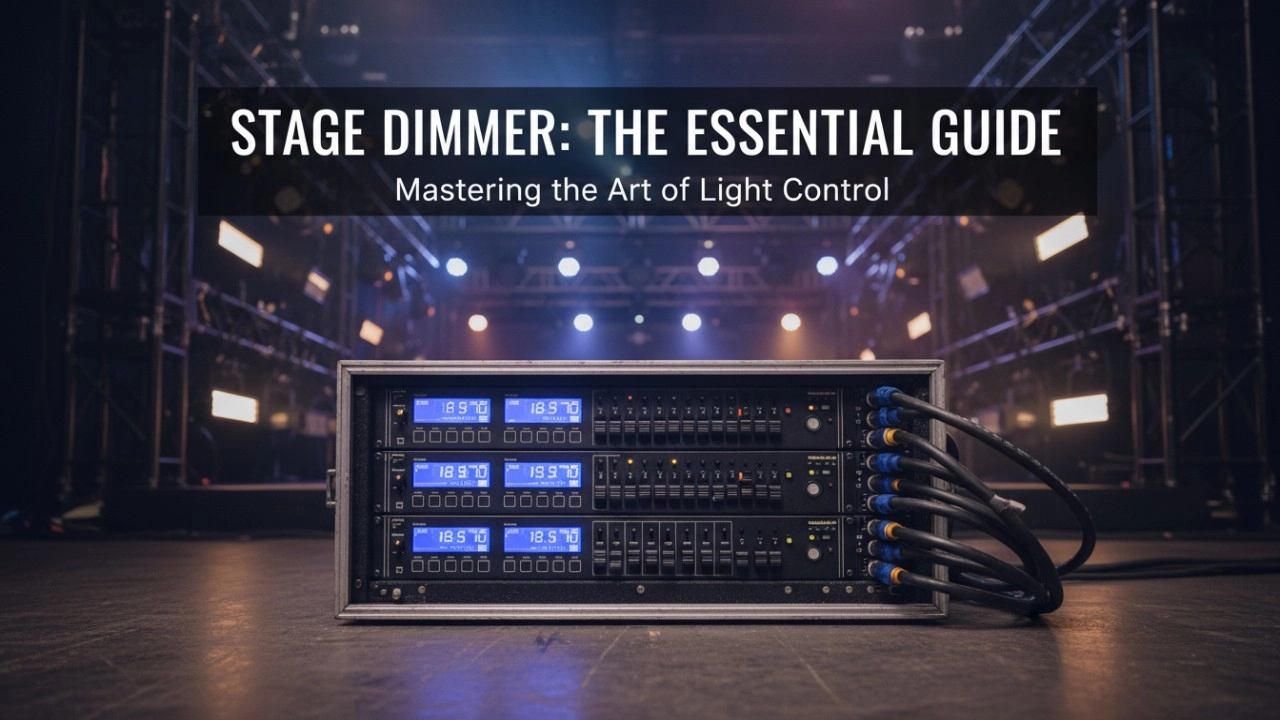
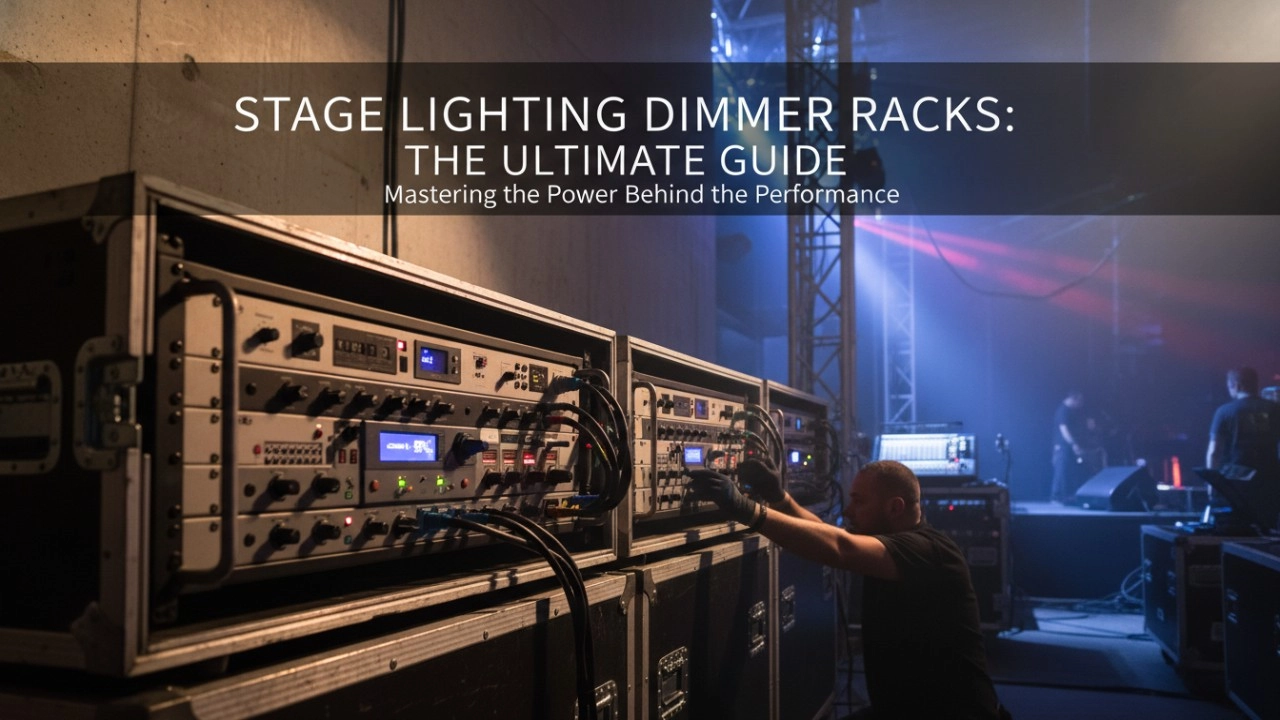
A comprehensive 2026 guide to selecting high-performance stage lighting dimmer racks. We review top hybrid systems, explore SCR vs sine wave technology, and analyze essential features like ThruPower for modern venues.
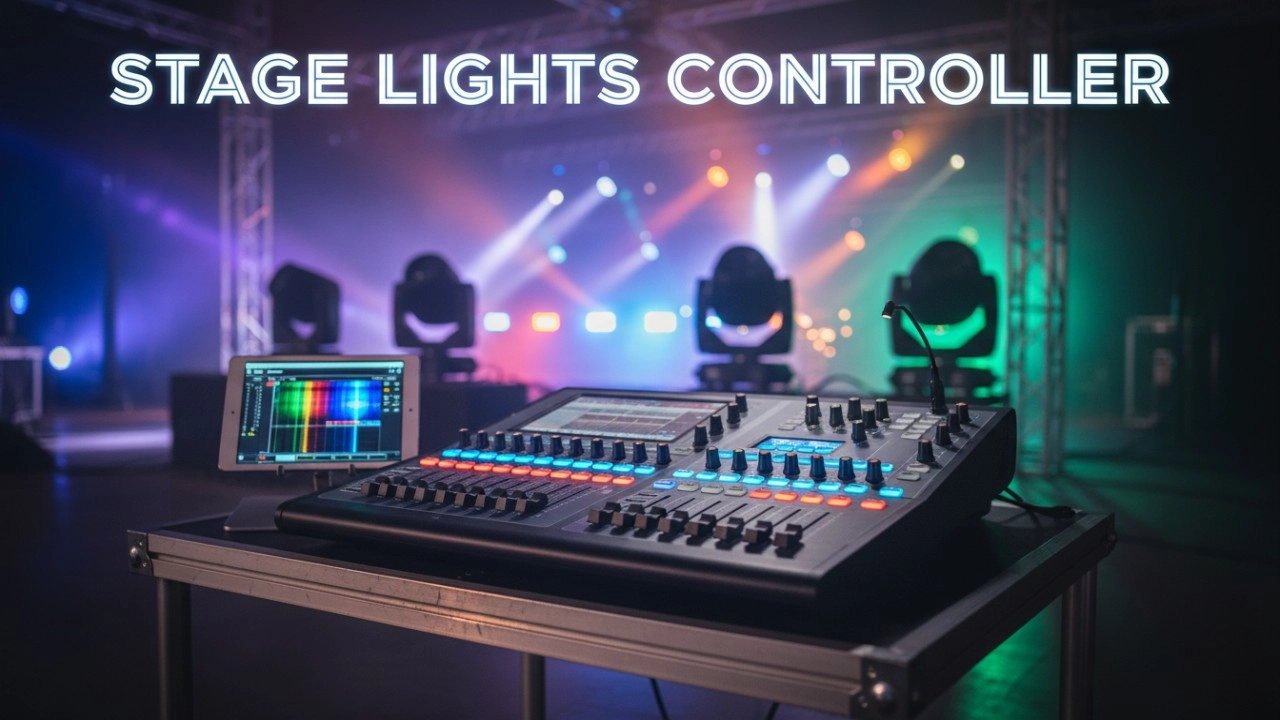
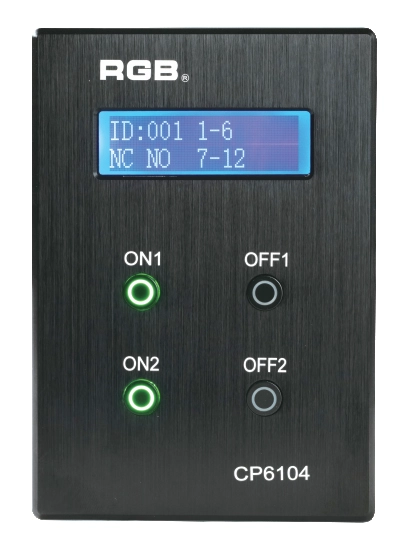
Site Light Controller CP6104
The CP6104 lighting control panel is a lighting control device for theater stage lights, work lights, environmental lighting, commercial art lighting, sports venue lighting and other places. By connecting to the dedicated lighting control host CP6100, it realizes the central control of the lighting system, supports a visual lighting control system, and intuitively displays the online and offline status of CP6104. Realize remote monitoring, editing and setting of corresponding parameters.
It is widely applicable to theaters, cinemas, auditoriums, stadiums, museums, exhibition halls, cultural tourism performances, commercial art lighting and other places.
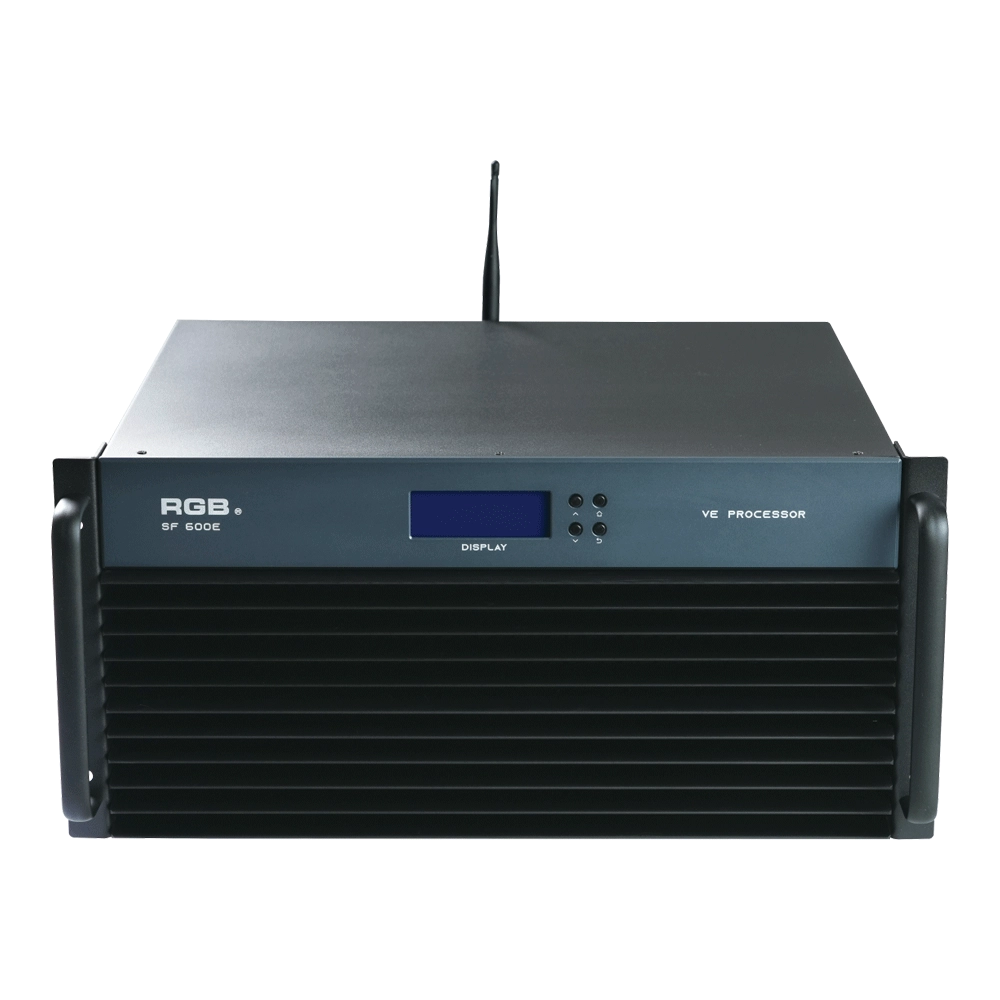
SF600E Visual R-net environment processor
The SF600E Visual R-net environment processor by RGB delivers advanced performance for visual systems. As a leading visual systems manufacturer, RGB ensures seamless integration and high reliability, making SF600E ideal for complex visual processing needs in diverse environments.
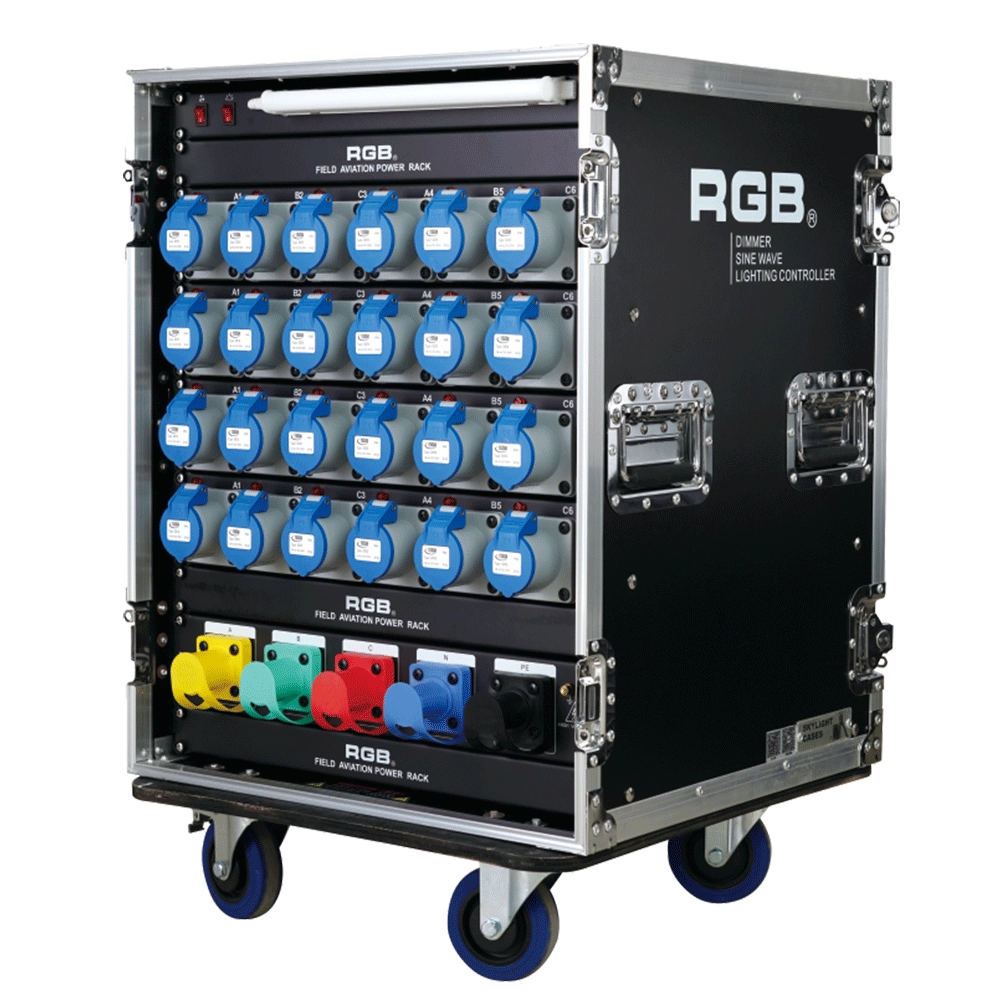
ZT Distribution Box
RGB-ZT2416 features dual protection functions and is a power distribution product specifically designed for overcurrent and short circuit of electrical equipment. It is the best choice for mobile performance and is suitable for use in computer lamps, conventional lamps, and other equipment.
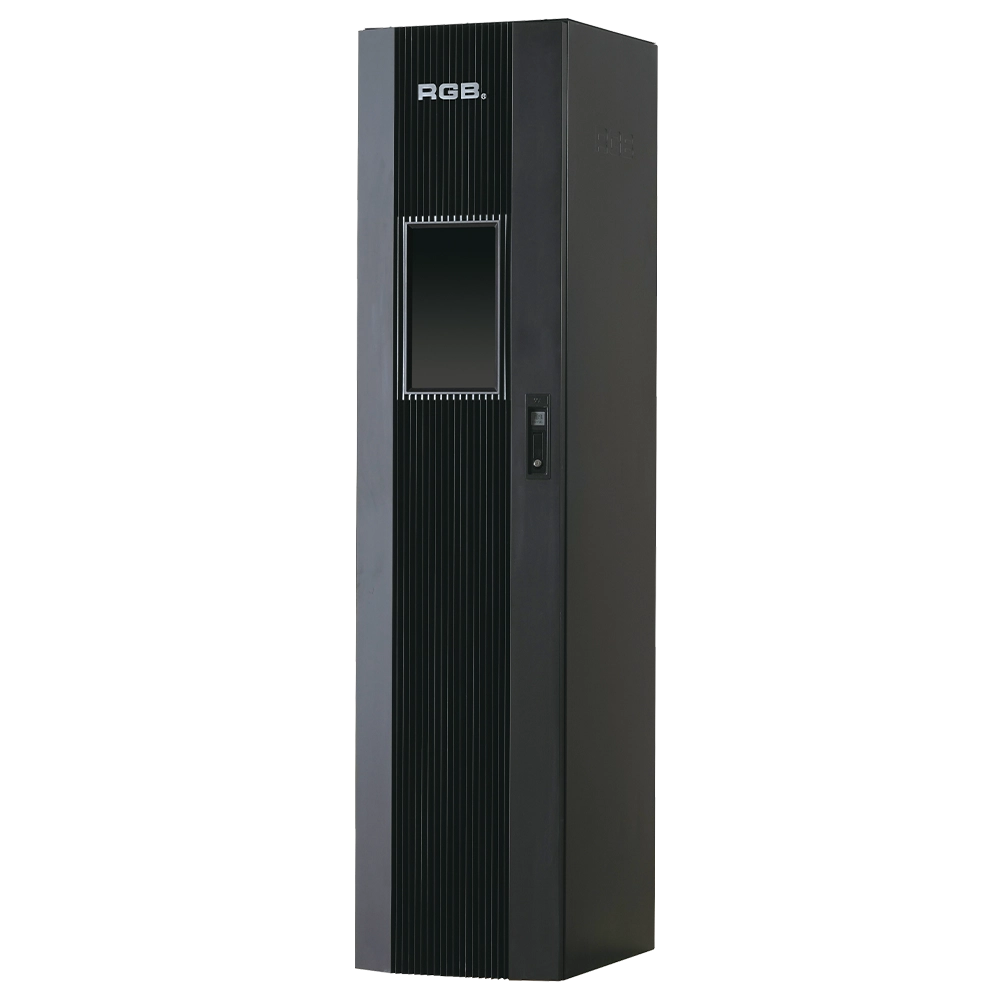
9i intelligent network Dimmer/Relay Racks
9i is an artificial intelligence dimming racks independently developed by RGB, which has completely independent core technology and obtained software Copyrights, all digital electrodeless trigger and multi-backup independent CPU central processor technology. It has a variety of output configurations such as sine wave, thyR, relay and dimming relay mix, and supports visual lighting control system and visually displays the online and offline status of dimming racks. Realize remote monitoring, editing and setting of relevant parameters.
It is suitable for the lighting control needs of different places such as high standard grand theater, TV station, gymnasium and environmental intelligent lighting.
Expert Support
Interested in learning more or need expert guidance related to this article? Fill in your details, and our team will provide tailored support.
Intelligent Control. Brilliant Performance.
RGB specializes in stage lighting control systems, delivering intelligent, reliable, and high-performance solutions for theaters and performance spaces worldwide.
Contact
Email:
Tel:
+86 20 3928 0245
+86 20 3928 0247
Address:
No.3, Huashan Road, Shilou Town, Panyu, Guangzhou, China.
Whatsapp: +8615975520131