
Is Pathport DMX Node compatible with my lighting console?
|
- My older DMX console only has 5-pin XLR outputs, and I want to integrate network-based fixtures. Can a Pathport DMX node facilitate this, and how does it handle signal conversion?
- I'm setting up a small venue with 3 universes of DMX. How do I properly calculate and configure the number of Pathport nodes I need, considering future expansion?
- What are the critical network infrastructure requirements (cable types, switches, IP addressing) for a reliable Pathport DMX system, especially for live events?
- Beyond basic DMX output, what advanced features like merging, RDM, or custom routing do Pathport nodes offer, and how do they benefit a beginner's workflow?
- How do I troubleshoot common connectivity issues or DMX signal loss when integrating a Pathport DMX node with my lighting console and network?
- Given the variety of DMX-over-Ethernet solutions, what makes Pathport DMX nodes a preferred choice for professional-grade reliability and longevity compared to entry-level alternatives?
Pathport DMX Nodes: Your Essential Guide to Seamless Console Compatibility and Network Lighting Control
For anyone delving into the world of professional stage lighting, understanding DMX over Ethernet solutions is paramount. Among the most trusted names in the industry, Pathport DMX nodes stand out for their reliability, flexibility, and robust feature set. However, for beginners, integrating these powerful DMX gateways into an existing or new lighting control system can raise several specific questions. This guide aims to provide in-depth answers to common pain points, helping you make informed decisions about your next purchase.
My older DMX console only has 5-pin XLR outputs, and I want to integrate network-based fixtures. Can a Pathport DMX node facilitate this, and how does it handle signal conversion?
This is a common scenario for venues upgrading their lighting infrastructure. Pathport DMX nodes are incredibly versatile DMX-over-Ethernet devices designed to bridge the gap between traditional DMX512 and modern network protocols like Art-Net and sACN. While they primarily function as DMX output devices (receiving Art-Net/sACN from a lighting console or software controller and outputting DMX512 via XLR), many Pathport models, such as the Pathport UNO or QUATTRO, can configure their physical DMX ports as inputs.
When configured as an input, a Pathport node acts as a DMX converter. It takes the incoming DMX512 signal from your older console's 5-pin XLR output and translates it into Art-Net or sACN data streams. This network DMX data can then be distributed across your lighting control network to other Pathport nodes (which can then output DMX to traditional fixtures) or directly to network-enabled fixtures (like LED walls, moving lights with Ethernet ports, or media servers) that understand Art-Net or sACN. This allows you to leverage your existing, reliable DMX console while expanding your system's capabilities with network-based devices, creating a powerful hybrid lighting system integration.
I'm setting up a small venue with 3 universes of DMX. How do I properly calculate and configure the number of Pathport nodes I need, considering future expansion?
Understanding DMX universes is crucial for proper system design. A single DMX universe consists of 512 control channels. For your 3 universes, you need to ensure you have enough DMX output ports. Pathport DMX nodes come in various configurations, typically offering 1, 2, 4, or 8 DMX ports. Each port can be assigned to a specific DMX universe.
- For 3 universes, a single Pathport QUATTRO (4-port node) would be sufficient, as it provides four independent DMX outputs. You would configure three of its ports to output your desired DMX universes (e.g., Universe 1, 2, and 3).
- Alternatively, you could use three Pathport UNO (1-port) nodes, but this often adds unnecessary complexity and cabling for a small number of universes.
When considering future expansion, it's often wise to invest in a node with more ports than you currently need. For example, if you anticipate growing to 4-5 universes within the next few years, a 4-port node like the Pathport QUATTRO gives you immediate room to grow without needing to purchase additional hardware. If you foresee significant expansion beyond 8 universes, planning for multiple 8-port Pathport OCTO nodes or a combination of smaller nodes across your stage lighting network would be more appropriate. Always factor in a buffer for unforeseen needs or last-minute additions to your lighting system.
What are the critical network infrastructure requirements (cable types, switches, IP addressing) for a reliable Pathport DMX system, especially for live events?
A robust network infrastructure is the backbone of any reliable DMX over Ethernet system, especially for the demanding environment of live events. Here are the critical requirements:
- Cable Types: Always use high-quality shielded Cat5e or, preferably, Cat6 Ethernet cables. These provide better signal integrity and reduce electromagnetic interference, which is vital in noisy stage environments. Ensure cables are properly terminated with RJ45 connectors.
- Network Switches: Opt for managed gigabit Ethernet switches. Managed switches allow you to configure VLANs (Virtual Local Area Networks) to isolate your lighting network traffic from other data, preventing congestion and improving security. They also offer features like IGMP snooping, which efficiently manages multicast traffic (common with sACN), preventing network flooding. Avoid unmanaged switches for critical live applications.
- IP Addressing: Dedicate a specific IP address range for your lighting network (e.g., 10.0.0.x or 2.x.x.x for Art-Net). Configure all your Pathport DMX nodes and your lighting console with static IP addresses within this range. This ensures consistent communication and prevents IP conflicts that can cause intermittent DMX signal loss. Avoid using DHCP for critical DMX networks unless specifically designed for it, as dynamic IP assignments can be unpredictable.
- Dedicated Network: For live events, it is highly recommended to have a dedicated network for your lighting control. Do not share this network with office data, internet access, or other non-critical systems. This minimizes interference and ensures maximum bandwidth and reliability for your DMX data.
Properly designed network infrastructure ensures your Pathport DMX nodes communicate flawlessly with your lighting console, delivering stable and responsive lighting control.
Beyond basic DMX output, what advanced features like merging, RDM, or custom routing do Pathport nodes offer, and how do they benefit a beginner's workflow?
Pathport DMX nodes are far more than simple DMX converters; they are intelligent DMX gateways packed with advanced features that significantly enhance a lighting designer's or technician's workflow:
- DMX Merging: Pathport nodes support various DMX merging protocols, including HTP (Highest Takes Precedence) and LTP (Latest Takes Precedence). This allows multiple control sources (e.g., a main console and a backup console, or a console and an architectural controller) to simultaneously send DMX data to the same universe. The node intelligently combines the signals based on the chosen merging rule, providing seamless control and robust failover options. For a beginner, this means greater flexibility and peace of mind during complex shows.
- RDM (Remote Device Management) Support: Pathport nodes are fully RDM-compliant. RDM allows two-way communication over the DMX line, enabling you to discover, address, configure, and monitor RDM-enabled fixtures directly from your lighting console or Pathscape software, without physically accessing each fixture. This saves immense setup and troubleshooting time, especially for installations with many fixtures or those in hard-to-reach locations.
- Custom Routing and Profiles: Using ETC's Pathscape software, you can extensively customize how DMX data flows through your network. You can route specific universes to specific ports, create profiles for different show setups, and even configure individual ports as DMX input or output. This level of granular control allows for highly optimized and flexible DMX distribution.
- Port Configuration: Each DMX port on a Pathport node can often be individually configured for a specific universe, protocol (Art-Net/sACN), and direction (input/output). This adaptability makes Pathport nodes incredibly versatile for diverse lighting system integration needs.
These features, even for beginners, offer a professional-grade foundation for building sophisticated and resilient lighting control networks.
How do I troubleshoot common connectivity issues or DMX signal loss when integrating a Pathport DMX node with my lighting console and network?
Troubleshooting is an essential skill, and Pathport DMX nodes are designed with tools to help. Here are common issues and their solutions:
- No DMX Output:
- IP Address Conflict/Incorrect IP: Ensure the Pathport node, your lighting console, and your computer (if using Pathscape) are all on the same subnet and have unique static IP addresses. Use Pathscape software to discover and configure the node's IP.
- Incorrect Universe Assignment: Verify that the DMX output port on the Pathport node is assigned to the correct DMX universe that your console is transmitting. Check this in Pathscape.
- Network Connectivity: Check physical Ethernet cables. Are they securely plugged in? Are the link lights on the node and switch active? Try a different cable or switch port.
- Firewall Issues: Ensure your computer's firewall isn't blocking Art-Net or sACN traffic if using software control.
- Intermittent DMX Signal Loss:
- Network Congestion: If not using a dedicated lighting network or managed switches with VLANs, other network traffic can interfere. Isolate your lighting network.
- Faulty Cables: Even if link lights are on, a damaged Ethernet or DMX cable can cause intermittent issues. Test with known good cables.
- Incorrect sACN/Art-Net Prioritization: If using sACN, ensure your console's sACN priority is higher than any other potential sACN sources on the network.
- Network Loop: Ensure there are no accidental network loops (e.g., two cables connecting the same two switches). This can bring down an entire network.
- Pathport Node Not Discovered in Pathscape:
- Network Settings: Ensure your computer's network adapter is set to an IP address within the same subnet as the Pathport node (e.g., 10.101.x.x for default Pathport discovery).
- Firewall: Temporarily disable your firewall to see if it's blocking discovery.
- Firmware: Ensure the node's firmware is up to date. Outdated firmware can sometimes cause compatibility or discovery issues.
Pathscape software is your primary tool for diagnosing Pathport-specific issues, offering real-time status, port configuration, and network diagnostics.
Given the variety of DMX-over-Ethernet solutions, what makes Pathport DMX nodes a preferred choice for professional-grade reliability and longevity compared to entry-level alternatives?
While numerous DMX-over-Ethernet solutions exist, Pathport DMX nodes, particularly those from ETC (Electronic Theatre Controls), stand out as a professional industry standard for several compelling reasons:
- Unmatched Reliability and Build Quality: Pathport nodes are built to withstand the rigors of live events and permanent installations. They feature robust hardware, often with fanless designs for silent operation and enhanced durability. This professional-grade construction translates to exceptional longevity and consistent performance, minimizing downtime.
- Comprehensive Feature Set: As discussed, features like advanced DMX merging (HTP/LTP), full RDM support, flexible DMX input/output configuration, and sophisticated routing capabilities are standard. Entry-level alternatives often lack these critical functionalities, limiting system flexibility and troubleshooting potential.
- Seamless Integration with ETC Ecosystem: For users of ETC lighting consoles (Eos, Element, Ion) or other ETC products, Pathport nodes offer unparalleled integration. The Pathscape software provides a unified platform for configuration and monitoring across your entire ETC DMX distribution system.
- Industry-Standard Compliance: Pathport nodes rigorously adhere to DMX512, Art-Net, and sACN (E1.31) standards, ensuring broad compatibility with virtually any professional lighting console or software.
- Superior Software (Pathscape): ETC's Pathscape software is a powerful, intuitive tool for discovering, configuring, and monitoring all Pathport devices on your network. It offers detailed diagnostics, firmware updates, and easy management of complex DMX distribution schemes, far surpassing the often basic or clunky interfaces of cheaper alternatives.
- Technical Support and Longevity: Investing in Pathport means investing in a product backed by ETC's renowned global technical support and long-term commitment to product development and firmware updates. This ensures your investment remains viable and supported for many years.
For critical applications where reliability, advanced control, and long-term value are paramount, Pathport DMX nodes consistently prove to be the superior choice over entry-level or less established solutions.
Pathport DMX nodes offer unparalleled reliability, flexibility, and advanced features for modern lighting control systems. Whether you're integrating an older console, scaling your DMX universes, or demanding robust network performance for live events, Pathport provides a professional-grade solution that ensures seamless console compatibility and efficient DMX distribution. Their comprehensive capabilities, backed by industry-leading support, make them an indispensable component for any serious stage lighting network.
Ready to upgrade your lighting control? Contact us today at info@rgbsystem.com or visit www.rgbsystem.com for a personalized quote and expert consultation.
Latest News
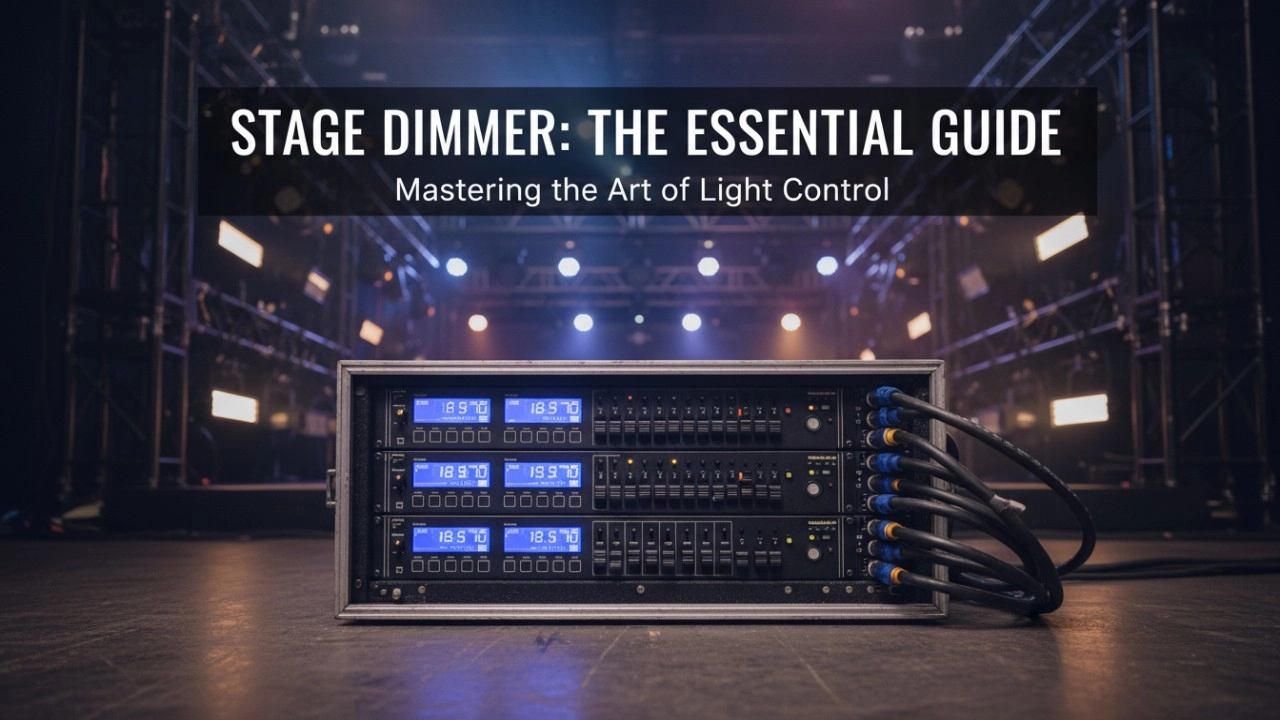
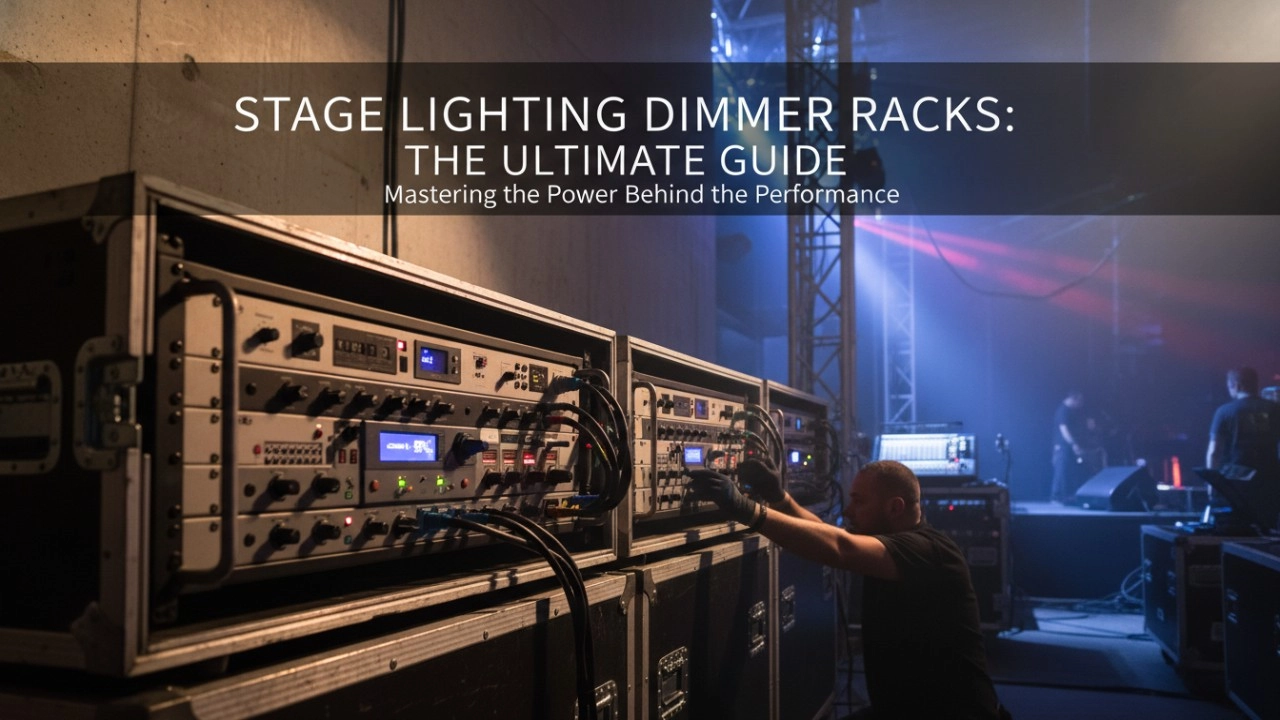
A comprehensive 2026 guide to selecting high-performance stage lighting dimmer racks. We review top hybrid systems, explore SCR vs sine wave technology, and analyze essential features like ThruPower for modern venues.
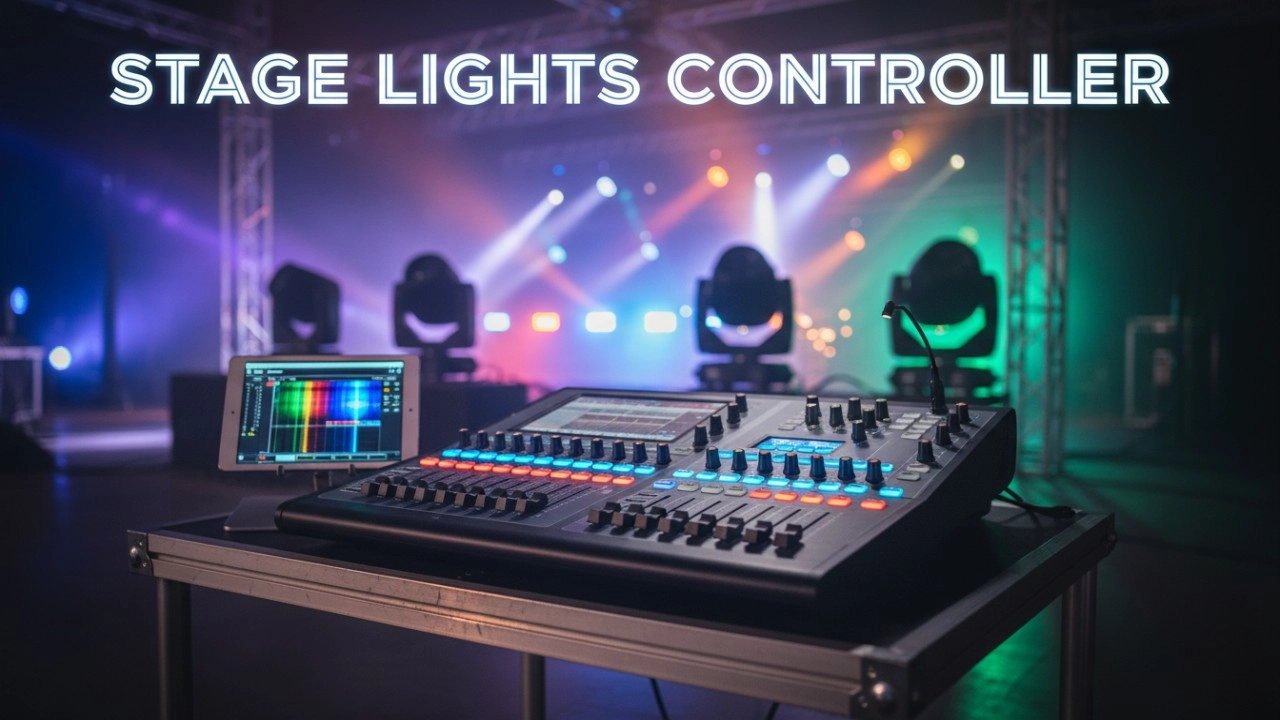
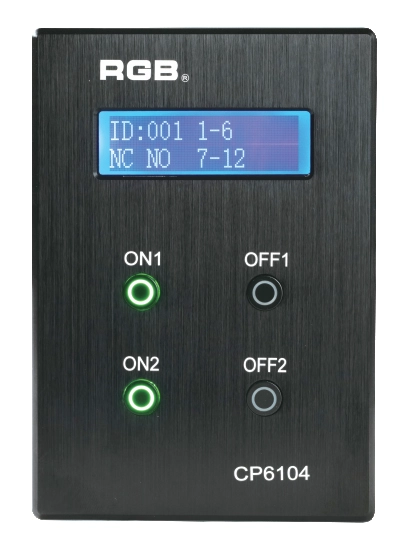
Site Light Controller CP6104
The CP6104 lighting control panel is a lighting control device for theater stage lights, work lights, environmental lighting, commercial art lighting, sports venue lighting and other places. By connecting to the dedicated lighting control host CP6100, it realizes the central control of the lighting system, supports a visual lighting control system, and intuitively displays the online and offline status of CP6104. Realize remote monitoring, editing and setting of corresponding parameters.
It is widely applicable to theaters, cinemas, auditoriums, stadiums, museums, exhibition halls, cultural tourism performances, commercial art lighting and other places.
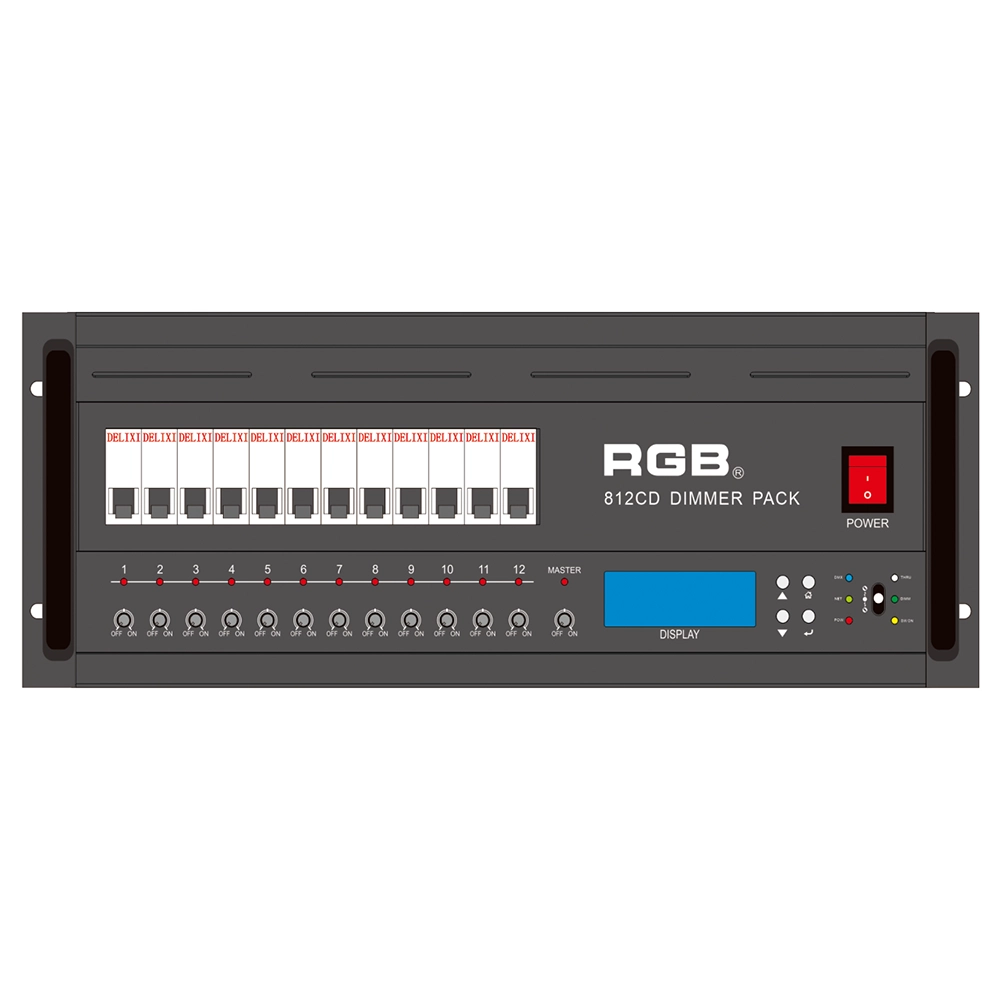
8 Series Intellight Dimmer/Relay Packs
RGB is the latest development and production of all digital, intelligent, and network dimming through the hybrid silicon box. It comes with six channels (806 silicon box), twelve channels (812 silicon box) with analog knob dimming, 49 DMX field recordings and replays (field backup function), and self-programming and recording field. RGB-8 silicon box with DMX512 digital signal input and RJ45 network input interface, with various types of dimming stations at home and abroad used. It is a powerful, stable performance and reliable work of a new generation of intelligent digital dimming through a hybrid silicon box.
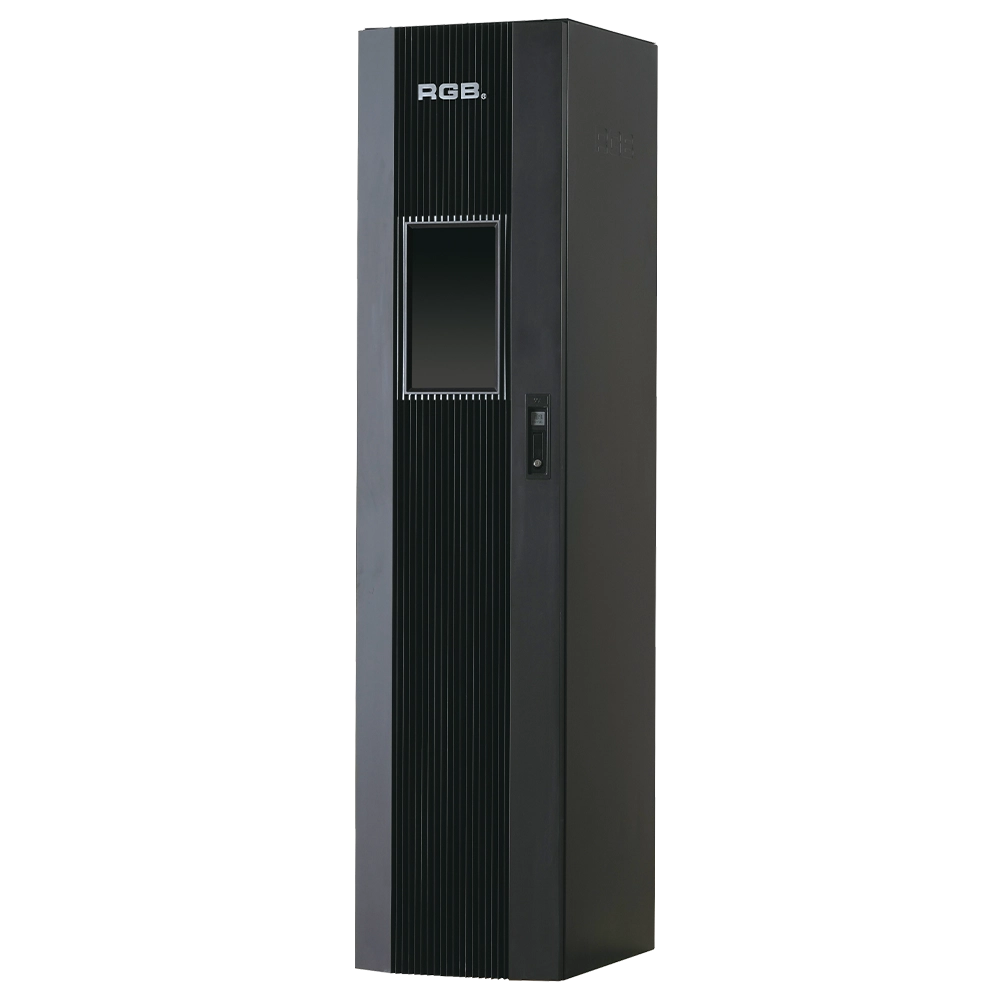
9i intelligent network Dimmer/Relay Racks
9i is an artificial intelligence dimming racks independently developed by RGB, which has completely independent core technology and obtained software Copyrights, all digital electrodeless trigger and multi-backup independent CPU central processor technology. It has a variety of output configurations such as sine wave, thyR, relay and dimming relay mix, and supports visual lighting control system and visually displays the online and offline status of dimming racks. Realize remote monitoring, editing and setting of relevant parameters.
It is suitable for the lighting control needs of different places such as high standard grand theater, TV station, gymnasium and environmental intelligent lighting.
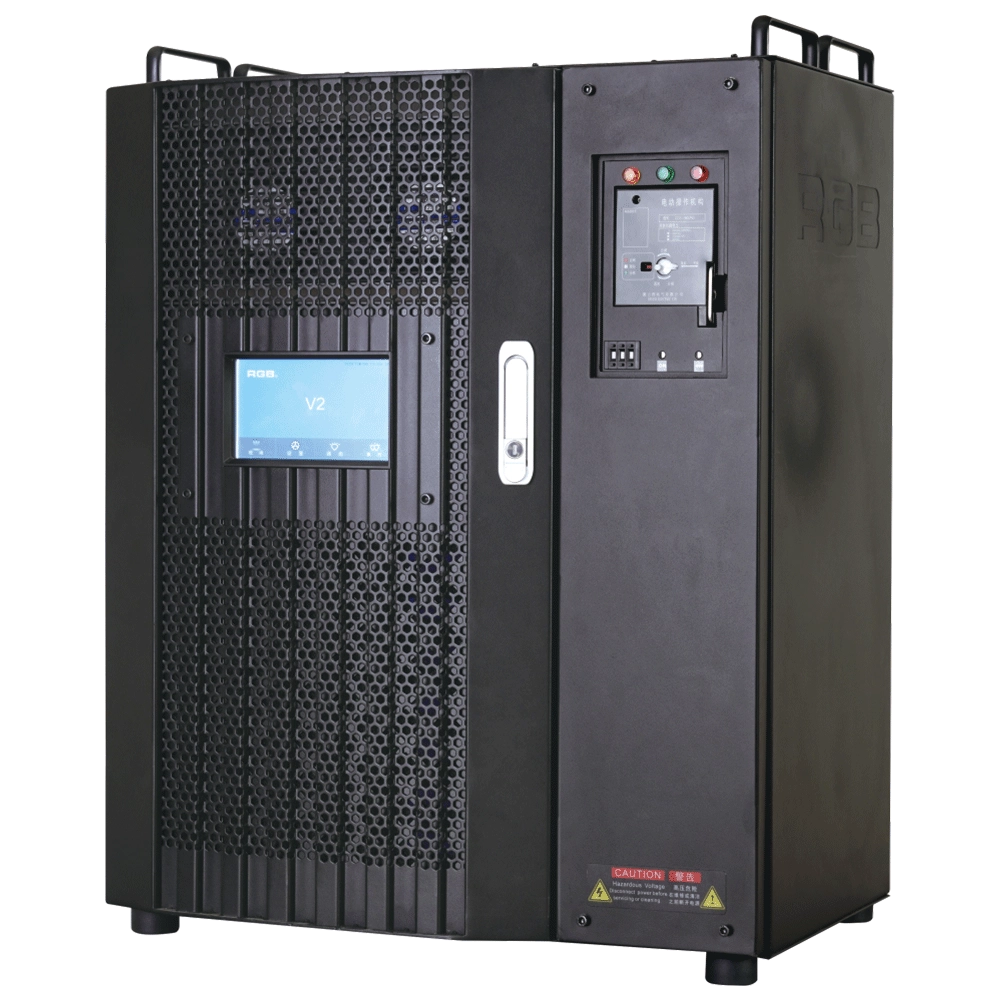
V2 Intelligent Network Dimmer/Relay Racks
V2 is an artificial intelligence dimming rack independently developed by RGB, which has completely independent core technology and obtained software copyrights. It is a fully digital electrodeless trigger and multi-backup independent CPU central processor technology. It has a variety of output configurations, such as sine wave, thyristor, relay, dimming relay, etc. It supports visual lighting control system and visually displays the online and offline status of dimming racks. Realize remote monitoring, editing, and setting of relevant parameters.
It is widely used in performing arts and cultural venues such as theaters, concert halls, multi-function halls, cultural travel and performing arts, TV stations, gymnasiums, auditoriums, commercial art lighting and so on.
Expert Support
Interested in learning more or need expert guidance related to this article? Fill in your details, and our team will provide tailored support.
Intelligent Control. Brilliant Performance.
RGB specializes in stage lighting control systems, delivering intelligent, reliable, and high-performance solutions for theaters and performance spaces worldwide.
Contact
Email:
Tel:
+86 20 3928 0245
+86 20 3928 0247
Address:
No.3, Huashan Road, Shilou Town, Panyu, Guangzhou, China.
Whatsapp: +8615975520131