
How to ensure DMX/Art-Net compatibility in custom dimmer racks?
|
- 1. What are the key differences between DMX512 and Art-Net protocols, and how do they impact custom dimmer rack design?
- 2. How can I integrate Art-Net into my existing DMX512-based custom dimmer rack system?
- 3. What are the common challenges when ensuring DMX/Art-Net compatibility in custom dimmer racks, and how can they be addressed?
- 4. How do I select the appropriate hardware components to ensure DMX/Art-Net compatibility in custom dimmer racks?
- 5. What are the best practices for troubleshooting DMX/Art-Net compatibility issues in custom dimmer racks?
- 6. How can I future-proof my custom dimmer rack system to accommodate evolving DMX/Art-Net standards?
1. What are the key differences between DMX512 and Art-Net protocols, and how do they impact custom dimmer rack design?
Understanding the distinctions between DMX512 and Art-Net is crucial for designing custom dimmer racks that ensure seamless integration and reliable performance.
DMX512 is a standardized protocol for lighting control, transmitting data over RS-485 serial communication. It supports up to 512 channels per universe and is widely used for controlling lighting fixtures and dimmer racks. However, DMX512 has limitations in scalability and flexibility, especially in complex lighting setups.
Art-Net, on the other hand, is an Ethernet-based protocol that encapsulates DMX512 data into UDP packets, allowing for the transmission of multiple DMX universes over standard network infrastructure. This enables greater scalability and flexibility, accommodating larger and more intricate lighting systems.
When designing custom dimmer racks, it's essential to consider the following:
Protocol Compatibility: Ensure that the dimmer rack supports both DMX512 and Art-Net protocols to accommodate various control systems and future-proof the installation.
Network Infrastructure: Design the network topology to handle the increased data traffic from multiple Art-Net universes, considering factors like bandwidth, latency, and network reliability.
Addressing and Configuration: Implement a robust addressing scheme that aligns with both DMX512 and Art-Net standards, facilitating easy integration and management of lighting fixtures.
By addressing these factors, you can design custom dimmer racks that offer enhanced scalability, flexibility, and reliability in diverse lighting environments.
2. How can I integrate Art-Net into my existing DMX512-based custom dimmer rack system?
Integrating Art-Net into an existing DMX512-based custom dimmer rack system involves several key steps to ensure compatibility and optimal performance:
Art-Net to DMX Conversion: Utilize Art-Net to DMX converters or nodes to bridge the gap between Art-Net data and DMX512-controlled devices. These devices receive Art-Net signals over the network and output corresponding DMX512 signals to the dimmer rack.
Network Configuration: Configure the network settings to ensure that Art-Net packets are correctly routed to the converters. This may involve setting static IP addresses, configuring subnets, and ensuring that network switches support multicast traffic.
Addressing and Mapping: Align the addressing schemes of Art-Net and DMX512 to ensure that each channel in the Art-Net universe corresponds accurately to the DMX512 channels controlling the dimmer rack.
Testing and Validation: After integration, conduct thorough testing to verify that the dimmer rack responds correctly to Art-Net commands, ensuring that all lighting fixtures are controlled as intended.
By following these steps, you can successfully integrate Art-Net into your existing DMX512-based custom dimmer rack system, enhancing its capabilities and scalability.
3. What are the common challenges when ensuring DMX/Art-Net compatibility in custom dimmer racks, and how can they be addressed?
Ensuring DMX/Art-Net compatibility in custom dimmer racks can present several challenges:
Network Latency and Bandwidth: Art-Net operates over Ethernet, which can introduce latency and consume significant bandwidth, especially with multiple universes. To mitigate this:
Optimize network infrastructure by using high-quality switches and routers that support multicast traffic.
Implement Quality of Service (QoS) settings to prioritize lighting control data.
Addressing Conflicts: Misaligned addressing between Art-Net and DMX512 can lead to control issues. To address this:
Develop a consistent addressing scheme that maps Art-Net universes to DMX512 channels accurately.
Use software tools to monitor and manage addressing to prevent conflicts.
Firmware and Software Compatibility: Ensure that all devices, including dimmer racks, controllers, and converters, have compatible firmware and software versions. Regularly update firmware to maintain compatibility and access new features.
By proactively addressing these challenges, you can achieve seamless DMX/Art-Net compatibility in your custom dimmer racks.
4. How do I select the appropriate hardware components to ensure DMX/Art-Net compatibility in custom dimmer racks?
Selecting the right hardware components is vital for ensuring DMX/Art-Net compatibility in custom dimmer racks:
Art-Net to DMX Converters: Choose reliable converters that support the required number of universes and offer features like RDM (Remote Device Management) support for enhanced control and monitoring.
Network Switches: Opt for managed switches that support multicast traffic and offer features like IGMP snooping to efficiently handle Art-Net data.
Cabling and Connectors: Use high-quality Ethernet cables and connectors to minimize signal degradation and ensure reliable data transmission.
Dimmer Rack Controllers: Ensure that the dimmer rack controllers can interface with both DMX512 and Art-Net protocols, providing flexibility and future scalability.
By carefully selecting these components, you can build a custom dimmer rack system that is both compatible and reliable.
5. What are the best practices for troubleshooting DMX/Art-Net compatibility issues in custom dimmer racks?
Troubleshooting DMX/Art-Net compatibility issues requires a systematic approach:
Verify Network Configuration: Ensure that all devices are on the same subnet and that network switches are configured to handle multicast traffic appropriately.
Check Addressing Schemes: Confirm that Art-Net universes and DMX512 channels are correctly mapped and that there are no addressing conflicts.
Monitor Network Traffic: Use network monitoring tools to analyze Art-Net traffic and identify any anomalies or packet loss.
Test Hardware Components: Individually test converters, switches, and dimmer racks to isolate and identify faulty components.
By following these best practices, you can effectively diagnose and resolve compatibility issues in your custom dimmer rack system.
6. How can I future-proof my custom dimmer rack system to accommodate evolving DMX/Art-Net standards?
To future-proof your custom dimmer rack system:
Modular Design: Implement a modular design that allows for easy upgrades and integration of new technologies as standards evolve.
Firmware Upgradability: Choose devices with upgradable firmware to ensure compatibility with future DMX/Art-Net protocol versions.
Scalable Network Infrastructure: Design the network infrastructure to support additional universes and higher data throughput as needed.
Stay Informed: Regularly monitor industry developments and standards to anticipate changes and plan upgrades accordingly.
By adopting these strategies, you can ensure that your custom dimmer rack system remains compatible with future DMX/Art-Net standards.
In conclusion, achieving DMX/Art-Net compatibility in custom dimmer racks involves understanding protocol differences, integrating Art-Net into existing systems, addressing common challenges, selecting appropriate hardware, troubleshooting effectively, and future-proofing the system. By following these guidelines, you can design and maintain a robust and scalable lighting control system that meets the demands of modern stage productions.
For a personalized quote or more information, please contact us at info@rgbsystem.com or visit our website at www.rgbsystem.com.
Latest News
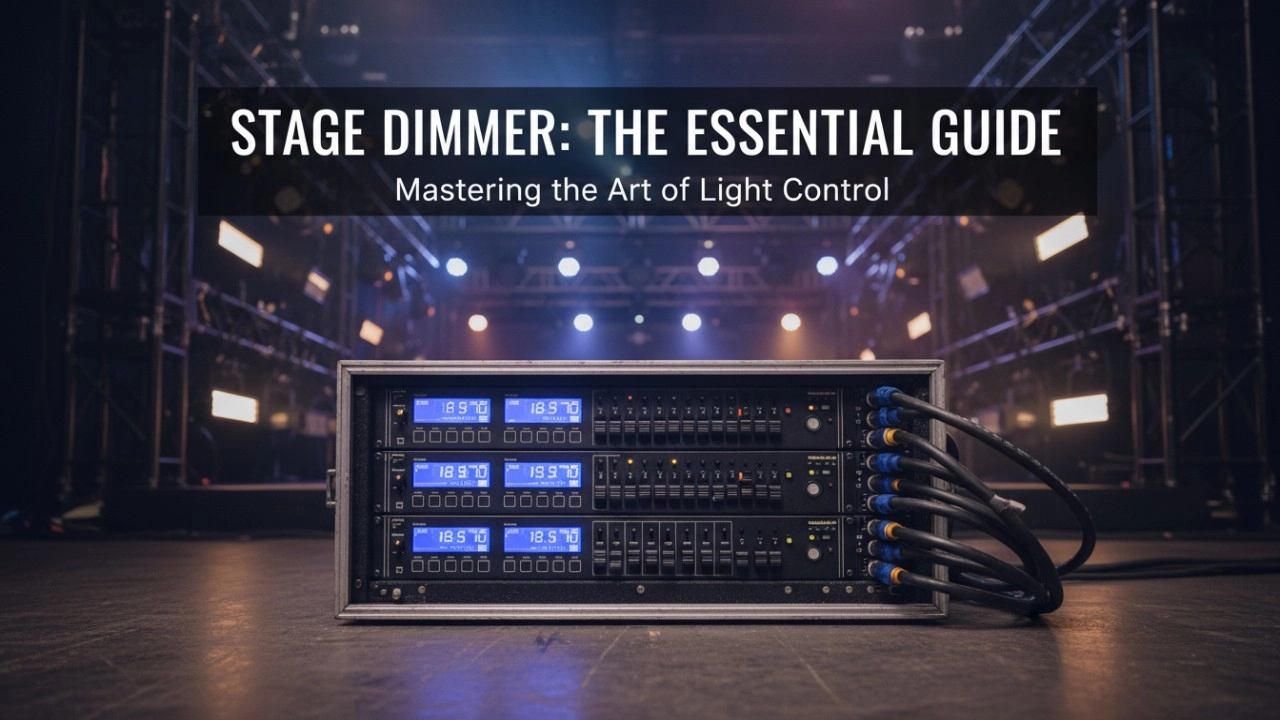
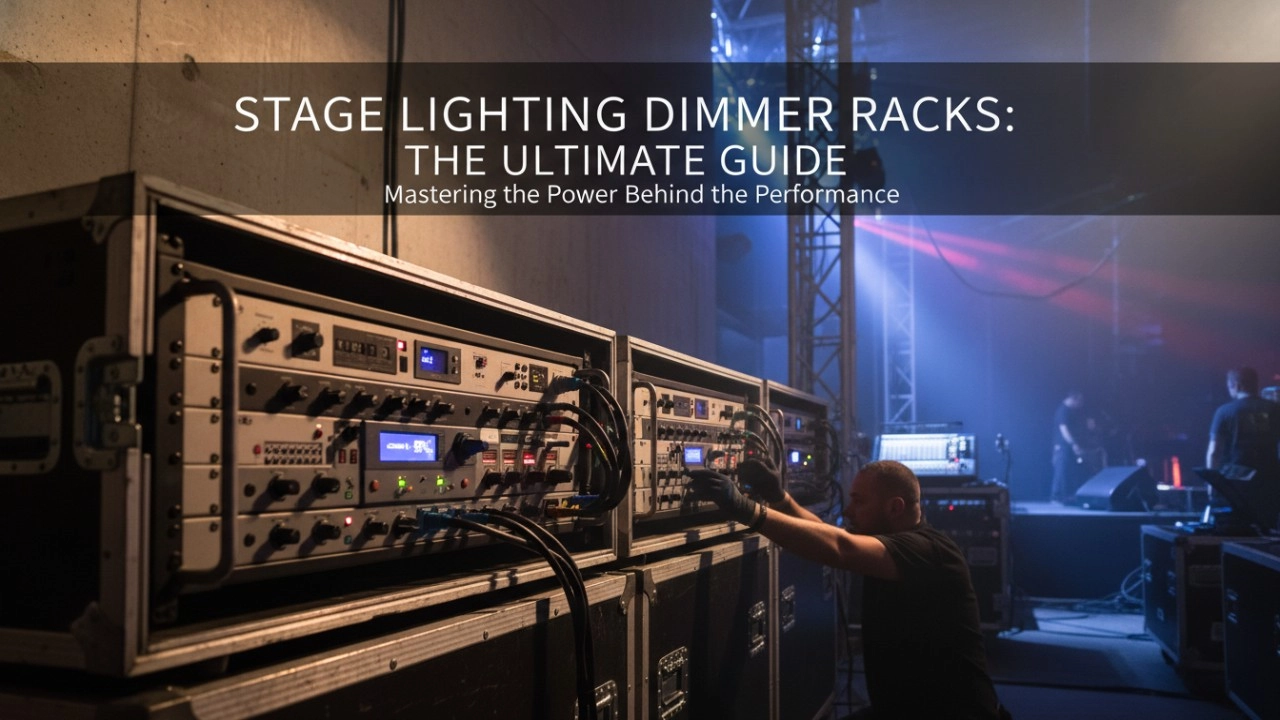
A comprehensive 2026 guide to selecting high-performance stage lighting dimmer racks. We review top hybrid systems, explore SCR vs sine wave technology, and analyze essential features like ThruPower for modern venues.
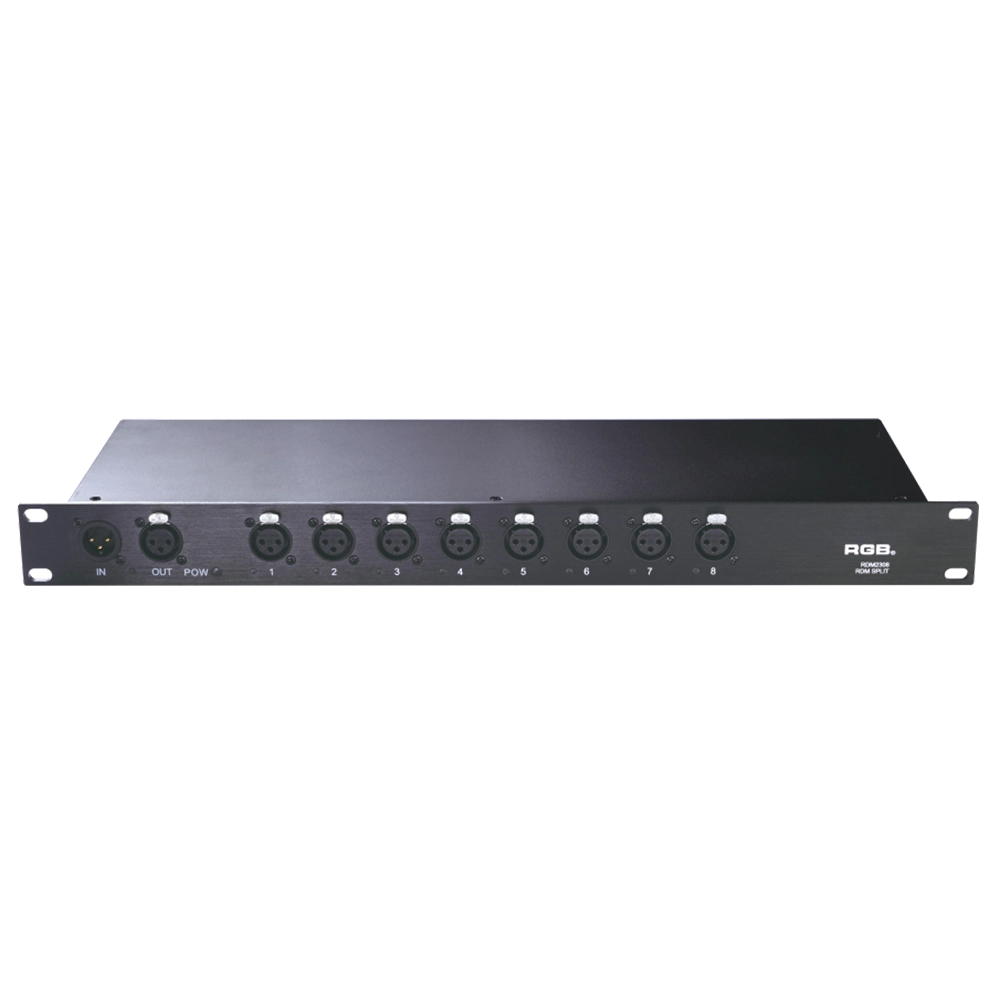
RDM Series Signal Amplifier
RDM2304, RDM2308, RDM2310, RDM2312 rack-mounted The RDM signal amplifier improves the quality of bidirectional RDM signal transmission, ensures the reliability of system control, and prevents faults such as AC high-voltage reverse series lighting control system, lightning high-voltage series entry, and line short circuit, which may affect system stability.
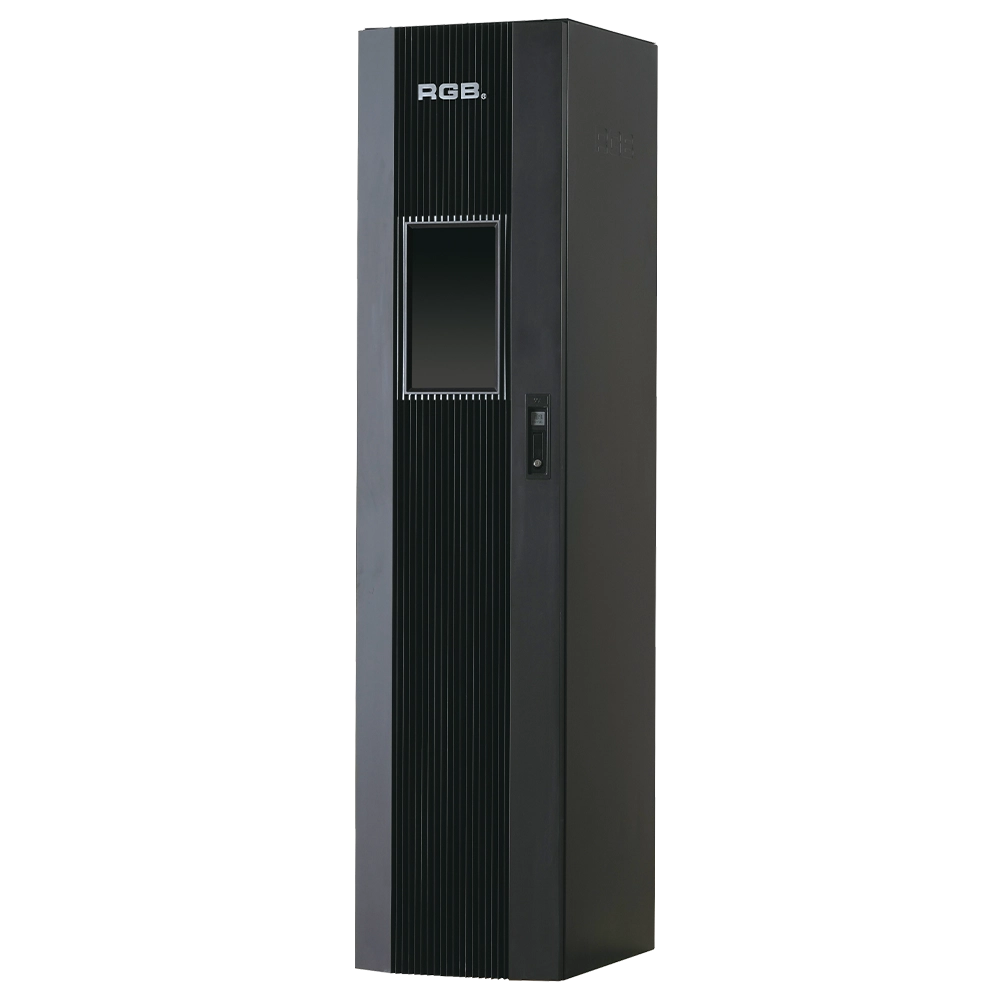
9i intelligent network Dimmer/Relay Racks
9i is an artificial intelligence dimming racks independently developed by RGB, which has completely independent core technology and obtained software Copyrights, all digital electrodeless trigger and multi-backup independent CPU central processor technology. It has a variety of output configurations such as sine wave, thyR, relay and dimming relay mix, and supports visual lighting control system and visually displays the online and offline status of dimming racks. Realize remote monitoring, editing and setting of relevant parameters.
It is suitable for the lighting control needs of different places such as high standard grand theater, TV station, gymnasium and environmental intelligent lighting.
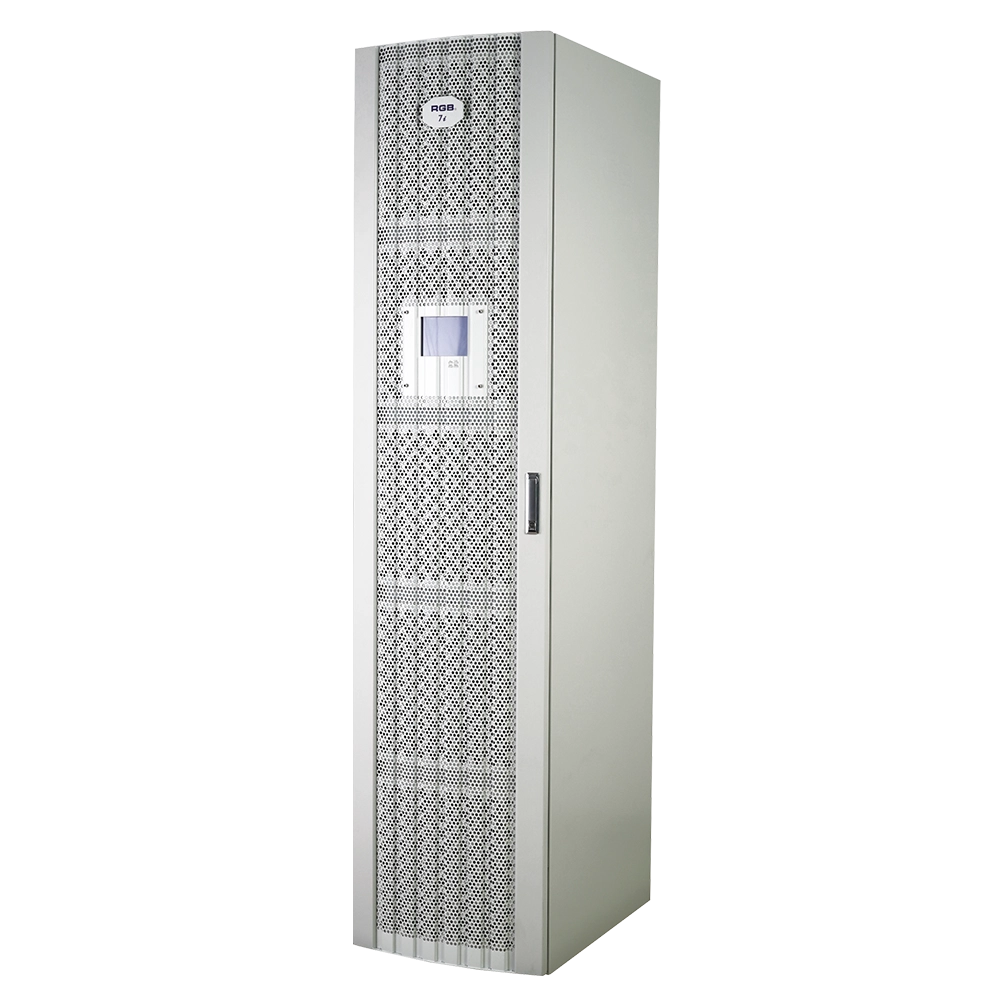
7i Dimmer/Relay Racks
7i is RGB independent research and development, with completely independent core technology, full digital decoding technology dimming racks, using a dual system, double decoding, double trigger, and duplex dual backup central decoding processor, with thyristor, relay, dimming relay mixed and other output configurations, supporting a visual lighting control system, intuitive display of dimming racks' online and offline status, and remote monitoring.
It is widely used in performing arts and cultural venues such as theaters, concert halls, multi-function halls, cultural travel and performing arts, TV stations, gymnasiums, auditoriums, commercial art lighting and so on.
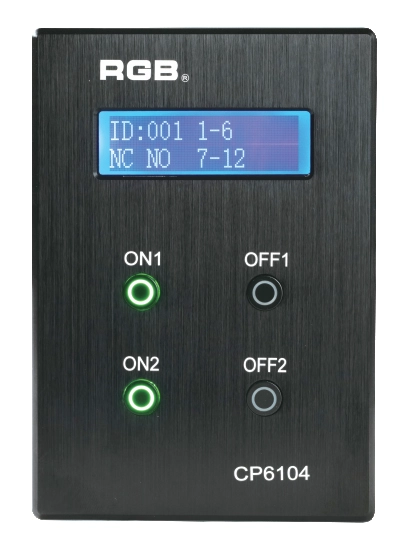
Site Light Controller CP6104
The CP6104 lighting control panel is a lighting control device for theater stage lights, work lights, environmental lighting, commercial art lighting, sports venue lighting and other places. By connecting to the dedicated lighting control host CP6100, it realizes the central control of the lighting system, supports a visual lighting control system, and intuitively displays the online and offline status of CP6104. Realize remote monitoring, editing and setting of corresponding parameters.
It is widely applicable to theaters, cinemas, auditoriums, stadiums, museums, exhibition halls, cultural tourism performances, commercial art lighting and other places.
Expert Support
Interested in learning more or need expert guidance related to this article? Fill in your details, and our team will provide tailored support.
Intelligent Control. Brilliant Performance.
RGB specializes in stage lighting control systems, delivering intelligent, reliable, and high-performance solutions for theaters and performance spaces worldwide.
Contact
Email:
Tel:
+86 20 3928 0245
+86 20 3928 0247
Address:
No.3, Huashan Road, Shilou Town, Panyu, Guangzhou, China.
Whatsapp: +8615975520131