
Are digital dimmer racks compatible with DMX512 systems?
|
- 1. What are the key differences between analog and digital dimmer racks in stage lighting systems?
- 2. How do I determine the appropriate wattage and channel configuration for a dimmer rack based on my stage lighting requirements?
- 3. What are the common causes of flickering in stage lighting when using digital dimmer racks, and how can they be mitigated?
- 4. Are digital dimmer racks compatible with DMX512 systems, and what considerations should be taken into account?
- 5. What maintenance practices are essential for ensuring the longevity and reliable performance of digital dimmer racks?
- 6. How can I integrate a digital dimmer rack with a lighting control console, and what are the key considerations for seamless operation?
1. What are the key differences between analog and digital dimmer racks in stage lighting systems?
Analog and digital dimmer racks serve the same fundamental purpose—controlling the intensity of stage lighting—but they differ significantly in technology and functionality. Analog dimmer racks use traditional resistive components to adjust voltage levels, offering a straightforward and reliable method for dimming lights. However, they are limited in terms of control precision and integration capabilities.
In contrast, digital dimmer racks utilize microprocessors and digital signal processing to manage lighting levels. This advancement allows for more precise control, integration with modern lighting control protocols like DMX512, and the ability to store and recall lighting scenes. Digital racks often provide features such as remote monitoring, diagnostics, and the ability to handle complex lighting setups, making them more suitable for contemporary stage productions.
2. How do I determine the appropriate wattage and channel configuration for a dimmer rack based on my stage lighting requirements?
Selecting the right wattage and channel configuration for a dimmer rack is crucial to ensure optimal performance and safety. Begin by calculating the total wattage of all lighting fixtures you intend to use. For instance, if you have ten 500W lights, the total wattage is 5,000W. It's advisable to choose a dimmer rack with a total capacity that exceeds your calculated requirement to accommodate any additional fixtures and to prevent overloading.
Consider the number of channels based on how you plan to control your lights. If you want individual control over each fixture, opt for a dimmer rack with a corresponding number of channels. For example, a 12-channel dimmer rack would allow for independent control of 12 fixtures. Additionally, ensure that the dimmer rack supports the appropriate voltage and phase configuration (single-phase or three-phase) that matches your venue's electrical system.
3. What are the common causes of flickering in stage lighting when using digital dimmer racks, and how can they be mitigated?
Flickering in stage lighting can be attributed to several factors:
Airflow Issues: Inadequate ventilation can lead to overheating, causing dimmer racks to malfunction. Ensure that the dimmer rack is installed in a well-ventilated area and that cooling fans are functioning correctly. Regularly clean air intake filters to maintain proper airflow.
Incompatible Dimming Protocols: Using dimmer racks not optimized for modern LED fixtures can result in flickering. Verify that your dimmer rack is compatible with the dimming protocols required by your lighting fixtures.
Electrical Interference: Poorly shielded cables or inadequate grounding can introduce noise into the system, leading to flickering. Use high-quality, shielded cables and ensure proper grounding throughout the lighting setup.
4. Are digital dimmer racks compatible with DMX512 systems, and what considerations should be taken into account?
Yes, digital dimmer racks are typically compatible with DMX512 systems, which is the standard protocol for controlling stage lighting. When integrating a digital dimmer rack with a DMX512 system, consider the following:
Signal Termination: Proper termination of the DMX512 signal is essential to prevent signal degradation. Ensure that the first device in the DMX chain has a termination resistor installed.
Cable Quality and Length: Use high-quality, twisted-pair cables to minimize signal loss, especially over long distances. The maximum recommended cable length for DMX512 is approximately 1,000 feet (300 meters).
Addressing and Configuration: Properly address each channel on the dimmer rack to correspond with the control console's settings. Refer to the manufacturer's manual for specific addressing instructions.
5. What maintenance practices are essential for ensuring the longevity and reliable performance of digital dimmer racks?
Regular maintenance is vital for the longevity and reliable performance of digital dimmer racks:
Cleaning: Periodically clean the dimmer rack to remove dust and debris that can obstruct airflow and cause overheating. Use a soft, dry cloth and avoid harsh chemicals.
Inspection: Regularly inspect all cables and connectors for signs of wear or damage. Replace any faulty components promptly to prevent system failures.
Firmware Updates: Keep the dimmer rack's firmware up to date to ensure compatibility with the latest lighting control protocols and to benefit from performance enhancements.
Professional Servicing: Schedule periodic professional servicing to address potential issues that may not be apparent during routine inspections.
6. How can I integrate a digital dimmer rack with a lighting control console, and what are the key considerations for seamless operation?
Integrating a digital dimmer rack with a lighting control console involves several key steps:
Compatibility Check: Ensure that both the dimmer rack and the control console support the same communication protocols, such as DMX512.
Cabling: Connect the control console's DMX512 output to the dimmer rack's DMX512 input using appropriate cables. Follow the manufacturer's guidelines for cable types and lengths.
Addressing: Assign unique DMX512 addresses to each channel on the dimmer rack to correspond with the control console's settings.
Configuration: Configure the control console to recognize and control the connected dimmer rack channels. Refer to the user manuals of both devices for specific configuration instructions.
Testing: After setup, perform thorough testing to ensure that all channels respond correctly to the control console's commands.
By addressing these considerations, you can achieve seamless integration between your digital dimmer rack and lighting control console, ensuring efficient and reliable stage lighting control.
In conclusion, understanding the nuances of stage lighting dimmer racks, their compatibility with DMX512 systems, and adhering to best practices in maintenance and integration are essential for achieving optimal performance in stage lighting setups. For personalized assistance and to explore our range of high-quality dimmer racks, please contact us at info@rgbsystem.com or visit our website at www.rgbsystem.com for a quote.
Latest News
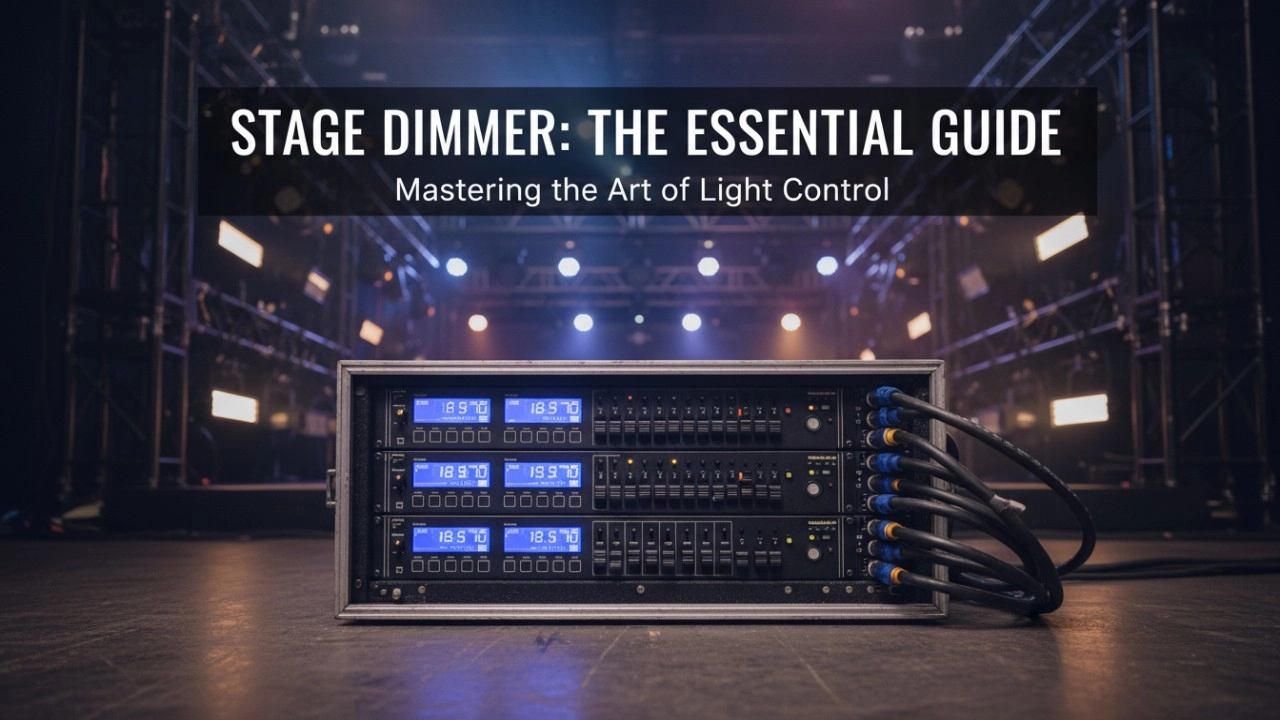
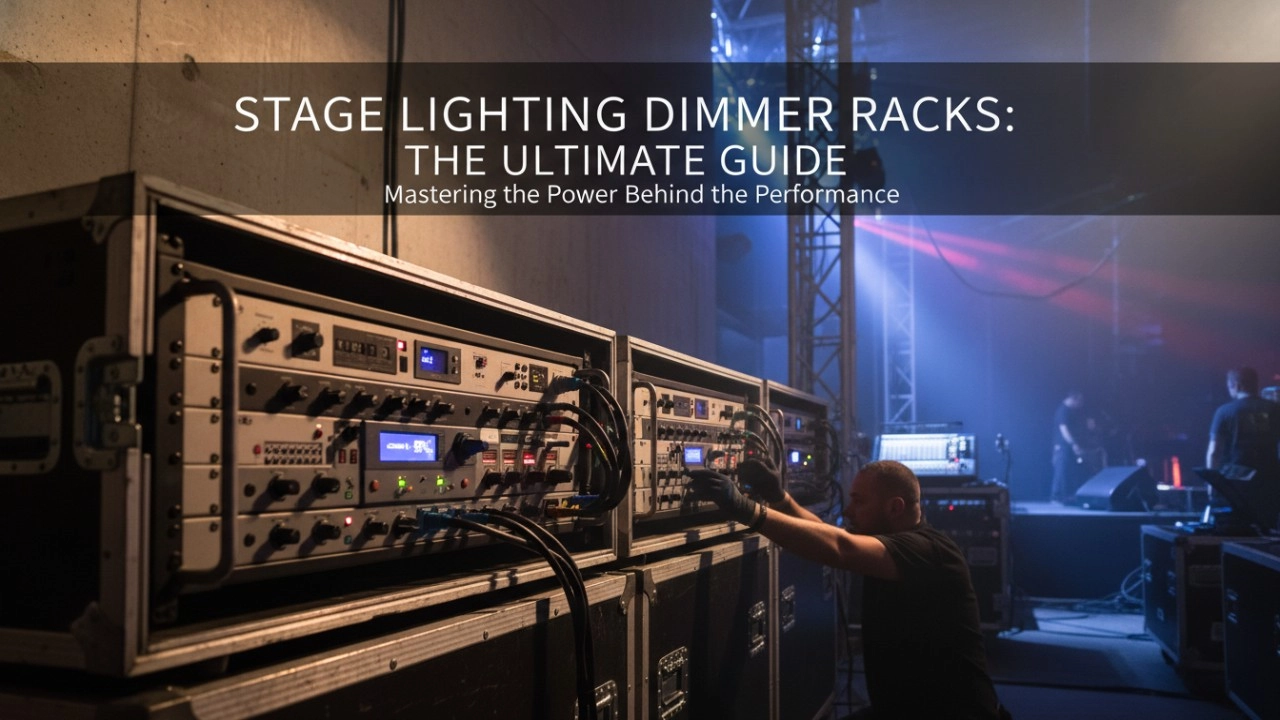
A comprehensive 2026 guide to selecting high-performance stage lighting dimmer racks. We review top hybrid systems, explore SCR vs sine wave technology, and analyze essential features like ThruPower for modern venues.
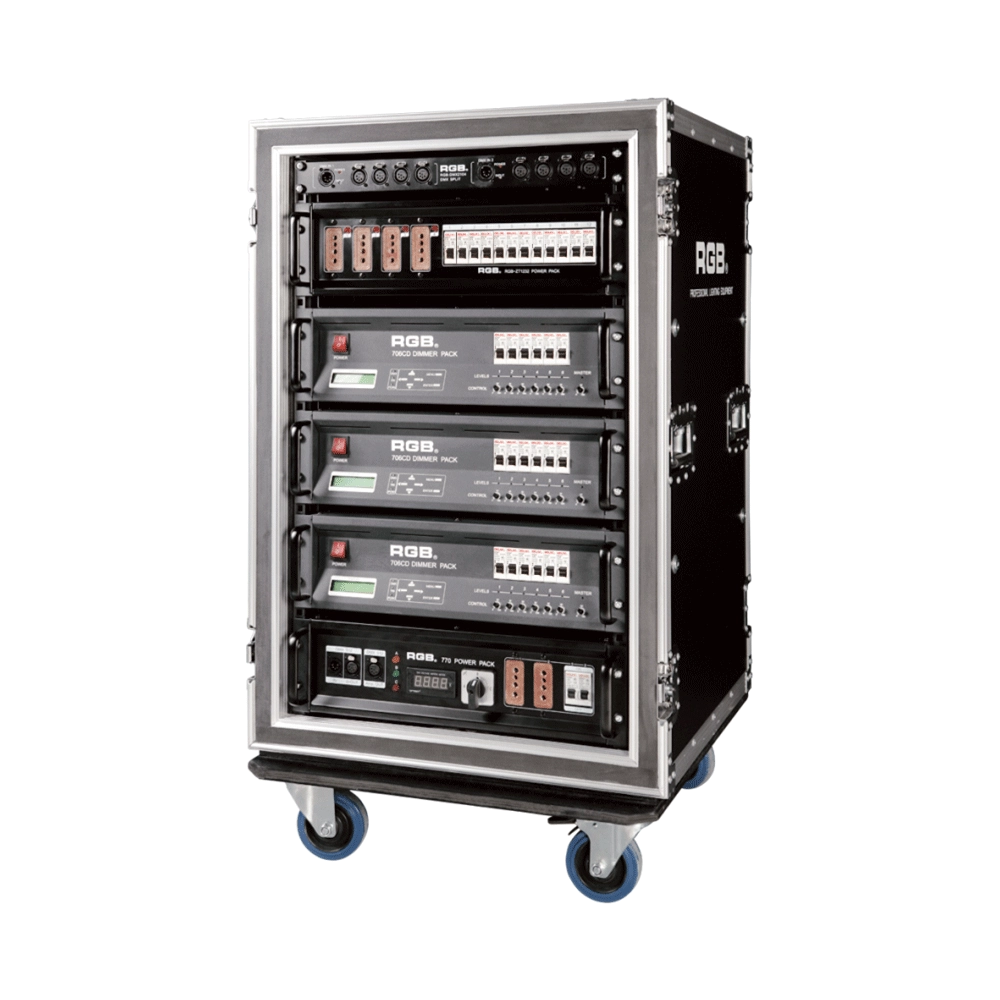
7 Series Digital Touring Dimmer Racks
7 Series digital touring dimmer racks can be assembled into many types of dimmer by taking the 7 Series dimmer as the unit. They are widely used in the entertainment industry for their convenience and practicability.
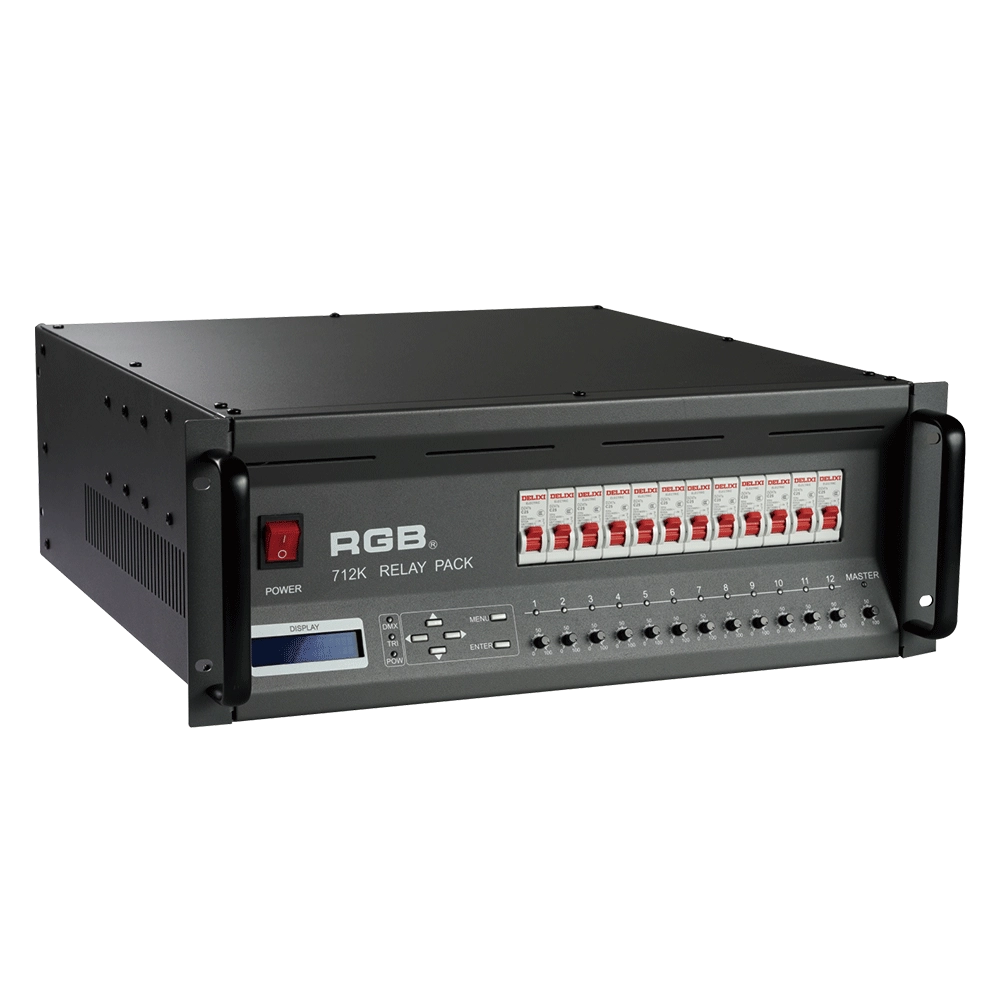
Alloy Relay Packs
High-performance DMX512 relay dimming unit with 512 addressable circuits, phase-loss protection, dual-signal amplification, 20A output per channel, and robust design for reliable stage and mobile lighting applications.
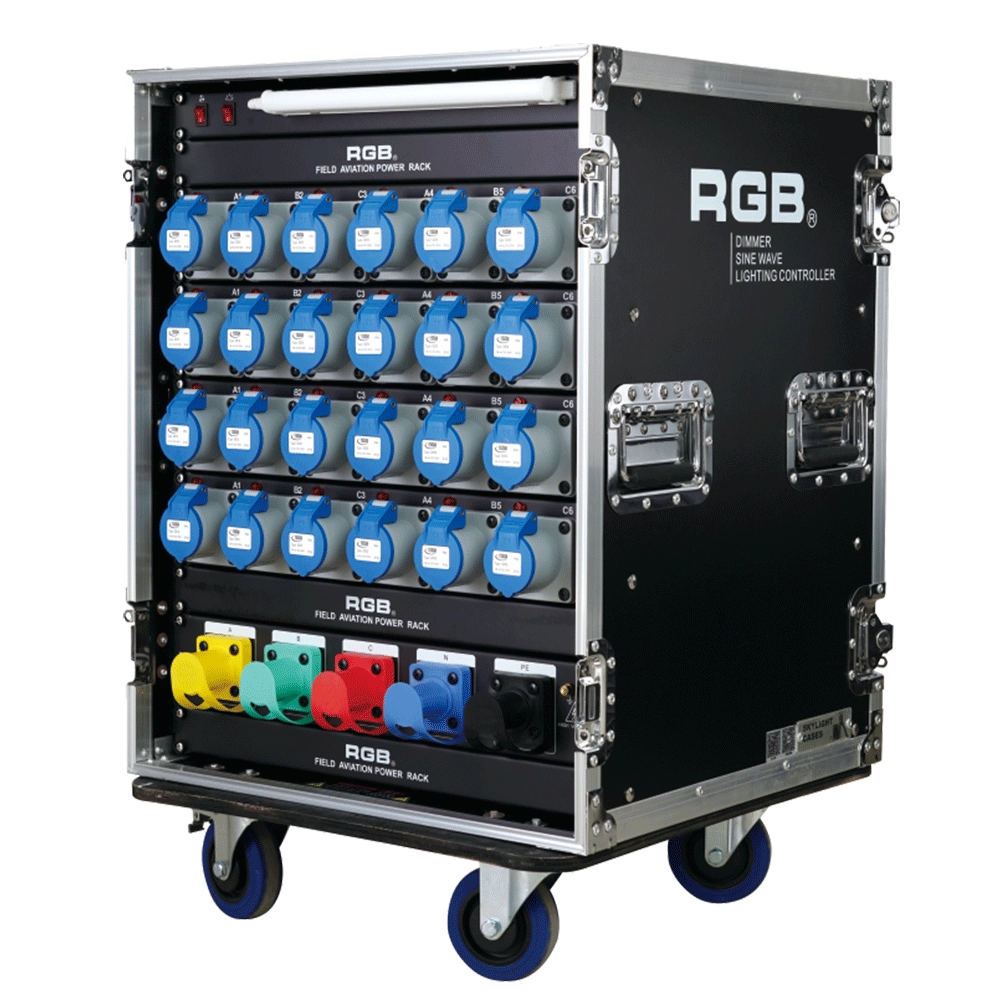
ZT Distribution Box
RGB-ZT2416 features dual protection functions and is a power distribution product specifically designed for overcurrent and short circuit of electrical equipment. It is the best choice for mobile performance and is suitable for use in computer lamps, conventional lamps, and other equipment.
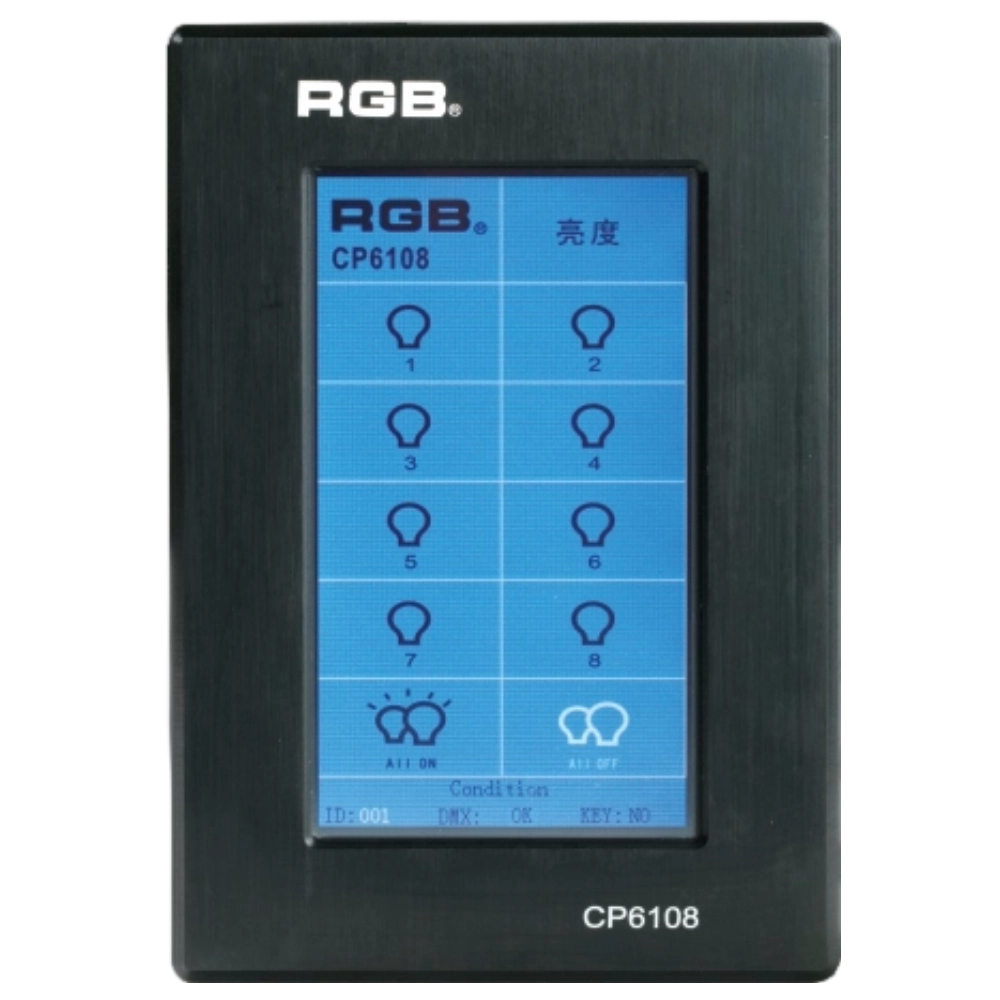
Site Light Controller CP6108
The CP6108 lighting control panel is a lighting control device for theater stage lights, work lights, environmental lighting, commercial art lighting, sports venue lighting, and other places. By connecting to the dedicated lighting control host CP6100, it realizes the central control of the lighting system, supports a visual lighting control system, and intuitively displays the online and offline status of CP6108. Realize remote monitoring, editing, and setting of corresponding parameters.
It is widely applicable to theaters, cinemas, auditoriums, stadiums, museums, exhibition halls, cultural tourism performances, commercial art lighting, and other places.
Expert Support
Interested in learning more or need expert guidance related to this article? Fill in your details, and our team will provide tailored support.
Intelligent Control. Brilliant Performance.
RGB specializes in stage lighting control systems, delivering intelligent, reliable, and high-performance solutions for theaters and performance spaces worldwide.
Contact
Email:
Tel:
+86 20 3928 0245
+86 20 3928 0247
Address:
No.3, Huashan Road, Shilou Town, Panyu, Guangzhou, China.
Whatsapp: +8615975520131