
How to control multiple fixtures with one stage light controller?
|
- 1. How do I control multiple stage lights with a single controller?
- 2. What is the DMX512 protocol, and how does it relate to stage light controllers?
- 3. How do I assign DMX addresses to my stage light fixtures?
- 4. What are the key features to look for in a stage light controller?
- 5. How do I troubleshoot common issues with stage light controllers?
- 6. Can I integrate my stage light controller with other performance hardware?
- Conclusion
1. How do I control multiple stage lights with a single controller?
Controlling multiple stage lights with a single controller involves understanding the DMX512 protocol, which is the industry standard for lighting control. Each light fixture is assigned a unique DMX address, allowing the controller to manage them simultaneously. For instance, the DMX Controller 240A can control up to 12 intelligent lights, each with 16 channels, enabling comprehensive management of various lighting effects.
To set this up:
Assign DMX Addresses: Each fixture must have a unique DMX address. For example, if your fixtures require 5 channels each, assign addresses sequentially (1, 6, 11, etc.) to avoid overlap.
Connect Fixtures to the Controller: Use DMX cables to connect each fixture to the controller, ensuring the signal flows from one to the next in a daisy-chain configuration.
Configure the Controller: Program the controller to recognize and manage the assigned addresses, allowing for synchronized control of all connected fixtures.
2. What is the DMX512 protocol, and how does it relate to stage light controllers?
The DMX512 protocol is a digital communication standard used to control stage lighting and effects. It allows a controller to send signals to multiple devices, such as lights, fog machines, and moving heads, enabling precise control over various parameters like intensity, color, and movement.
In the context of stage light controllers:
Signal Transmission: Controllers transmit DMX512 signals to connected fixtures, dictating their behavior.
Channel Allocation: Each fixture utilizes a set number of channels within the DMX512 universe, with each channel controlling a specific parameter.
Addressing: Proper addressing ensures that each fixture responds correctly to the controller's commands.
3. How do I assign DMX addresses to my stage light fixtures?
Assigning DMX addresses is crucial for ensuring that each fixture responds correctly to the controller's commands. Here's how to do it:
Access the Fixture's Menu: Use the fixture's onboard controls to navigate to the DMX address setting.
Set the Address: Input the desired address number. For example, if your fixture requires 5 channels, and it's the first in the chain, set it to address 1. The next fixture would be set to address 6, and so on.
Save the Settings: Confirm and save the address settings to ensure they are retained after power cycles.
Proper addressing prevents signal conflicts and ensures synchronized control of all fixtures.
4. What are the key features to look for in a stage light controller?
When selecting a stage light controller, consider the following features:
Number of Channels: Ensure the controller has enough channels to accommodate all your fixtures. For example, the DMX Controller 240A offers 12 intelligent light control with 16 channels each.
Scene and Chase Storage: Look for controllers that can store multiple scenes and chases for quick recall during performances.
User Interface: An intuitive interface with labeled faders, buttons, and an LCD display simplifies operation.
Connectivity: Consider controllers with both wired and wireless DMX output options for flexible installations.
Compatibility: Ensure the controller supports the DMX512 protocol and is compatible with your fixtures.
5. How do I troubleshoot common issues with stage light controllers?
Common issues include:
No Signal to Fixtures: Check all connections, ensure the controller is powered on, and verify that the DMX addresses are correctly set.
Flickering Lights: Inspect cables for damage, ensure proper termination at the end of the DMX chain, and check for signal interference.
Unresponsive Fixtures: Reset the fixtures and controller, verify DMX addresses, and ensure the controller's settings match the fixtures' requirements.
6. Can I integrate my stage light controller with other performance hardware?
Yes, many modern stage light controllers can integrate with other performance hardware, such as mixing consoles, projectors, and media servers, to provide total automation of the entire show. This integration is often achieved through protocols like MIDI Show Control (MSC), allowing for synchronized control of lighting, sound, and other effects.
Conclusion
Understanding the functionalities and setup of stage light controllers is essential for creating dynamic and synchronized lighting displays. By selecting a controller with the appropriate features and ensuring proper configuration, you can achieve professional-grade lighting control for your events. For personalized assistance and to explore our range of stage light controllers, please contact us at info@rgbsystem.com or visit our website at www.rgbsystem.com.
Latest News
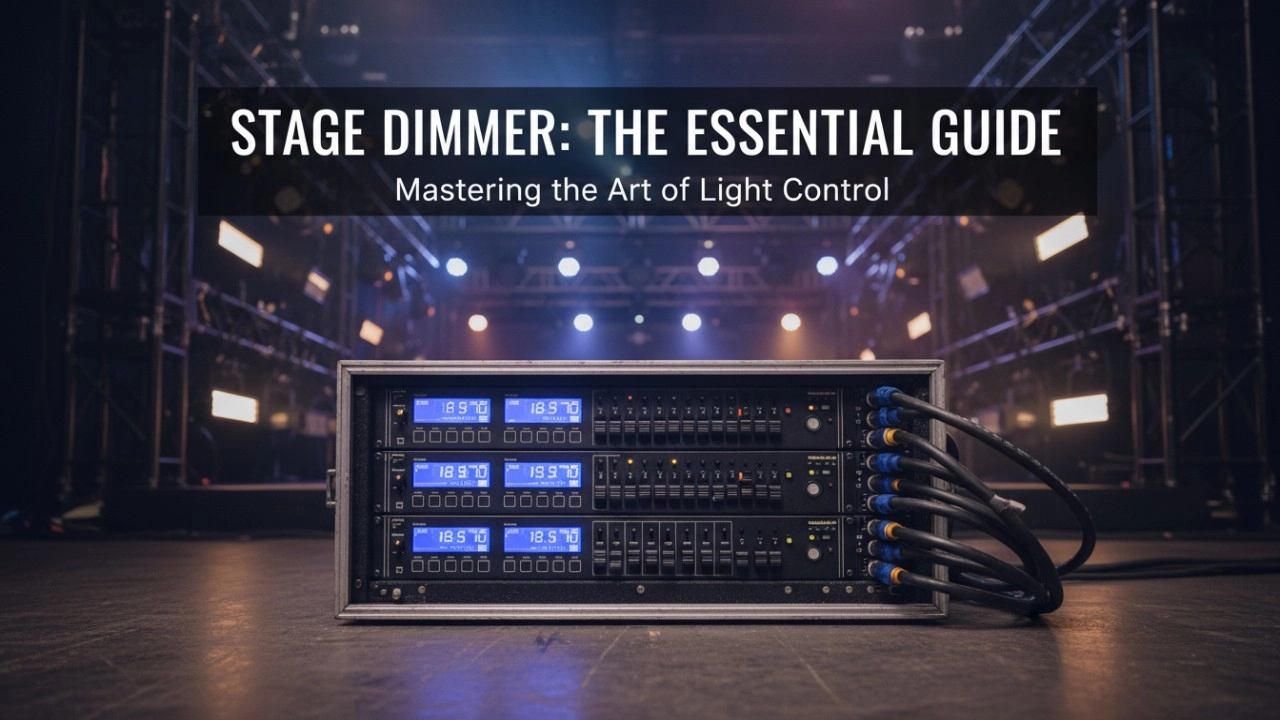
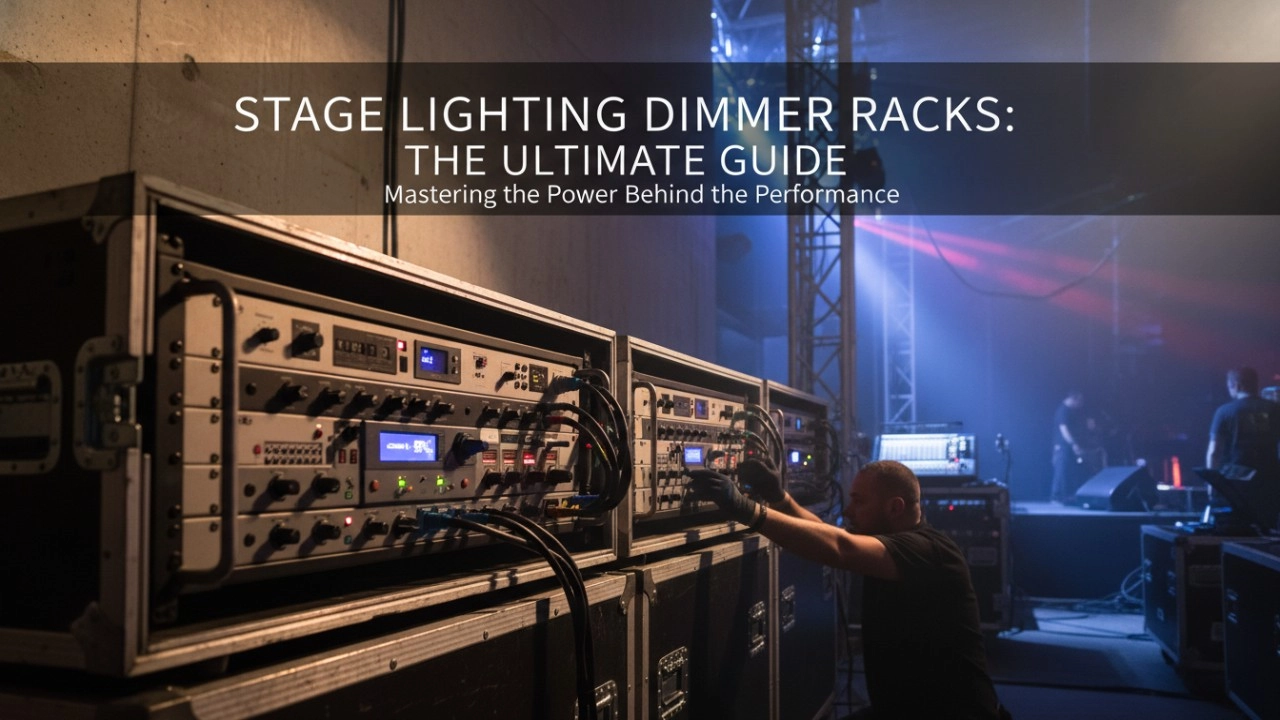
A comprehensive 2026 guide to selecting high-performance stage lighting dimmer racks. We review top hybrid systems, explore SCR vs sine wave technology, and analyze essential features like ThruPower for modern venues.
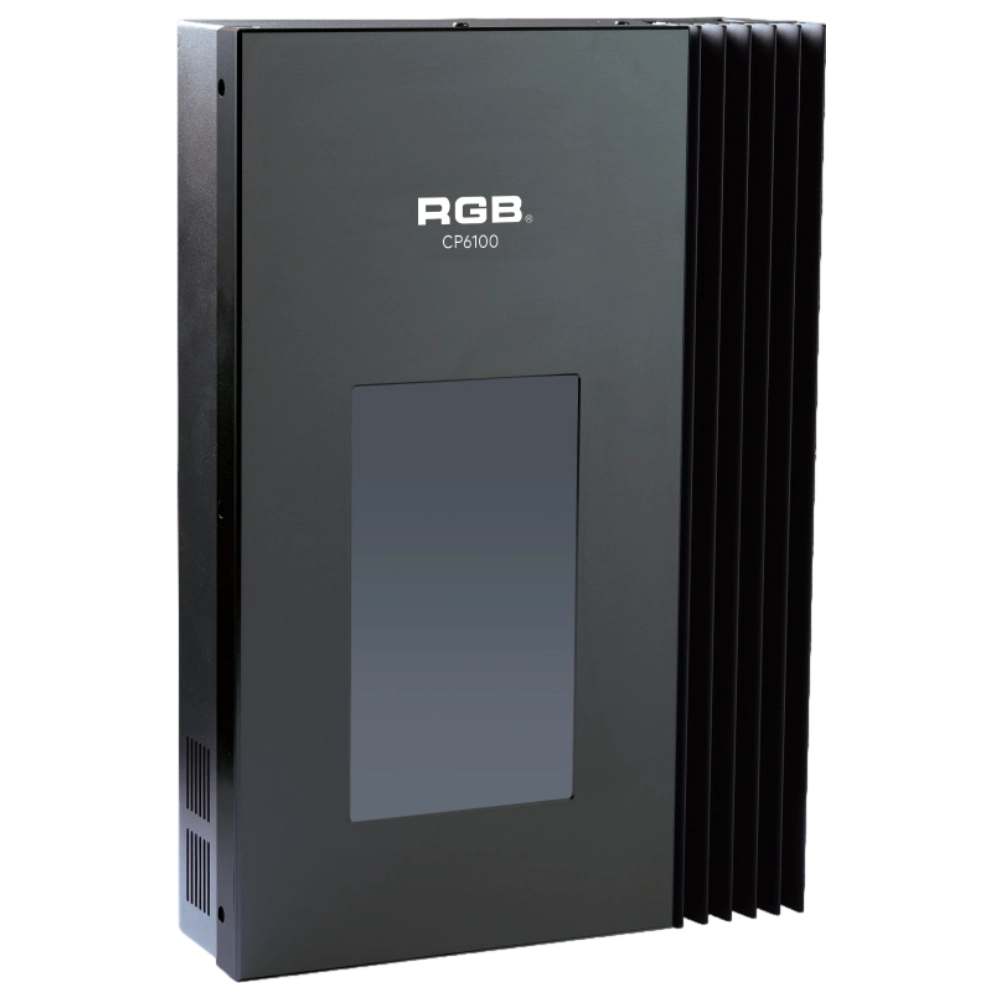
CP6100 Light Control System
The lighting control host is the main control device for theater stage lights, work lights, environmental lighting, commercial art lighting, sports venue lighting, and other places. By connecting the dedicated lighting control panels CP6104 and CP6108, it realizes the central control of the lighting system, supports a visual lighting control system, and intuitively displays the online and offline status of CP6100. Realize remote monitoring, editing, and setting of corresponding parameters.
It is widely applicable to theaters, cinemas, auditoriums, stadiums, museums, exhibition halls, cultural tourism performances, commercial art lighting, and other places.
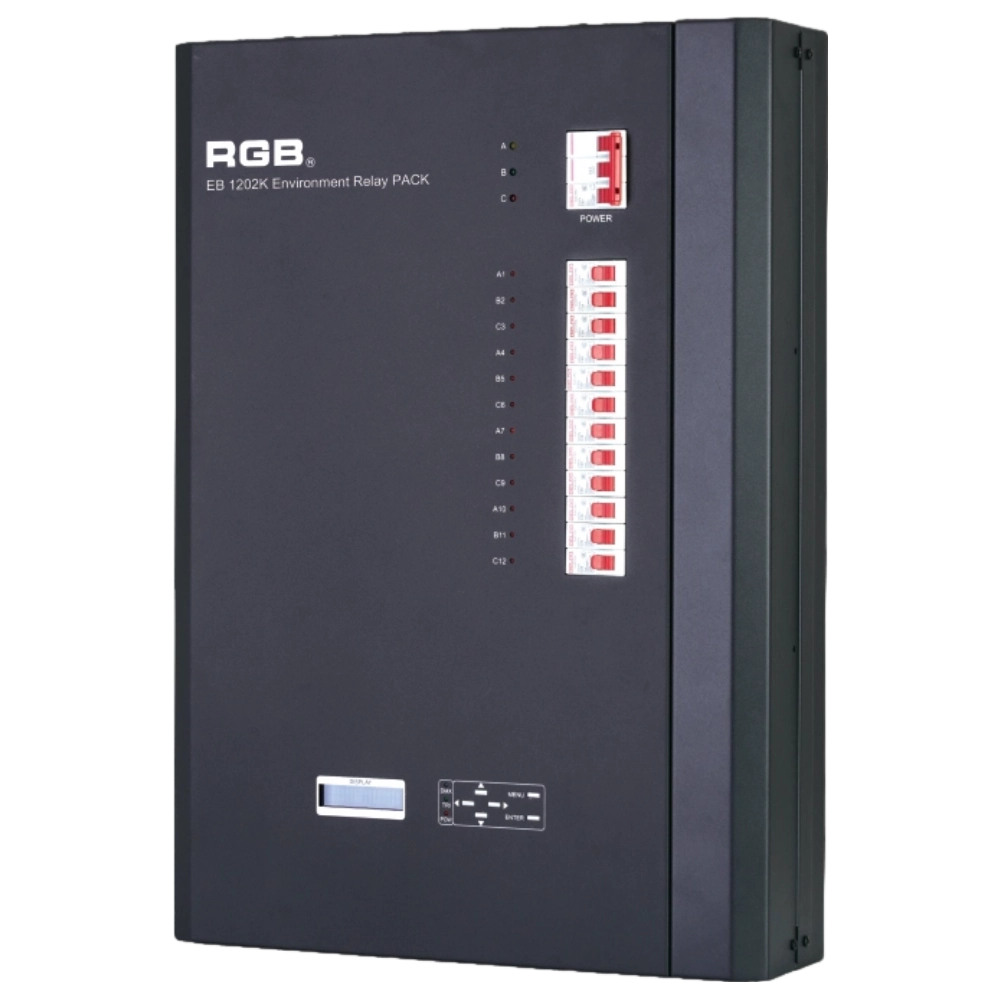
EB1202 Wall-Mounted Smart Site Light Control Series
Wall-mounted smart lighting controller with CE certification, DMX512 compatibility, flexible 12/24-channel output, scene backup, intelligent interface, and multiple dimming curves for precise professional lighting control.
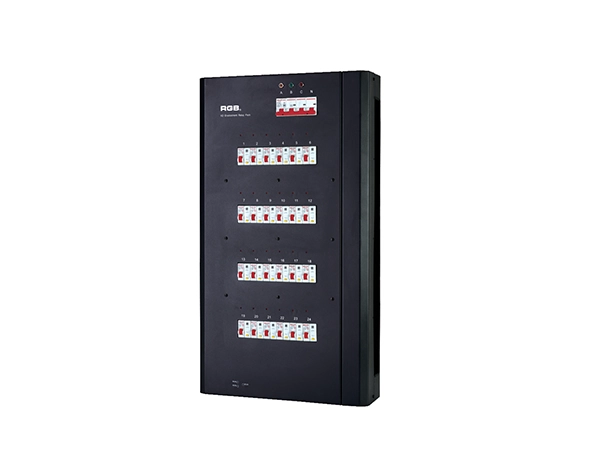
K2 Intelligent Network Relay Racks
K series is the newly developed and produced product of all-weather smart network relay cabinet. It has two major indoor and outdoor waterproof series and has multiple network control modes, such as double DMX512, sACN, ART-net, etc, which can control any equipment like resistive, inductive and capacitive and so on
K series has two major series from the perspective of function, namely, K2 ordinary type and KW2 waterproof type. It has two modes of installation, one is hanging on the wall, and the other is cabinet. It has three specifications of output circuit, namely, 24, 48 and 60 respectively.
K series applies to different performance places, such as, outdoor cultural tourism, TV station, theater, stadium and ambient intelligence lighting and so on.
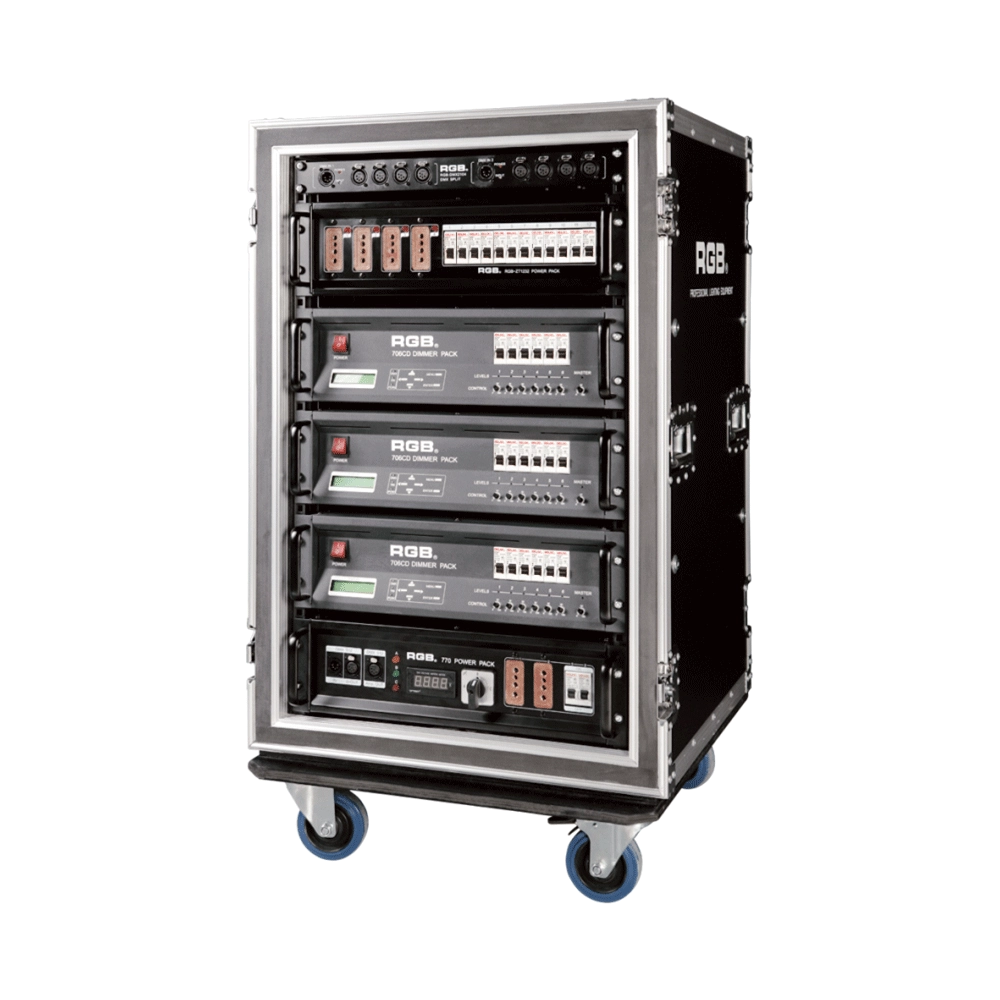
7 Series Digital Touring Dimmer Racks
7 Series digital touring dimmer racks can be assembled into many types of dimmer by taking the 7 Series dimmer as the unit. They are widely used in the entertainment industry for their convenience and practicability.
Expert Support
Interested in learning more or need expert guidance related to this article? Fill in your details, and our team will provide tailored support.
Intelligent Control. Brilliant Performance.
RGB specializes in stage lighting control systems, delivering intelligent, reliable, and high-performance solutions for theaters and performance spaces worldwide.
Contact
Email:
Tel:
+86 20 3928 0245
+86 20 3928 0247
Address:
No.3, Huashan Road, Shilou Town, Panyu, Guangzhou, China.
Whatsapp: +8615975520131