
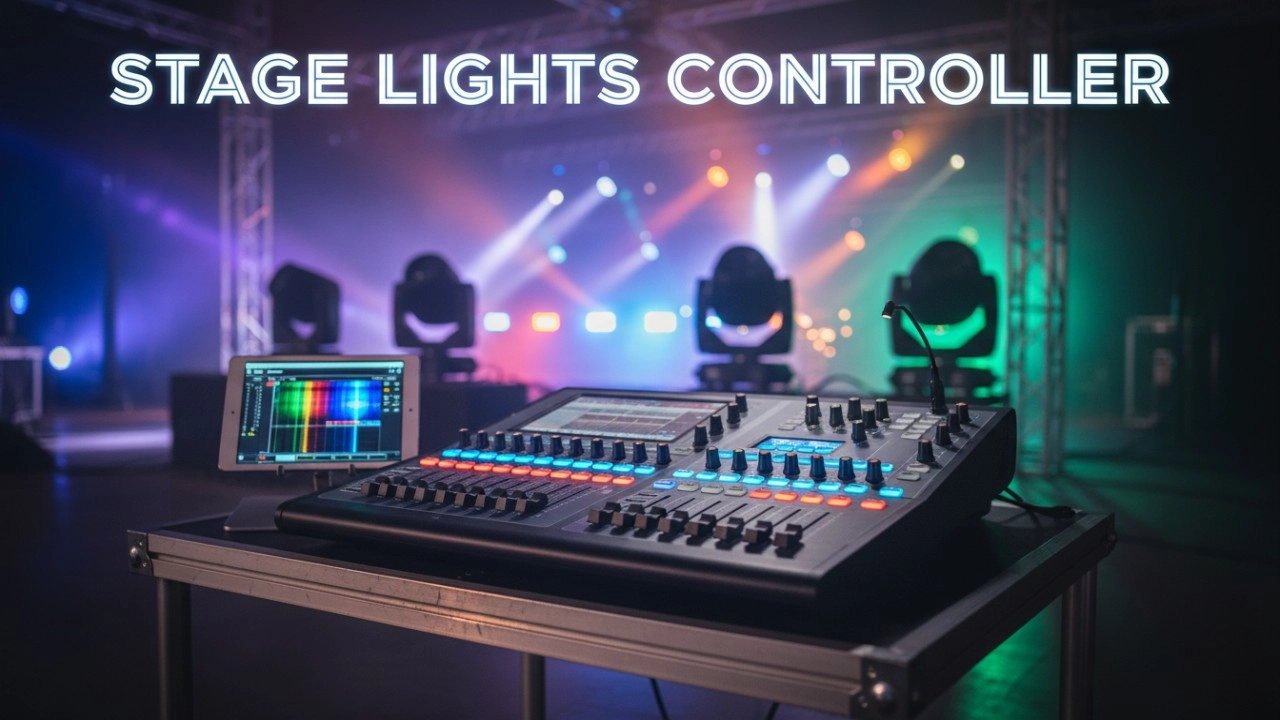
What features do professional stage light controllers need?
|
- 1. How do I determine the appropriate number of DMX channels required for my stage lighting setup?
- 2. What are the key differences between hardware-based and software-based DMX controllers, and which is more suitable for beginners?
- 3. How do I ensure compatibility between my stage light controller and various lighting fixtures?
- 4. What are the advantages of using a controller with Remote Device Management (RDM) capabilities?
- 5. How can I integrate wireless DMX control into my stage lighting setup?
- 6. What are the key features to look for in a stage light controller to accommodate future expansion?
1. How do I determine the appropriate number of DMX channels required for my stage lighting setup?
Understanding the number of DMX channels needed is crucial for effective lighting control. Each lighting fixture utilizes a specific number of channels to manage various parameters such as brightness, color, movement, and effects. For instance, a moving head light may require 16–20 channels, while a simple LED par can might use 7 channels. To calculate the total channel count:
- List all fixtures: Identify each light in your setup.
- Determine channels per fixture: Refer to the manufacturer's specifications for each light's channel requirements.
- Calculate total channels: Sum the channels of all fixtures to determine the total.
If the combined channel count exceeds 512, you'll need a multi-universe controller to accommodate the additional channels.
2. What are the key differences between hardware-based and software-based DMX controllers, and which is more suitable for beginners?
DMX controllers come in two primary forms:
Hardware-based controllers: These are physical devices with built-in interfaces, offering tactile control over lighting parameters. They are typically more durable and provide immediate, hands-on control, making them suitable for live performances where quick adjustments are necessary.
Software-based controllers: These utilize computers or tablets running specialized software to control lighting. They often offer more flexibility and advanced features, such as visual programming and integration with other software. However, they require a reliable computer system and may have a steeper learning curve.
For beginners, hardware-based controllers are often recommended due to their intuitive interfaces and ease of use.
3. How do I ensure compatibility between my stage light controller and various lighting fixtures?
Ensuring compatibility involves:
Checking control protocols: Verify that both your controller and fixtures support the same protocols, such as DMX512, RDM, or Art-Net.
Reviewing fixture profiles: Confirm that your controller has built-in profiles for your specific fixtures, which define how the controller communicates with the light.
Assessing channel mapping: Ensure that the controller can accommodate the channel requirements of your fixtures without exceeding its capacity.
Considering firmware updates: Choose a controller that allows for firmware updates to support new fixtures and features over time.
4. What are the advantages of using a controller with Remote Device Management (RDM) capabilities?
RDM enhances lighting control by:
Remote addressing: Allows for setting and changing fixture addresses without physical access, streamlining setup and adjustments.
Monitoring fixture status: Provides real-time data on fixture performance, such as temperature and operational status, aiding in proactive maintenance.
Simplifying troubleshooting: Enables quick identification and resolution of issues without the need to access each fixture manually.
5. How can I integrate wireless DMX control into my stage lighting setup?
Integrating wireless DMX involves:
Selecting compatible equipment: Choose wireless DMX transmitters and receivers that support your controller and fixtures.
Ensuring reliable signal: Position transmitters and receivers to minimize interference and maintain a strong signal throughout the performance area.
Testing thoroughly: Conduct comprehensive tests before live events to ensure stable and reliable wireless communication.
Wireless DMX can reduce cable clutter and provide flexibility in fixture placement, but it requires careful planning and testing to ensure reliability.
6. What are the key features to look for in a stage light controller to accommodate future expansion?
To future-proof your lighting system:
Multi-universe support: Choose a controller that can handle multiple universes of DMX data to accommodate additional fixtures as your setup grows.
Modular design: Opt for controllers with expandable hardware or software components to add new features or control capabilities over time.
Regular firmware updates: Ensure the manufacturer provides ongoing support and updates to keep the controller compatible with new technologies and fixtures.
Scalable software integration: Look for controllers that can integrate with advanced software solutions for complex programming and control needs.
By considering these factors, you can select a controller that not only meets your current requirements but also adapts to future needs.
In conclusion, selecting the right stage light controller involves careful consideration of your specific lighting requirements, compatibility with existing fixtures, and potential for future expansion. By addressing these key questions, you can make an informed decision that enhances your lighting setup and performance quality.
For personalized advice and a quote tailored to your needs, please contact us at info@rgbsystem.com or visit our website at www.rgbsystem.com.
Latest News
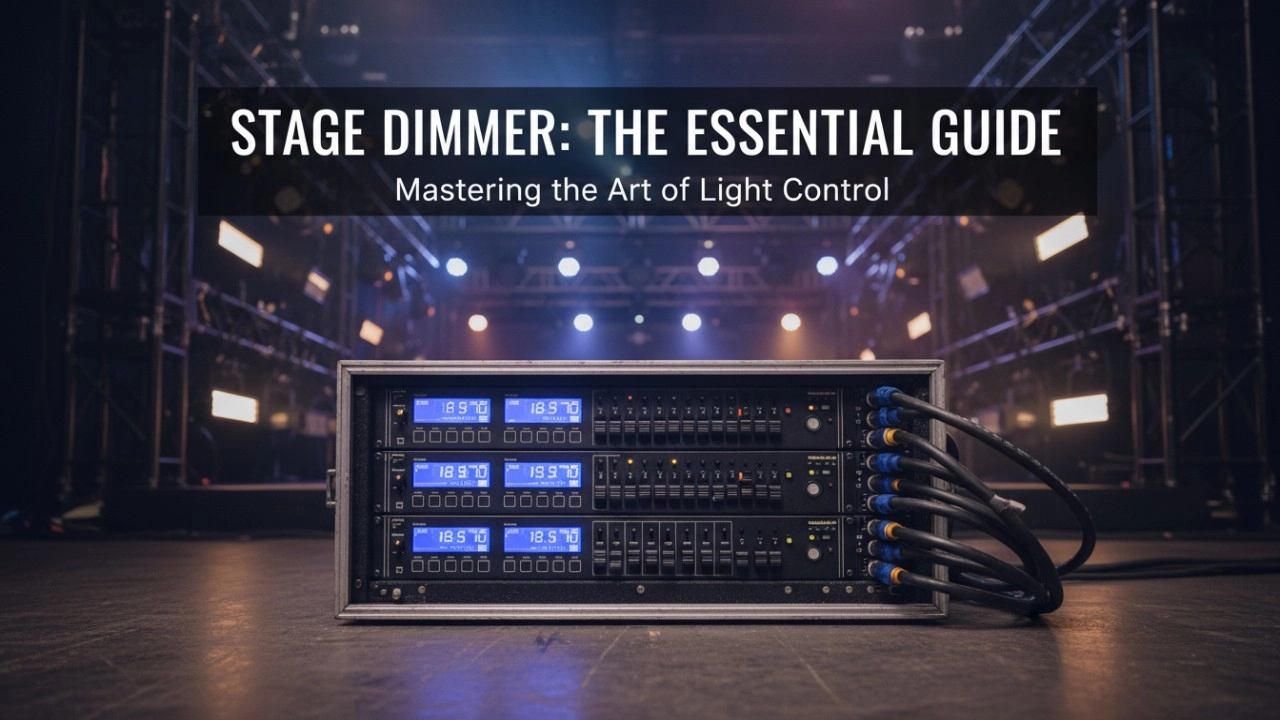
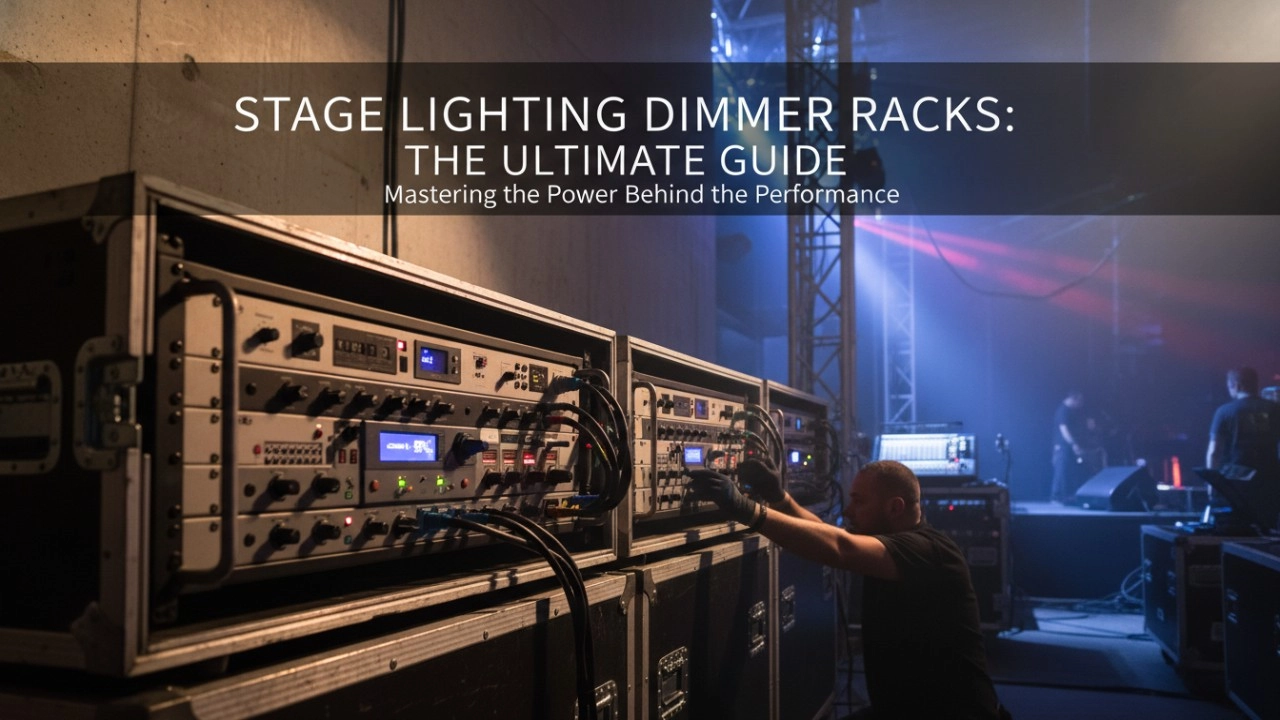
A comprehensive 2026 guide to selecting high-performance stage lighting dimmer racks. We review top hybrid systems, explore SCR vs sine wave technology, and analyze essential features like ThruPower for modern venues.
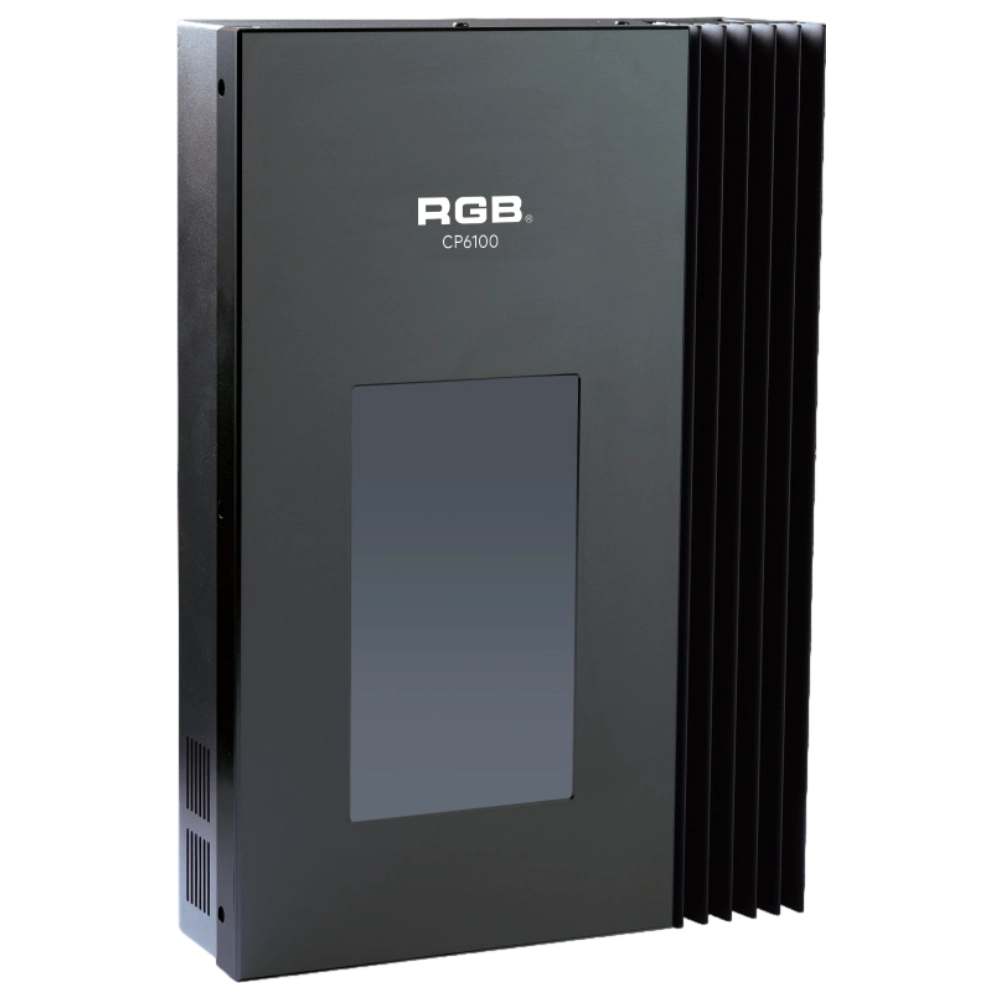
CP6100 Light Control System
The lighting control host is the main control device for theater stage lights, work lights, environmental lighting, commercial art lighting, sports venue lighting, and other places. By connecting the dedicated lighting control panels CP6104 and CP6108, it realizes the central control of the lighting system, supports a visual lighting control system, and intuitively displays the online and offline status of CP6100. Realize remote monitoring, editing, and setting of corresponding parameters.
It is widely applicable to theaters, cinemas, auditoriums, stadiums, museums, exhibition halls, cultural tourism performances, commercial art lighting, and other places.
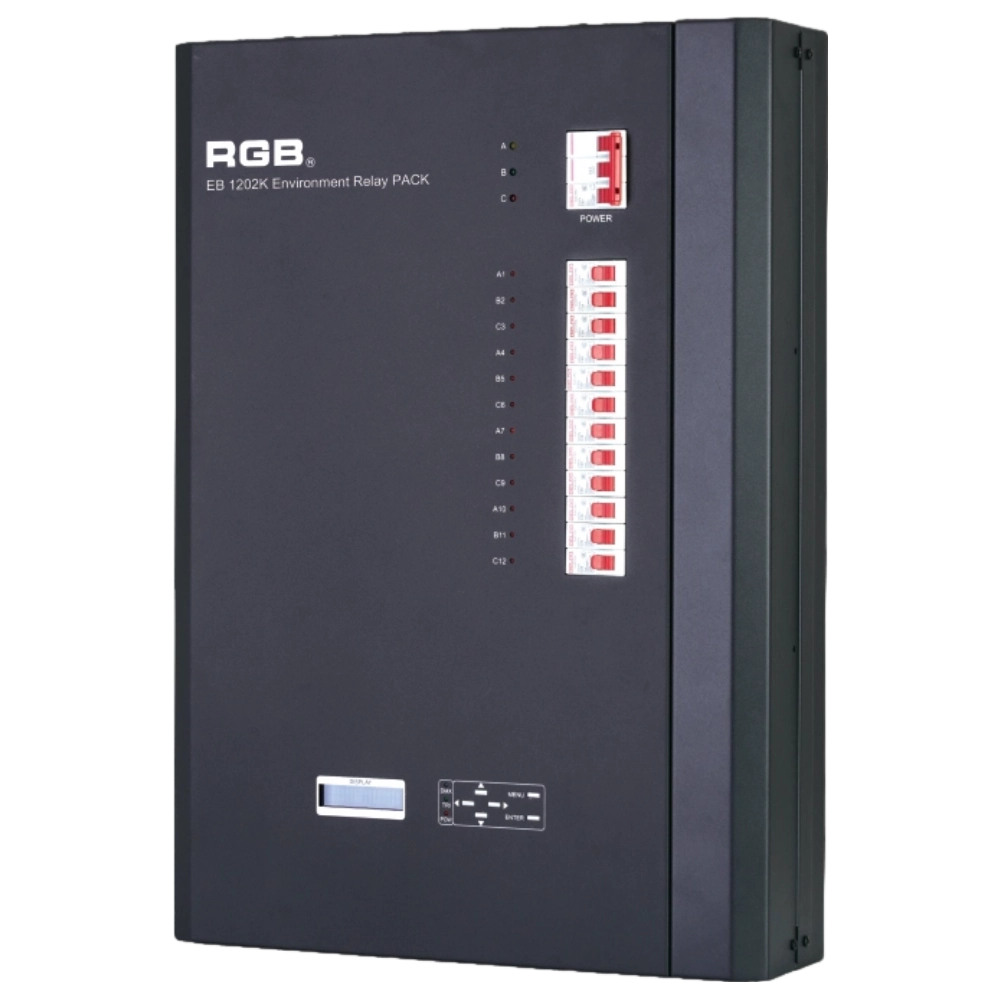
EB1202 Wall-Mounted Smart Site Light Control Series
Wall-mounted smart lighting controller with CE certification, DMX512 compatibility, flexible 12/24-channel output, scene backup, intelligent interface, and multiple dimming curves for precise professional lighting control.
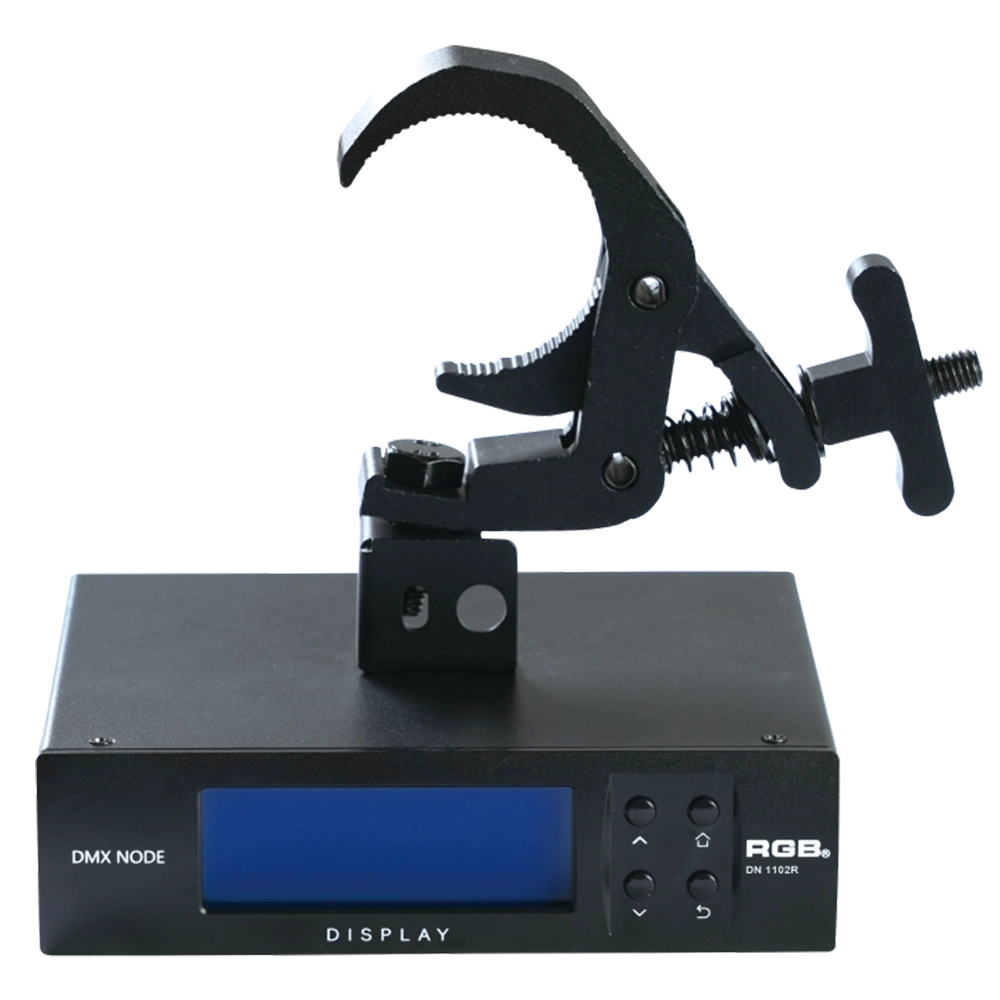
RDM Nodes
The DN series network decoder is a product of the lighting control system independently developed by RGB, featuring completely independent core technology and obtaining software copyrights. It seamlessly connects and decodes the sACN and Art-Net network protocols based on TCP/IP with the DMX-512 and RDM communication protocols. Supports a visual lighting control system, intuitively displaying the online and offline status of the DN series network decoders, and enabling remote monitoring, editing, and setting of corresponding parameters.
It is widely applied in theaters, concert halls, multi-functional halls, cultural and tourism performances, TV stations, gymnasiums, auditoriums, commercial art lighting, and other performance and cultural venues.
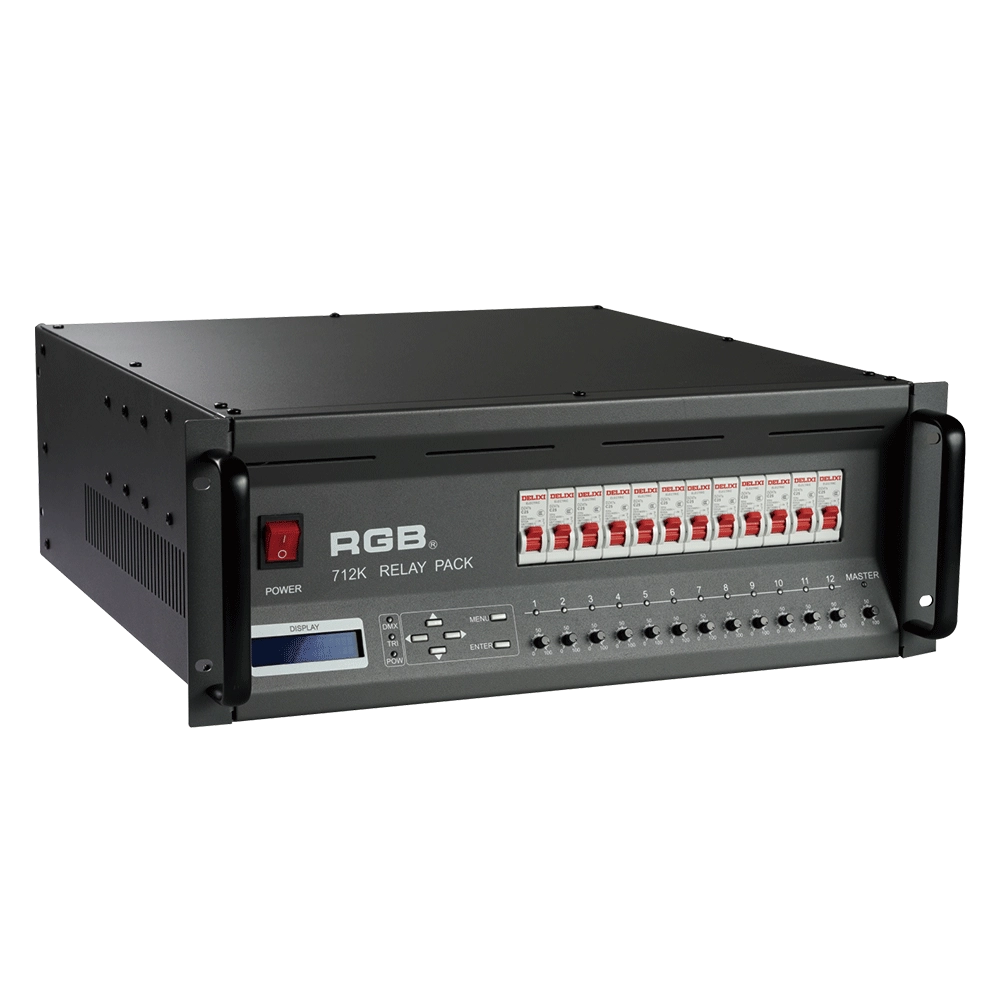
Alloy Relay Packs
High-performance DMX512 relay dimming unit with 512 addressable circuits, phase-loss protection, dual-signal amplification, 20A output per channel, and robust design for reliable stage and mobile lighting applications.
Expert Support
Interested in learning more or need expert guidance related to this article? Fill in your details, and our team will provide tailored support.
Intelligent Control. Brilliant Performance.
RGB specializes in stage lighting control systems, delivering intelligent, reliable, and high-performance solutions for theaters and performance spaces worldwide.
Contact
Email:
Tel:
+86 20 3928 0245
+86 20 3928 0247
Address:
No.3, Huashan Road, Shilou Town, Panyu, Guangzhou, China.
Whatsapp: +8615975520131