
What Are the Maintenance Needs for Rack Dimmer Systems?
|
- Comprehensive Guide to Rack Dimmer Systems Maintenance
- 1. How often should I clean the air filters in my rack dimmer system?
- 2. What are the signs that my rack dimmer system requires maintenance?
- 3. How can I prevent dust accumulation in my rack dimmer system?
- 4. Is it safe to perform maintenance on my rack dimmer system myself?
- 5. How can I extend the lifespan of my rack dimmer system?
- 6. What should I do if my rack dimmer system is not functioning correctly?
- 7. Are there any specific maintenance requirements for different rack dimmer models?
- 8. How can I ensure my rack dimmer system is operating at peak performance?
- Conclusion: The Advantages of RGB's Rack Dimmer Systems
Comprehensive Guide to Rack Dimmer Systems Maintenance
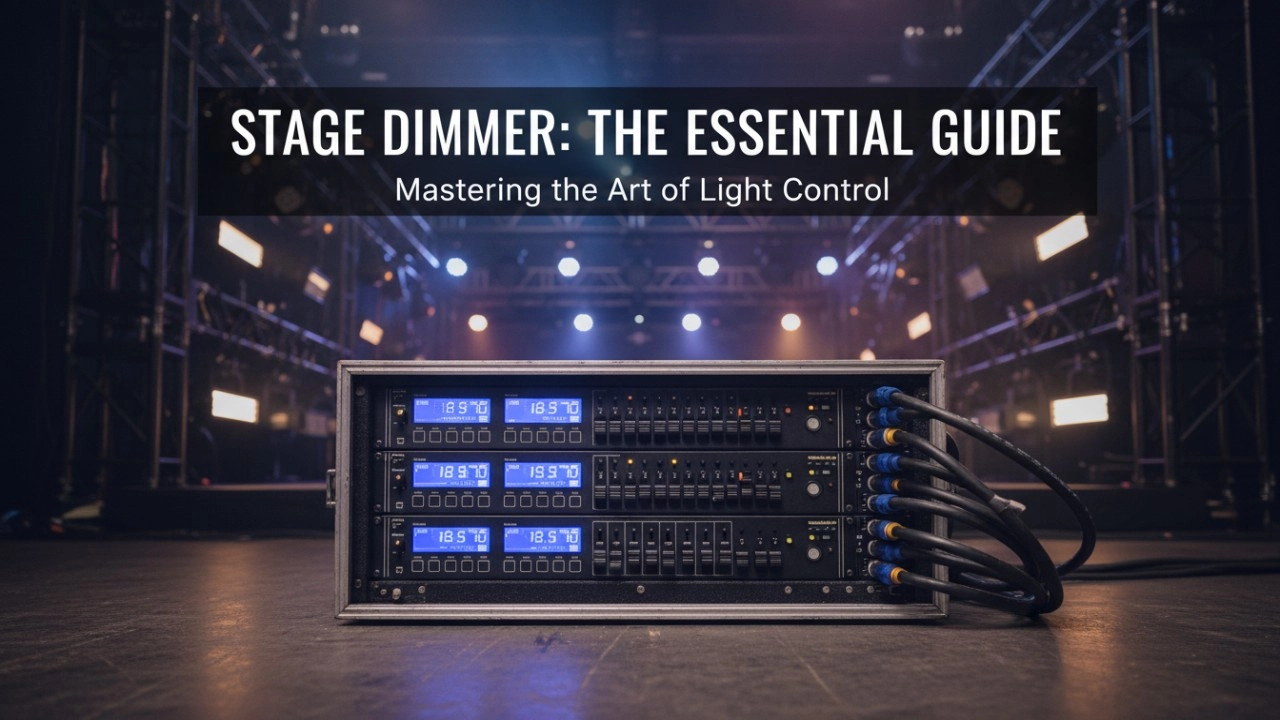
Rack dimmer systems are integral to stage lighting, offering precise control over lighting levels. Proper maintenance is crucial to ensure their longevity and reliable performance. Below are some frequently asked questions regarding the maintenance needs of rack dimmer systems:
1. How often should I clean the air filters in my rack dimmer system?
Regular cleaning of air filters is essential to maintain optimal airflow and prevent overheating. It is recommended to clean the air filters every six months, or more frequently if the environment is particularly dusty. This involves removing the filter from the rack and using compressed air or a vacuum to eliminate accumulated dust.
2. What are the signs that my rack dimmer system requires maintenance?
Common indicators that maintenance is needed include:
Overheating: If the system feels unusually warm or if the "OverTemp" LED is illuminated.
Unresponsive Lights: Lights that remain on or off despite control adjustments.
Erratic Behavior: Flickering or inconsistent lighting levels.
Audible Noise: Unusual sounds from fans or other components.
3. How can I prevent dust accumulation in my rack dimmer system?
To minimize dust buildup:
Regular Cleaning: Periodically vacuum the vents and fans to remove dust.
Proper Storage: Ensure the rack is stored in a clean, dry environment.
Airflow Management: Keep the area around the rack clear to allow for adequate ventilation.
4. Is it safe to perform maintenance on my rack dimmer system myself?
While basic tasks like cleaning air filters can be performed by users, more complex maintenance should be conducted by qualified technicians. Handling internal components without proper training can pose safety risks and may void warranties.
5. How can I extend the lifespan of my rack dimmer system?
To prolong the system's life:
Regular Maintenance: Follow a consistent maintenance schedule, including cleaning and inspections.
Environmental Control: Operate the system in a controlled environment with minimal dust and temperature fluctuations.
Professional Servicing: Schedule periodic check-ups with certified technicians to address potential issues proactively.
6. What should I do if my rack dimmer system is not functioning correctly?
If issues arise:
Check Connections: Ensure all cables and connectors are secure.
Inspect for Overheating: Verify that fans are operational and vents are clear.
Consult Professionals: If problems persist, contact a qualified technician for a thorough diagnosis and repair.
7. Are there any specific maintenance requirements for different rack dimmer models?
Maintenance procedures can vary by model. It's essential to refer to the manufacturer's manual for specific guidelines. For instance, the FP12 dimmer requires periodic dusting of internal components and fan cleaning, while the Topaz 24 dimmer rack emphasizes cleaning fan grills and checking electrical terminations.
8. How can I ensure my rack dimmer system is operating at peak performance?
To maintain optimal performance:
Regular Calibration: Periodically calibrate the system to ensure accurate lighting control.
Firmware Updates: Keep the system's firmware up to date to benefit from the latest features and improvements.
Monitor Performance: Continuously observe the system during operations to identify and address issues promptly.
Conclusion: The Advantages of RGB's Rack Dimmer Systems
RGB's rack dimmer systems are renowned for their reliability, ease of maintenance, and advanced features. By adhering to regular maintenance schedules and consulting professionals when necessary, users can ensure their systems deliver consistent and high-quality lighting control for years to come.
References:
(https://manualzilla.com/doc/5854382/fp-dimmer-rack-mount-operating-manual)
(https://parlights.com/2025/06/aging-dimmer-racks-what-goes-wrong/)
(https://www.newfeellights.com/article/maintenance-checklist-professional-stage-lighting.html)
(https://www.theatrecrafts.com/archive/documents/sld96usr1.pdf)
(https://www.worshipfacility.com/2024/07/10/preventive-maintenance-best-practices/)
(https://manuals.plus/lightronics/ra121-church-theater-stage-lighting-rack-mount-dimmer-manual)
Latest News
Multifunctional signal supercharger
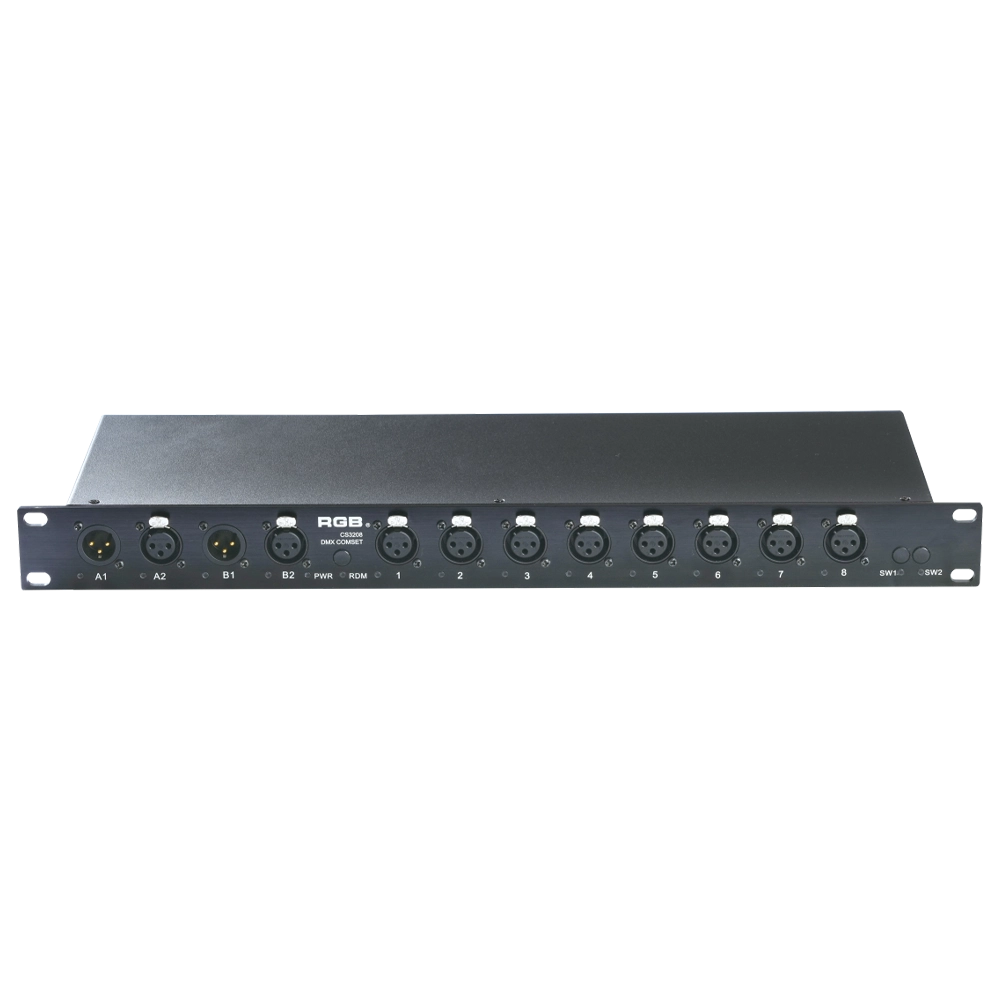
The rack-mounted DMX signal amplifier complies with the DMX-512 standard protocol, improving DMX-512 signal transmission quality and ensuring reliable system control. It helps prevent issues such as AC high-voltage backflow into lighting control systems, lightning-induced surges, and signal interference caused by short circuits, thereby enhancing overall system stability.
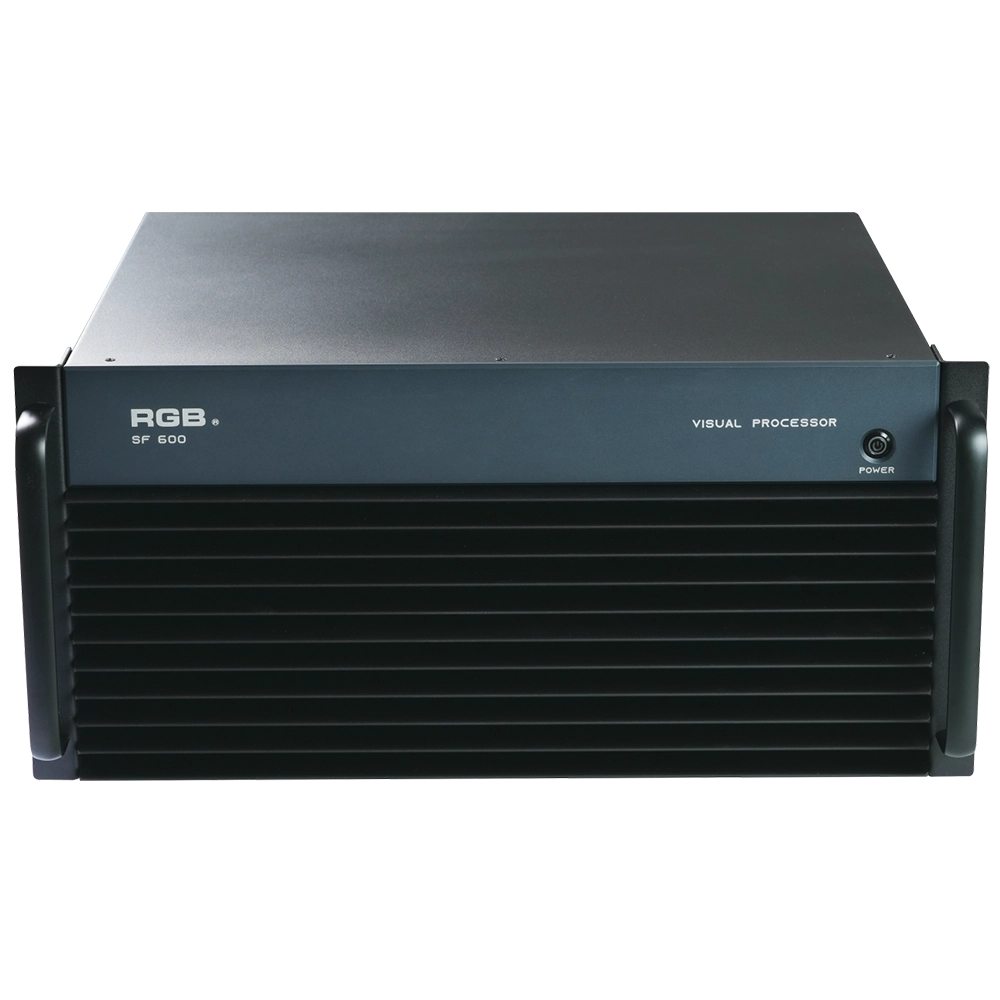
SF600 R-Net Visual Network Controller
RGB SF600 is an R-Net visual network controller for monitoring professional stage lighting systems. It displays connected Art-Net, sACN, RGB-Net and RDM devices in a network topology, with single- or dual-screen views for checking device status and parameters. Published interfaces include four Ethernet ports, dual fiber connections and four RDM interfaces, together with redundant power supply support. The SF600 is a system monitoring controller, not a generic corporate video processor.
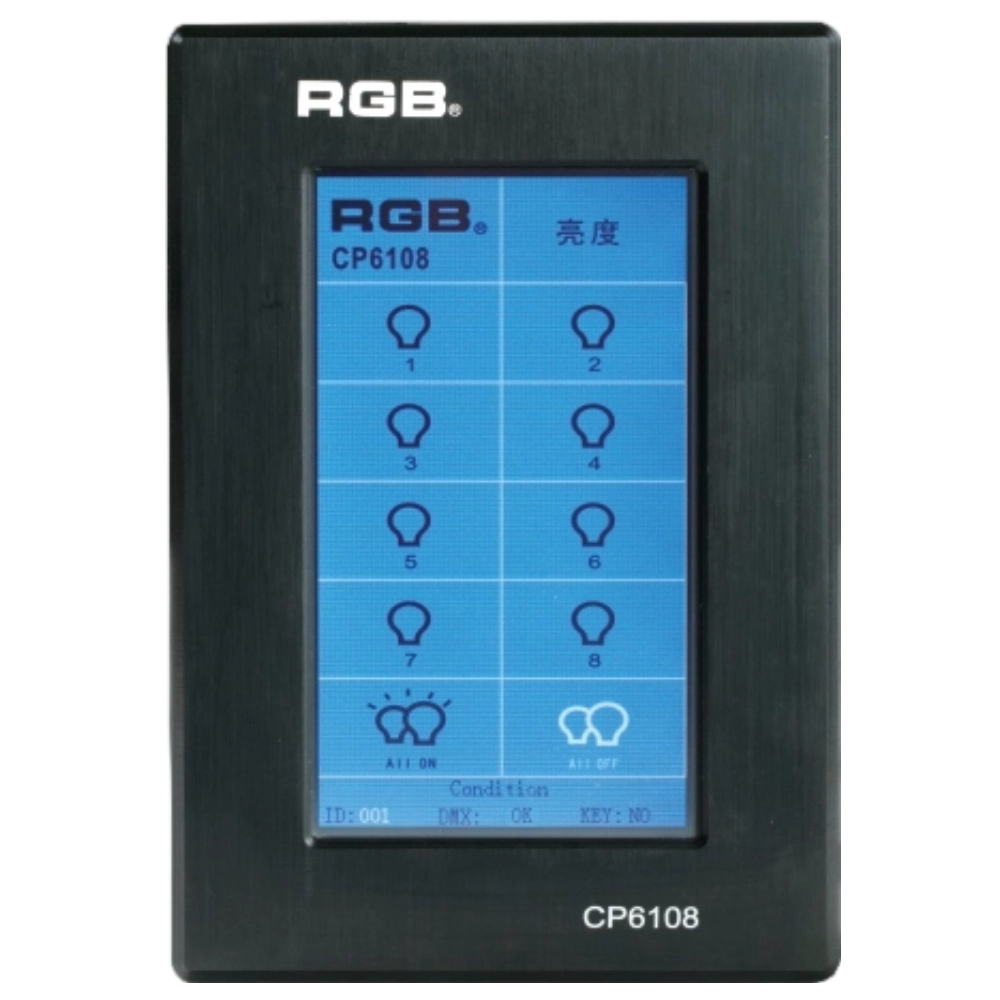
CP6108 Stage Lighting Scene Control Panel
RGB CP6108 is a stage and venue lighting scene-control panel used with the CP6100 lighting control host. The published panel family offers selectable button layouts, local status indication and scene-related controls over an RJ45 connection. Panel-specific keys and the number of supported scenes depend on the ordered configuration and connected host. The panel itself should not be described as an independent 2,048-circuit controller.
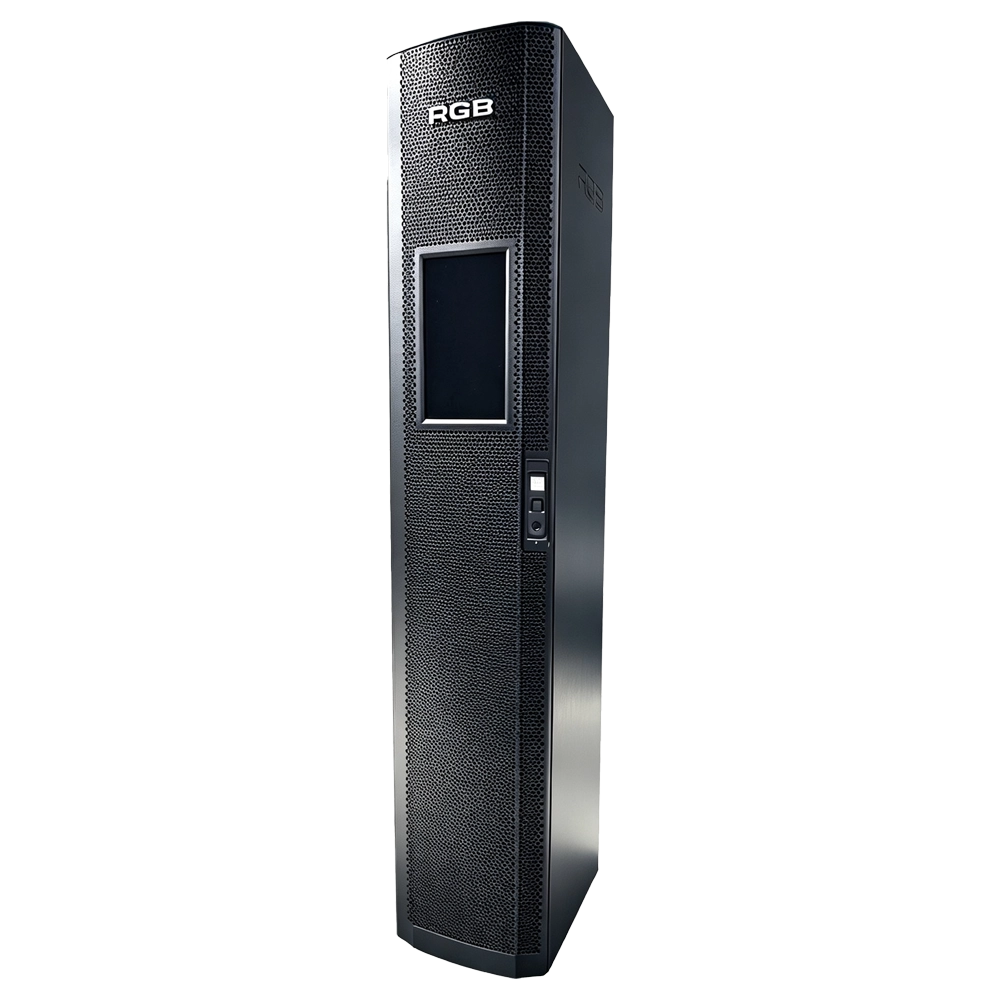
G11 Digital Network Relay Cabinet
RGB G11 is a network-enabled relay cabinet for professional stage and venue lighting power switching. Its published controller design uses a 32-bit ARM processor and RGB-R1030 IC for digital direct triggering. Optional remote monitoring and RDM/network status functions are described alongside 60- and 96-circuit cabinet configurations. Confirm the selected relay modules, power input, protection devices and control interfaces before specification.
Expert Support
Interested in learning more or need expert guidance related to this article? Fill in your details, and our team will provide tailored support.
Intelligent Control. Brilliant Performance.
RGB specializes in stage lighting control systems, delivering intelligent, reliable, and high-performance solutions for theaters and performance spaces worldwide.
Contact
Email:
Tel:
+86 20 3928 0245
+86 20 3928 0247
Address:
No.3, Huashan Road, Shilou Town, Panyu, Guangzhou, China.
Whatsapp: +8615975520131