
How to ensure LED dimmer compatibility with stage fixtures?
|
- 1) How can I verify a dimmer rack supports both constant-voltage LED fixtures and constant-current LED drivers without risking fixture damage?
- 2) Can legacy phase-cut (TRIAC) dimmers be safely used with modern low-voltage LED stage fixtures, and how should I test for compatibility?
- 3) What PWM frequency and dimming-curve settings reliably prevent visible flicker for live audiences and cameras when using LED stage lighting dimmer systems?
- 4) How do I calculate maximum fixture load and inrush current per channel to prevent nuisance tripping on stage dimmers?
- 5) What are practical ways to implement soft-start, minimum-load and anti-flicker measures when dimming LED fixtures from older dimmers?
- 6) How should I map DMX512 channels to mixed LED fixture types (0-10V, RDM, DALI) in a large venue to maintain consistent dimming behavior?
- Conclusion
LED Stage Lighting Dimmer Compatibility: 6 Deep Questions Answered
As a professional provider in stage light control systems with deep experience in LED stage lighting dimmer technology, this guide answers six high-pain-point, long-tail questions that are often under-addressed online. Embedded here are practical test procedures, measurable thresholds, and system-level buying checks for theater, concert, broadcast and fixed-install applications.
1) How can I verify a dimmer rack supports both constant-voltage LED fixtures and constant-current LED drivers without risking fixture damage?
Why this matters: Mixing CV (constant-voltage) LED tape or bulbs and CC (constant-current) stage fixtures on the same dimmer channel or rack is a common source of failures, flicker, and warranty voids.
Step-by-step verification process:
- Identify fixture input type: check the fixture or driver datasheet. CV devices will state an input voltage (e.g., 12V/24V DC). CC drivers list an output current range (e.g., 350mA–700mA) and expect a voltage window.
- Check dimmer output type: rack/dimmer manuals specify whether outputs are mains phase-cut (leading/trailing), electronic low-voltage, DC constant-voltage, or DMX/RDM control outputs via external drivers. A traditional stage dimmer rack provides phase-cut AC outputs not suitable for CC drivers unless paired with driver-rated control interfaces.
- Never connect a CC driver directly to a phase-cut AC output unless the driver explicitly supports phase-cut dimming. Doing so often causes flicker, premature driver failure, or erratic behavior.
- When you need mixed loads: use dedicated channels per load type (CV fixtures on CV dimmers, CC drivers on compatible control). Alternatively, use interface modules—DMX-to-0-10V, DMX-to-DALI, or electronic low-voltage dimmers—designed to translate DMX512 to the correct control signal for CC drivers.
- Bench-test each fixture+driver combination before installation: power the fixture from the expected control type and run a full dimming sweep while monitoring for audible noise, flicker, thermal rise, or unstable output. Use a lux meter and an oscilloscope (or high-speed camera) to capture artifacts.
Buying checklist for a rack: ensure the spec sheet lists supported load types (CV, CC, LED-compatible), per-channel protection, and available control protocols (DMX512-A, 0–10V, DALI, RDM). For venue compliance, cross-check local electrical codes (NEC in the U.S., applicable IEC standards in the EU).
2) Can legacy phase-cut (TRIAC) dimmers be safely used with modern low-voltage LED stage fixtures, and how should I test for compatibility?
Why this matters: Many venues still have theatrical dimmer packs designed for incandescent lamps (leading-edge TRIAC). LEDs driven by electronic drivers often need trailing-edge or dedicated electronic dimming methods. Incorrect pairings produce flicker, limited dimming range, or driver damage.
Compatibility test and mitigations:
- Read the fixture/driver manufacturer note about phase-cut support. If unspecified, assume incompatibility.
- Perform a controlled bench test: connect a single fixture to the TRIAC dimmer and sweep from 0–100% manually. Watch for flicker, buzzing, or an unusable low-end. Use a lux meter and a high-frame-rate camera (or oscilloscope) to detect frequency modulation and strobing.
- If flicker appears, try a trailing-edge electronic dimmer—many LED drivers are designed to work with trailing-edge rather than leading-edge dimmers—or use a digital control to a dedicated driver (DMX/0-10V/DALI).
- As a last resort, a properly rated dummy load (not ad-hoc resistors) or manufacturer-approved filter can stabilize some TRIAC systems, but this is a workaround that increases power draw and is not recommended for large installations.
- For broadcast/live-streamed shows: phase-cut artifacts can interact with camera shutter/frame rates. If the venue will be used for filming, prefer flicker-free PWM settings or driver-based dimming solutions and avoid legacy TRIAC whenever possible.
3) What PWM frequency and dimming-curve settings reliably prevent visible flicker for live audiences and cameras when using LED stage lighting dimmer systems?
Why this matters: Perceptible flicker for humans occurs at low-frequency modulation; cameras reveal flicker at multiples and submultiples of frame rates, creating rolling bands or strobing.
Practical recommendations:
- Human view: ensure PWM frequencies >1 kHz to avoid most perceptible flicker for audiences under typical lighting conditions.
- Broadcast/camera-safe: set PWM & refresh rates >=3–10 kHz depending on camera frame rates and shutter types. For high-speed cameras or motion-control rigs, 10 kHz+ reduces beat frequencies that produce visible bars.
- Dimming curve: use perceptual (gamma-corrected or logarithmic) curves for smooth fades. For cross-fader consistency on DMX systems, configure fixtures with an s-curve or custom gamma close to 2.2 so perceived output matches control values.
- Measure, don’t guess: use an oscilloscope to check PWM waveform and duty cycle across the dim range. Use a camera test at planned shooting frame rates (24/25/30/50/60/120 fps) to validate no rolling bars or flicker appear on-screen.
- Consider driver-level flicker mitigation: many professional LED drivers include higher internal PWM frequencies and flicker-free modes specifically tuned for broadcast; prefer those for mixed-use venues.
4) How do I calculate maximum fixture load and inrush current per channel to prevent nuisance tripping on stage dimmers?
Why this matters: LED fixtures have low steady-state current but can present high short-duration inrush from driver capacitors or power supplies, causing breakers or electronic breakers in dimmer racks to trip.
How to estimate and manage loads:
- Sum steady-state power: add the rated steady-state wattage of all fixtures on a channel and ensure it stays under the dimmer's continuous rating with a margin (use 80% of rated capacity as a conservative design target).
- Check driver inrush specs: consult each LED driver datasheet for peak inrush current and pulse duration. If the datasheet lacks this, contact the manufacturer; many drivers show inrush multipliers (e.g., 5–50× steady current) or specify peak amperage and microsecond–millisecond durations.
- Use worst-case per-channel design: assume sum of inrush peaks could overlap. If inrush exceeds the dimmer's instantaneous rating or trip threshold, apply staggered power-up sequencing, dedicate additional circuits, or specify dimmers with higher inrush tolerance.
- Mitigations: soft-start circuits, NTC inrush limiters, or dimmers with adjustable inrush delay. In large rigs, distribute fixtures across multiple channels or circuits rather than concentrating many LED drivers on one channel.
- Safety margin and testing: install current-logging during a dry-run to capture real-world inrush events. Use this data to refine channel grouping and breaker sizing per venue electrical code (consult local NEC/IEC guidance as applicable).
5) What are practical ways to implement soft-start, minimum-load and anti-flicker measures when dimming LED fixtures from older dimmers?
Why this matters: Older dimmers can cause flicker at the low end, ghosting, or stress on electronic drivers. Implementing mitigation strategies reduces downtime and protects fixtures.
Solutions and implementation steps:
- Replace or retrofit: where possible, replace legacy phase-cut dimmers with LED-compatible electronic dimmers or digital dimmer modules designed for LED loads.
- Soft-start modules: add soft-start/turn-on delay modules to dimmer circuits so drivers charge gradually and avoid large inrush currents. Choose modules designed for live-event use with UL/CE certifications.
- Minimum-load/bypass modules: use manufacturer-approved dummy-load or bypass devices when fixtures are incompatible with the dimmer's minimum load. Use only actively designed bypasses (not ad-hoc resistors) to avoid overheating and code violations.
- Filtering and snubbers: EMI/RFI filters and snubber circuits on dimmer outputs can stabilize some driver-dimmer interactions that cause audible noise or flicker.
- Firmware/configuration: many modern LED drivers and dimmer controllers allow configuring minimum brightness, PWM frequency, and dimming curve via RDM or software. Use RDM-capable DMX assets to remotely tune and standardize behavior across a fleet of fixtures.
6) How should I map DMX512 channels to mixed LED fixture types (0-10V, RDM, DALI) in a large venue to maintain consistent dimming behavior?
Why this matters: Large venues often have a mix of fixture control protocols. Poor mapping yields inconsistent fades, mismatched color temperatures and unexpected level jumps.
Best-practice mapping strategy:
- Use protocol-appropriate gateways: DMX-to-0-10V, DMX-to-DALI, and DMX-to-RDM gateways should be used rather than hardwiring mismatched control. Select gateways with configurable output scaling and update rates to match target devices.
- Normalize dimming curves centrally: apply a consistent dimming curve (e.g., s-curve or gamma-corrected) at the controller or gateway level so the perceived output of dissimilar fixtures matches during fades.
- Group similar fixtures: when possible, assign fixtures with similar electrical and photometric behavior to the same physical channels or routed gateway to reduce cross-protocol inconsistencies.
- RDM for device discovery and tuning: enable RDM where supported to automatically discover devices, push dimming curves, set minimum levels, and align PWM frequencies across fixtures. This reduces manual per-fixture tweaks.
- Document channel maps and maintain a lab test: before production shows, run full cue lists in a controlled test with a calibrated light meter and camera to confirm consistent behavior. Store and version control the mapping so touring rigs can replicate the configuration reliably.
For venue installations, comply with DMX512-A and RDM recommendations and coordinate with fixture manufacturers on mapping practices. For safety and legal compliance, always consult local electrical codes (NEC, IEC, or national standards) when altering mains wiring or dimmer racks.
Conclusion
Choosing the right LED stage lighting dimmer solution and ensuring compatibility with fixtures yields tangible advantages: flicker-free live and broadcast performance, longer fixture life, predictable dimming curves, lower maintenance, and safer electrical behavior. Practical steps include verifying driver types (CV vs CC), preferring driver-level or DMX/RDM control for mixed loads, measuring PWM frequency and inrush with test equipment, and using soft-start or bypass modules only as manufacturer-approved solutions.
If you need system design, testing, or a quotation for dimmer racks, DMX gateways, or LED driver solutions tailored to your venue, contact us for a quote at www.rgbsystem.com or email info@rgbsystem.com.
Latest News
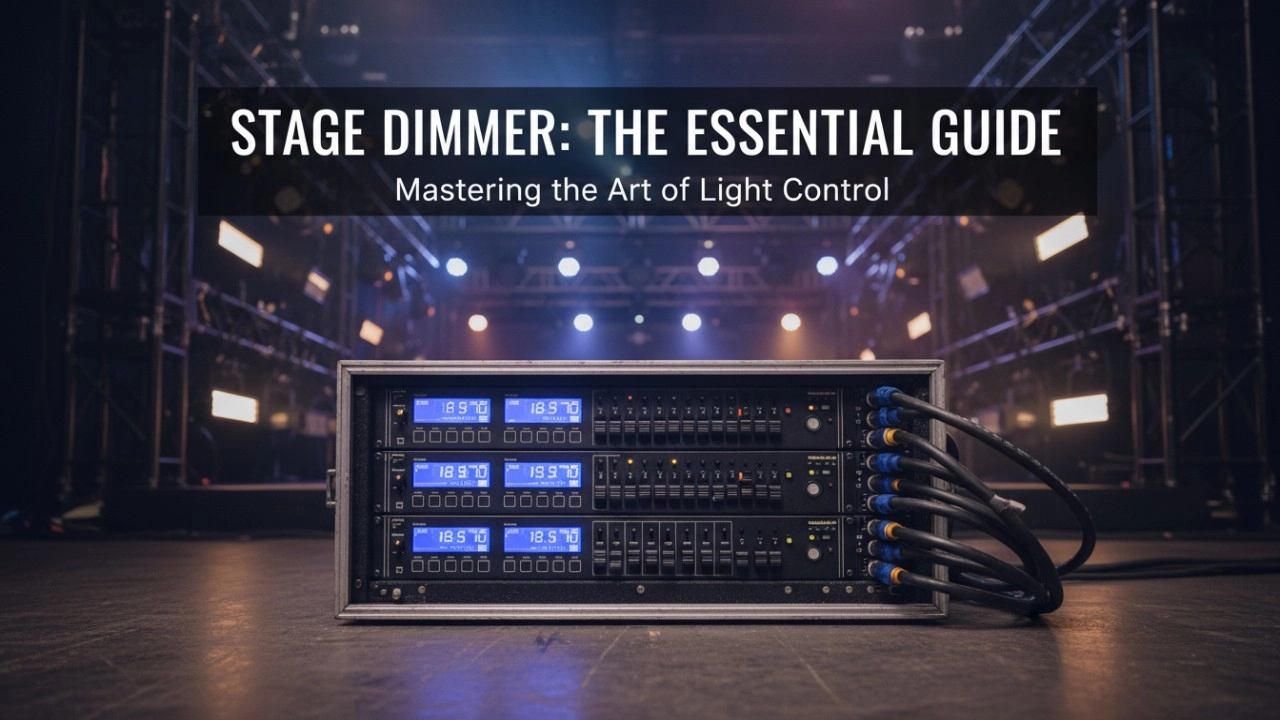
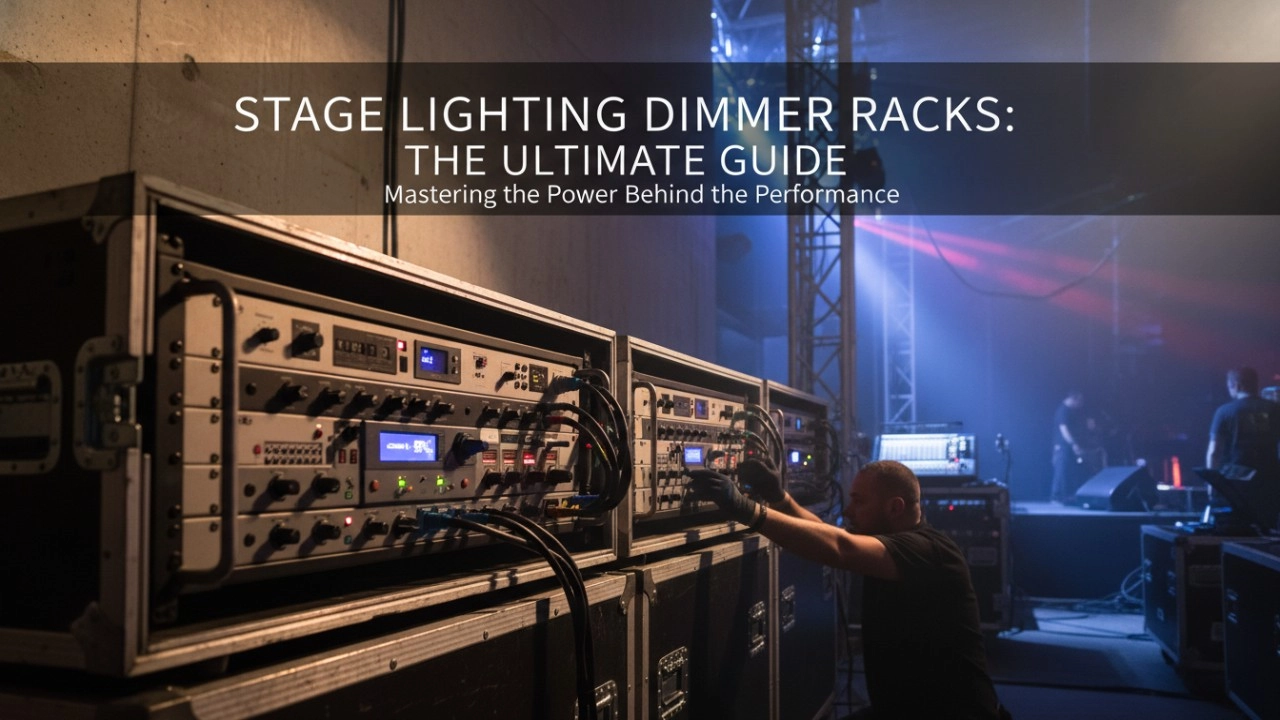
A comprehensive 2026 guide to selecting high-performance stage lighting dimmer racks. We review top hybrid systems, explore SCR vs sine wave technology, and analyze essential features like ThruPower for modern venues.
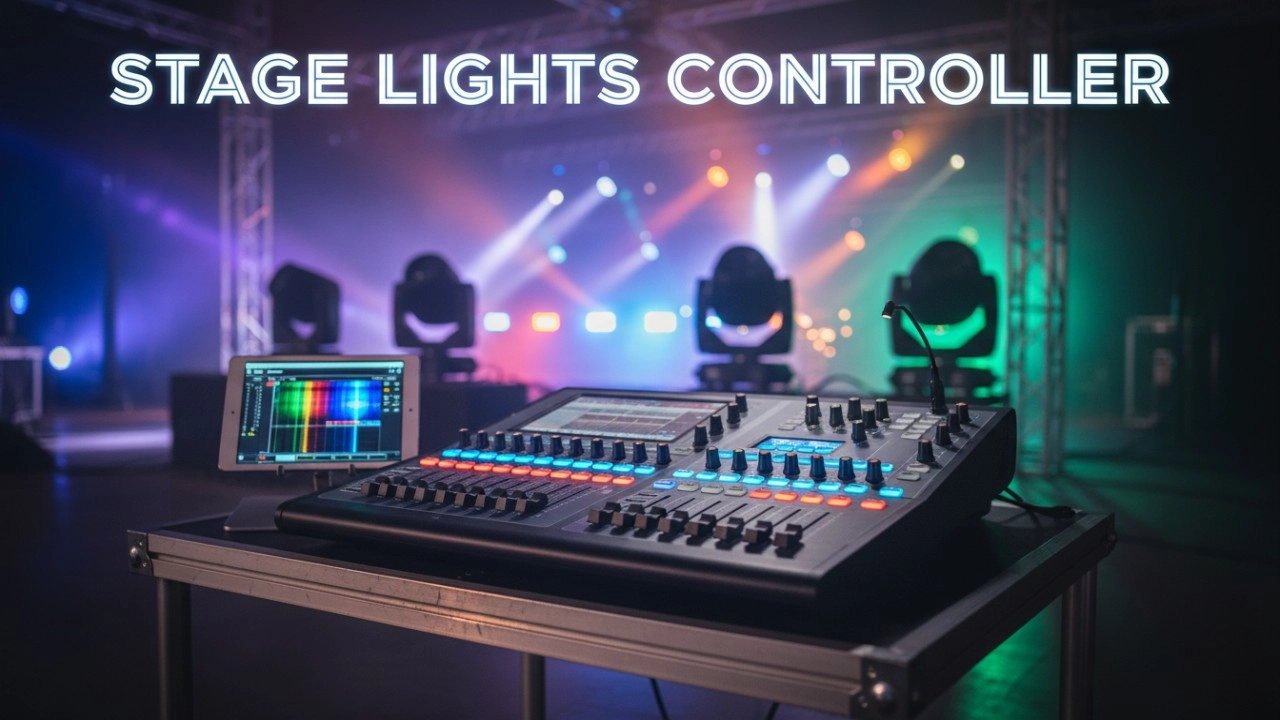
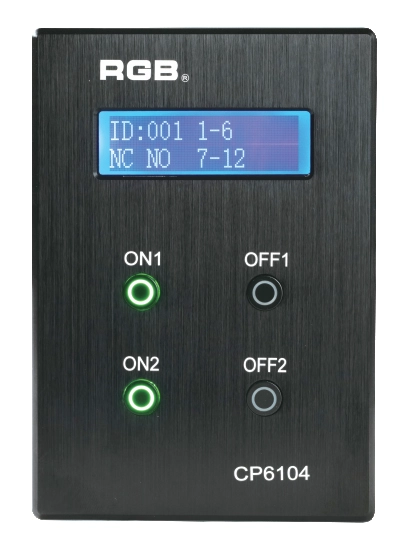
Site Light Controller CP6104
The CP6104 lighting control panel is a lighting control device for theater stage lights, work lights, environmental lighting, commercial art lighting, sports venue lighting and other places. By connecting to the dedicated lighting control host CP6100, it realizes the central control of the lighting system, supports a visual lighting control system, and intuitively displays the online and offline status of CP6104. Realize remote monitoring, editing and setting of corresponding parameters.
It is widely applicable to theaters, cinemas, auditoriums, stadiums, museums, exhibition halls, cultural tourism performances, commercial art lighting and other places.
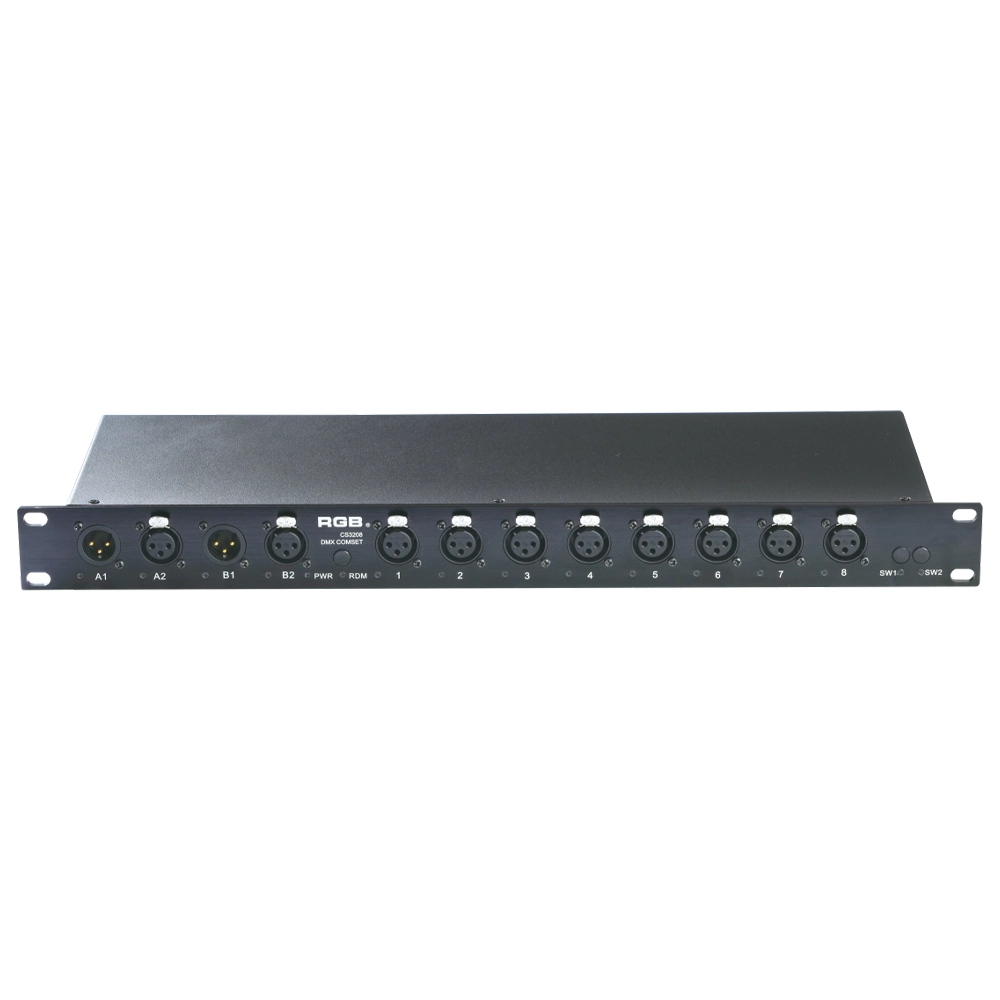
Multifunctional signal supercharger
The rack-mounted DMX signal amplifier complies with the DMX-512 standard protocol, improving DMX-512 signal transmission quality and ensuring reliable system control. It helps prevent issues such as AC high-voltage backflow into lighting control systems, lightning-induced surges, and signal interference caused by short circuits, thereby enhancing overall system stability.
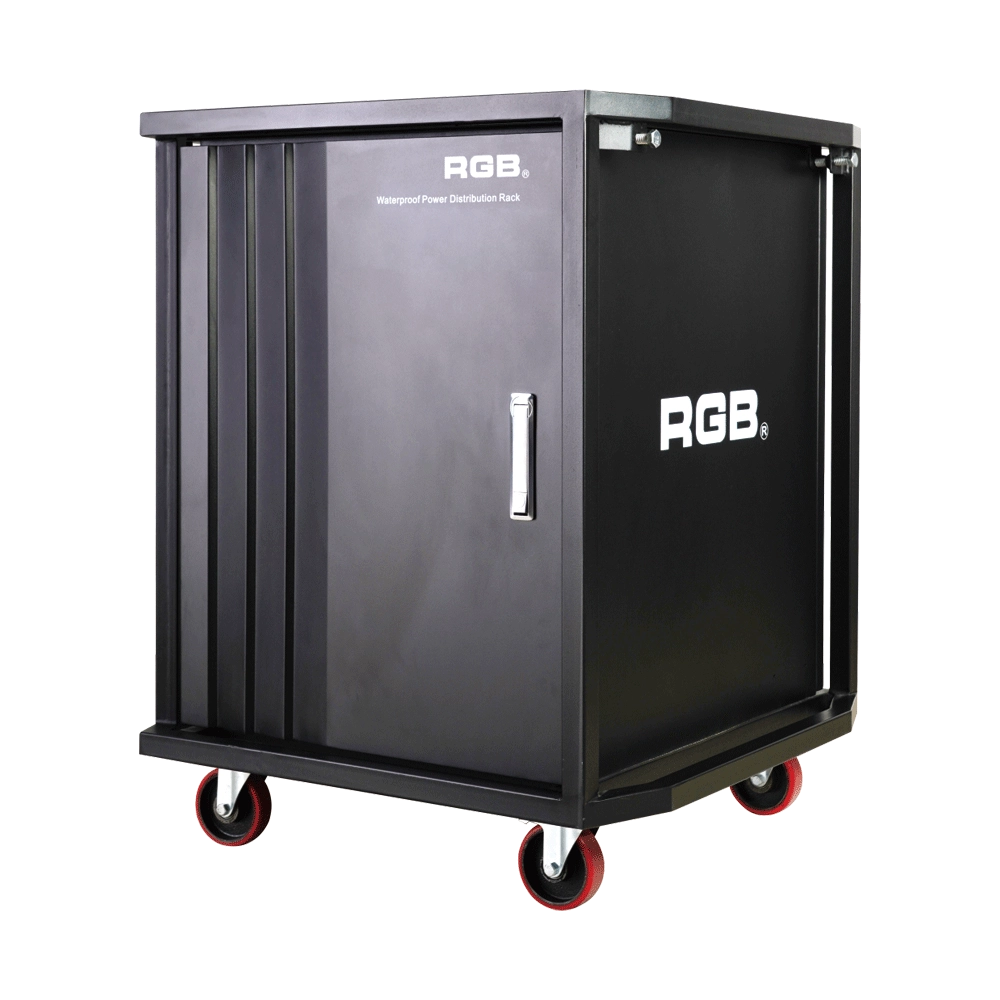
Multifunction Waterproofing Racks Of RGB-W Series
With the continuous development of flow performance, the requirement for performance is more demanding. In order to facilitate the transportation and make it easier to carry for all the equipment used in the performance, the stage light and sound equipment will be installed into a cabinet, for example, the power supply system. During the transportation process, it is inevitable for a collision or crash to take place. If the cabinet material is not strong enough, it may lead to deformation and even damage the equipment inside. Moreover, most of the existing cabinets are not waterproof. It will be very dangerous for the flow performance, as it is normal and inevitable to encounter rainy days. As the equipment inside the cabinets is electriferous, it might cause damage to the electronic equipment at least and even cause casualties at worst. Meanwhile, most of the existing cabinets can only be installed with one kind of equipment with a single variety.
In order to overcome the above-mentioned technical flaw, the RGB company has developed a new type of waterproofing multifunction cabinet of the W series. The waterproofing cabinet of the W series meets the need for the installation of dimming and tone-tuning devices, transportation, and utilization.
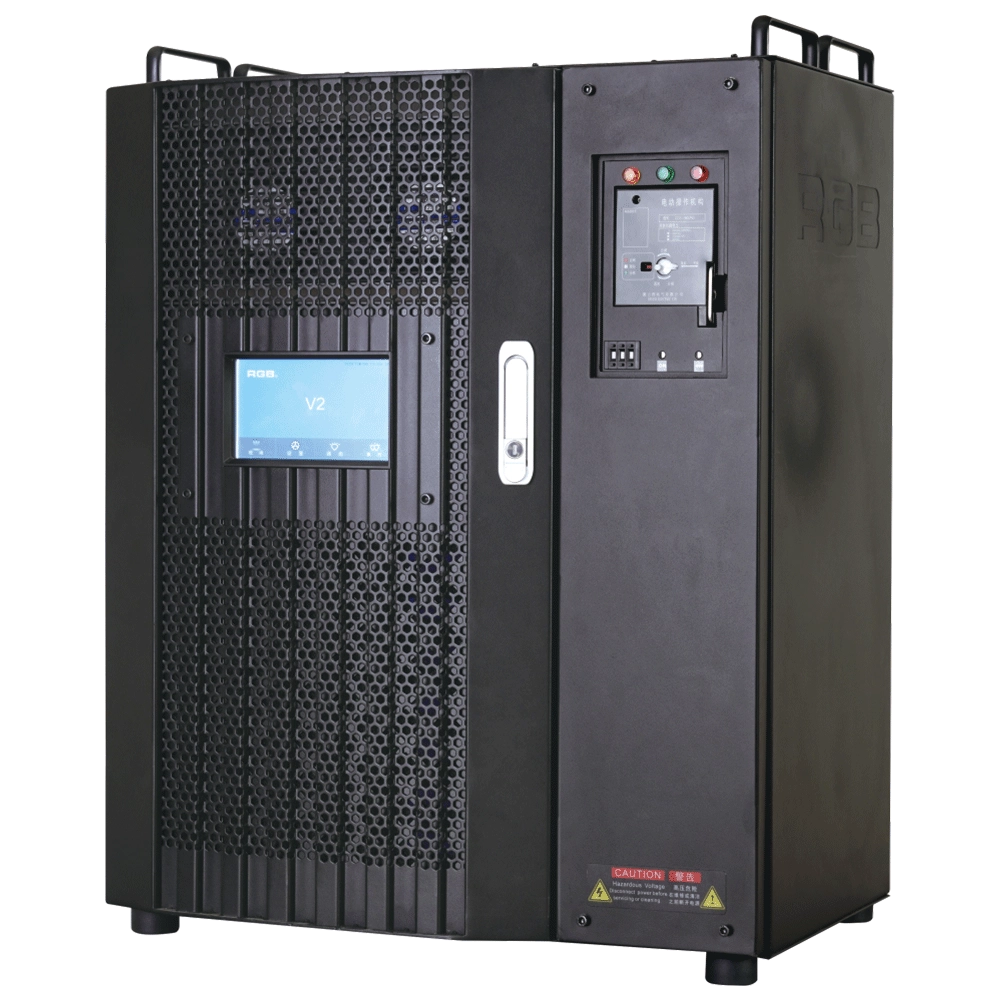
V2 Intelligent Network Dimmer/Relay Racks
V2 is an artificial intelligence dimming rack independently developed by RGB, which has completely independent core technology and obtained software copyrights. It is a fully digital electrodeless trigger and multi-backup independent CPU central processor technology. It has a variety of output configurations, such as sine wave, thyristor, relay, dimming relay, etc. It supports visual lighting control system and visually displays the online and offline status of dimming racks. Realize remote monitoring, editing, and setting of relevant parameters.
It is widely used in performing arts and cultural venues such as theaters, concert halls, multi-function halls, cultural travel and performing arts, TV stations, gymnasiums, auditoriums, commercial art lighting and so on.
Expert Support
Interested in learning more or need expert guidance related to this article? Fill in your details, and our team will provide tailored support.
Intelligent Control. Brilliant Performance.
RGB specializes in stage lighting control systems, delivering intelligent, reliable, and high-performance solutions for theaters and performance spaces worldwide.
Contact
Email:
Tel:
+86 20 3928 0245
+86 20 3928 0247
Address:
No.3, Huashan Road, Shilou Town, Panyu, Guangzhou, China.
Whatsapp: +8615975520131