
How to integrate rack dimmers with modern DMX control?
|
- 1. What are the key differences between traditional SCR-based rack dimmers and modern IGBT-based rack dimmers?
- 2. How can I ensure compatibility between my existing DMX control console and a new rack dimmer system?
- 3. What are the best practices for wiring and connecting a rack dimmer to a DMX control system?
- 4. How do I configure a rack dimmer to handle both dimmable and non-dimmable loads?
- 5. What are the common troubleshooting steps if a rack dimmer is not responding to DMX control signals?
- 6. How can I integrate a rack dimmer system with advanced lighting control protocols like sACN or Art-Net?
1. What are the key differences between traditional SCR-based rack dimmers and modern IGBT-based rack dimmers?
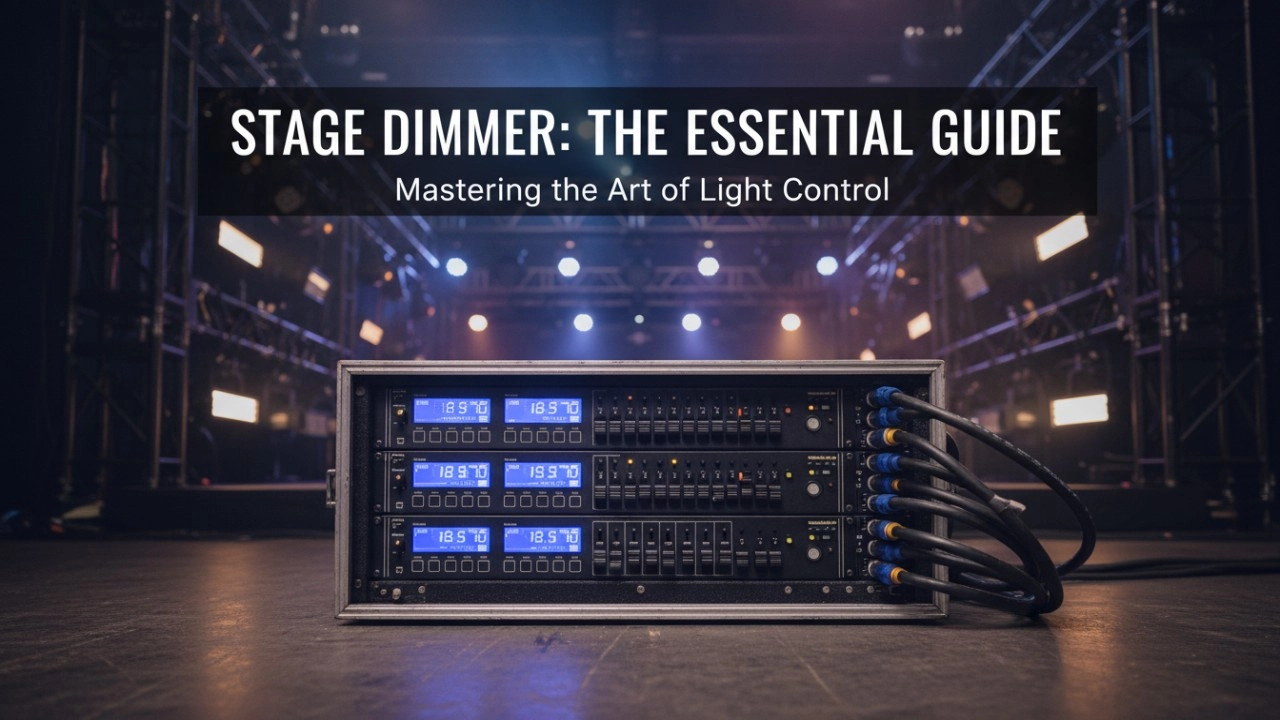
Traditional SCR (Silicon Controlled Rectifier) dimmers have been the industry standard for decades, utilizing thyristors to chop the AC sine wave for dimming control. They are robust and cost-effective but may not offer the smoothest dimming performance, especially with modern LED fixtures. In contrast, IGBT (Insulated Gate Bipolar Transistor) dimmers provide faster rise times and smoother dimming curves, making them more suitable for contemporary lighting loads, including LEDs and moving lights. ((https://www.rgbsystem.com/blog/dimmer-racks-stage-lighting-guide/))
2. How can I ensure compatibility between my existing DMX control console and a new rack dimmer system?
Ensuring compatibility involves several steps:
Protocol Matching: Verify that both your DMX control console and the rack dimmer system support the same DMX protocol version (e.g., DMX-512, DMX-512-A).
Address Configuration: Properly assign DMX addresses on the rack dimmer to correspond with the control console's output channels.
Signal Integrity: Use high-quality, shielded DMX cables to prevent signal degradation and interference.
Firmware Updates: Ensure that both devices have the latest firmware updates to support the latest features and fixes.
Consulting the user manuals of both devices and, if necessary, contacting the manufacturers can provide specific guidance. ((https://www.rgbsystem.com/article/install-rack-dimmer-dmx/))
3. What are the best practices for wiring and connecting a rack dimmer to a DMX control system?
Best practices include:
Power Supply: Ensure that the rack dimmer is connected to a dedicated power source with appropriate voltage and current ratings.
DMX Signal Routing: Connect the DMX output from the control console to the DMX input of the rack dimmer using a shielded 5-pin XLR cable. For longer runs, consider using DMX splitters or repeaters to maintain signal integrity.
Grounding: Properly ground all equipment to prevent electrical interference and potential damage.
Cable Management: Use cable trays or conduits to organize and protect wiring, reducing the risk of physical damage and electrical faults.
Testing: After installation, perform thorough testing to ensure all channels respond correctly to control signals. ((https://www.rgbsystem.com/article/install-rack-dimmer-dmx/))
4. How do I configure a rack dimmer to handle both dimmable and non-dimmable loads?
Many modern rack dimmers offer flexible configurations:
Channel Assignment: Assign specific channels to operate in 'non-dim' mode, where the channel functions as a simple on/off switch, suitable for non-dimmable loads like certain LEDs or moving lights.
Load Management: Ensure that the total wattage of connected loads does not exceed the dimmer's rated capacity per channel.
Safety Features: Utilize built-in circuit breakers and fuses to protect against overloads and short circuits.
5. What are the common troubleshooting steps if a rack dimmer is not responding to DMX control signals?
Troubleshooting steps include:
Signal Verification: Use a DMX tester to confirm that the control console is outputting the correct DMX signal.
Cable Inspection: Check all DMX cables for damage or loose connections.
Address Settings: Verify that the DMX addresses on the rack dimmer match those configured on the control console.
Firmware Check: Ensure that both the rack dimmer and control console have the latest firmware updates.
Hardware Inspection: Look for any visible signs of damage or overheating on the rack dimmer.
If issues persist, consult the manufacturer's support resources or contact a professional technician. ((https://www.rgbsystem.com/article/install-rack-dimmer-dmx/))
6. How can I integrate a rack dimmer system with advanced lighting control protocols like sACN or Art-Net?
Integration with advanced protocols involves:
Protocol Support: Confirm that the rack dimmer supports sACN (Streaming Architecture for Control Networks) or Art-Net protocols.
Network Configuration: Set up a dedicated network for lighting control to prevent interference and ensure reliable communication.
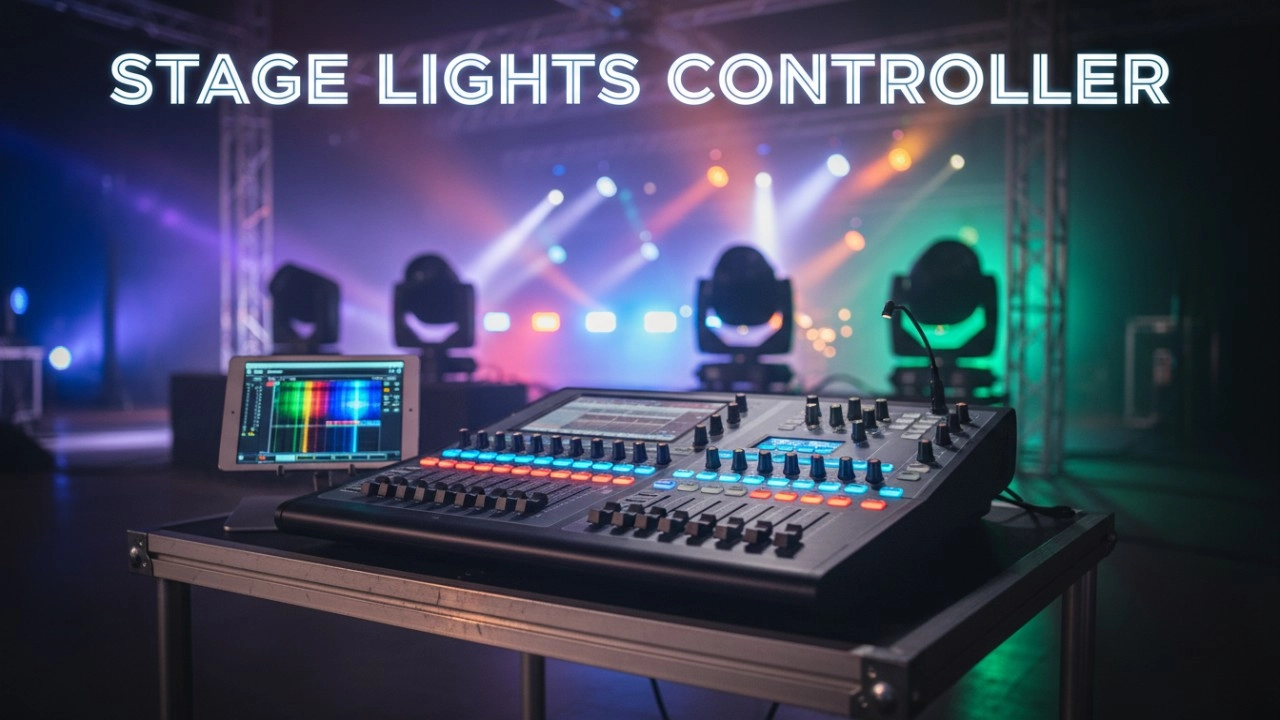
Software Configuration: Use compatible software to map DMX channels to the desired control protocol outputs.
Testing: After configuration, perform comprehensive testing to ensure all channels respond correctly to control inputs. ((https://www.rgbsystem.com/blog/dimmer-racks-stage-lighting-guide/))
In conclusion, integrating a rack dimmer with a modern DMX control system requires careful consideration of equipment compatibility, wiring practices, and configuration settings. By following these guidelines, you can achieve a reliable and efficient lighting control setup for your venue.
For a personalized consultation or to request a quote, please contact us at info@rgbsystem.com or visit our website at www.rgbsystem.com.
Latest News
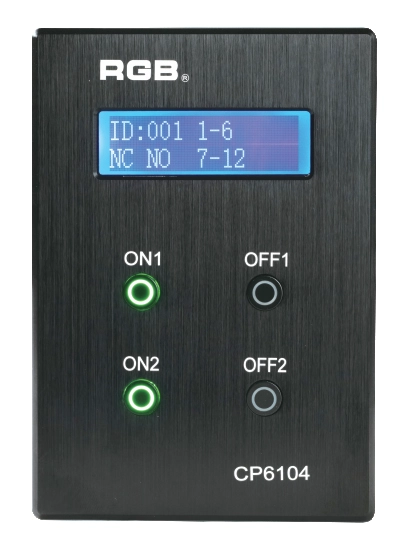
CP6104 Four-Key Stage Lighting Control Panel
RGB CP6104 is a four-key lighting control panel for stage and venue scenes within a CP6100 host-based system. The published design lists a local LCD, four backlit scene keys, panel status indication and an RJ45 interface powered by the main unit. Host-level circuit and scene capacities must be confirmed for the full system rather than attributed to the panel alone.
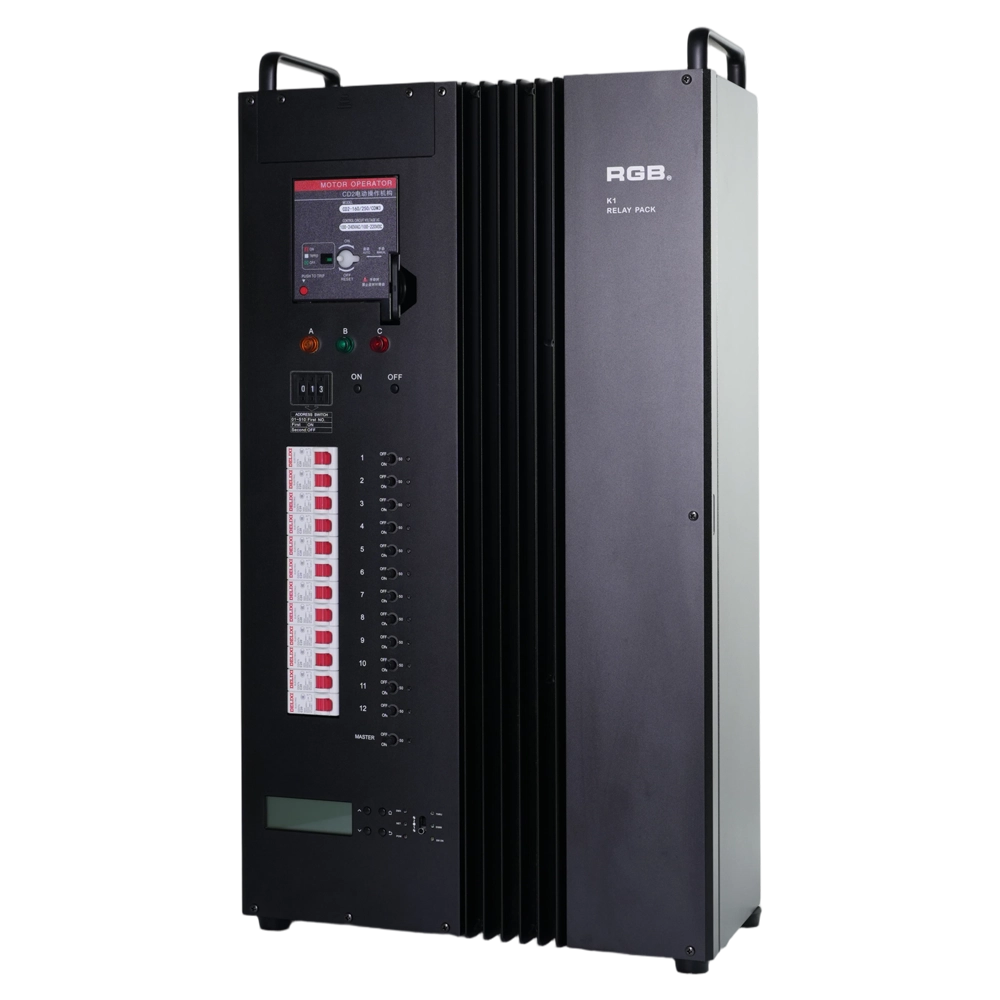
K1 DMX512 Relay Pack
RGB K1 is a DMX512-controlled relay pack for professional stage and venue lighting. The product documentation lists a three-phase five-wire input, optional Art-Net and sACN networking, and a K1 cabinet size of 169 × 389 × 600 mm (depth × width × height). Available output circuit counts, mounting options and per-circuit ratings require model-specific confirmation.
RDM2304–RDM2312 Signal Amplifiers
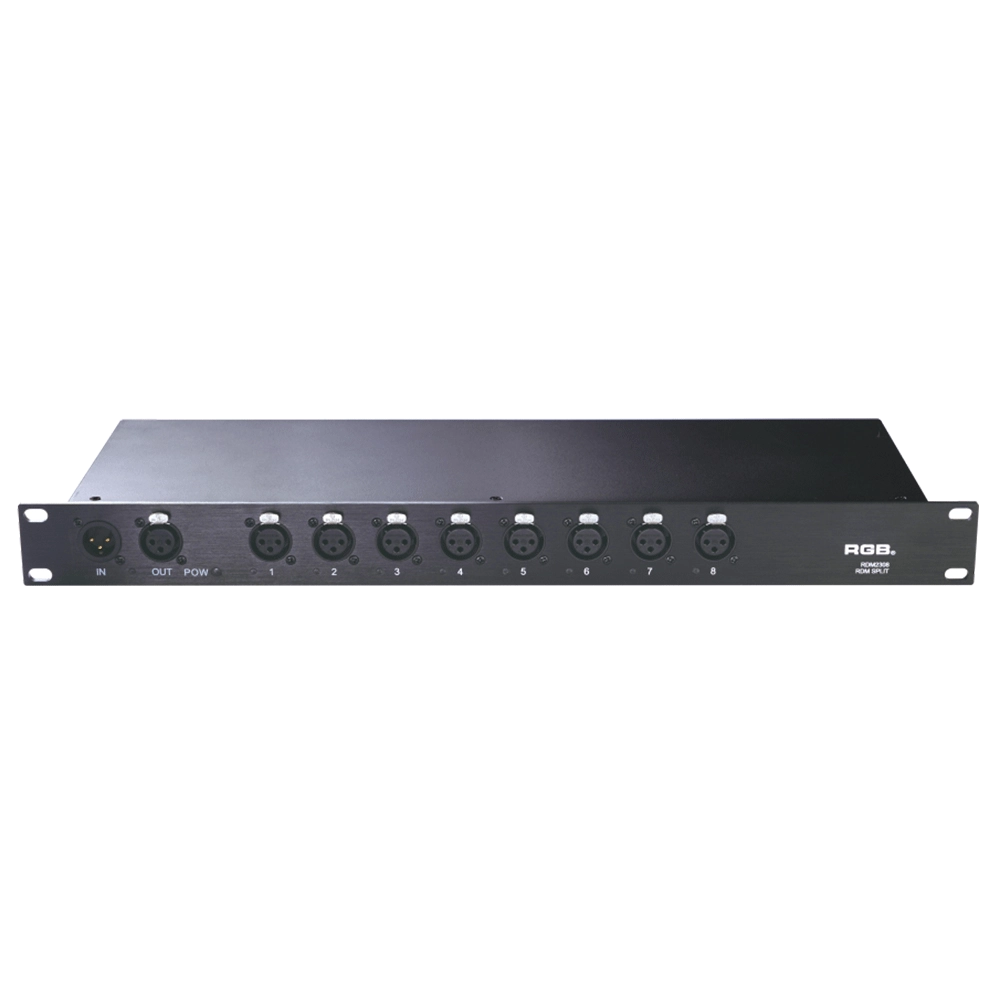
RGB's RDM2304, RDM2308, RDM2310 and RDM2312 are bidirectional RDM signal amplifiers for stage and venue lighting systems. Their published configurations provide 4, 8, 10 and 12 independently amplified RDM interfaces, respectively. Individual signal isolation and interface status indicators support RDM distribution and troubleshooting. Confirm the selected model's dimensions, signal protection specifications and installation requirements before procurement.
DN Series Art-Net/sACN DMX & RDM Nodes
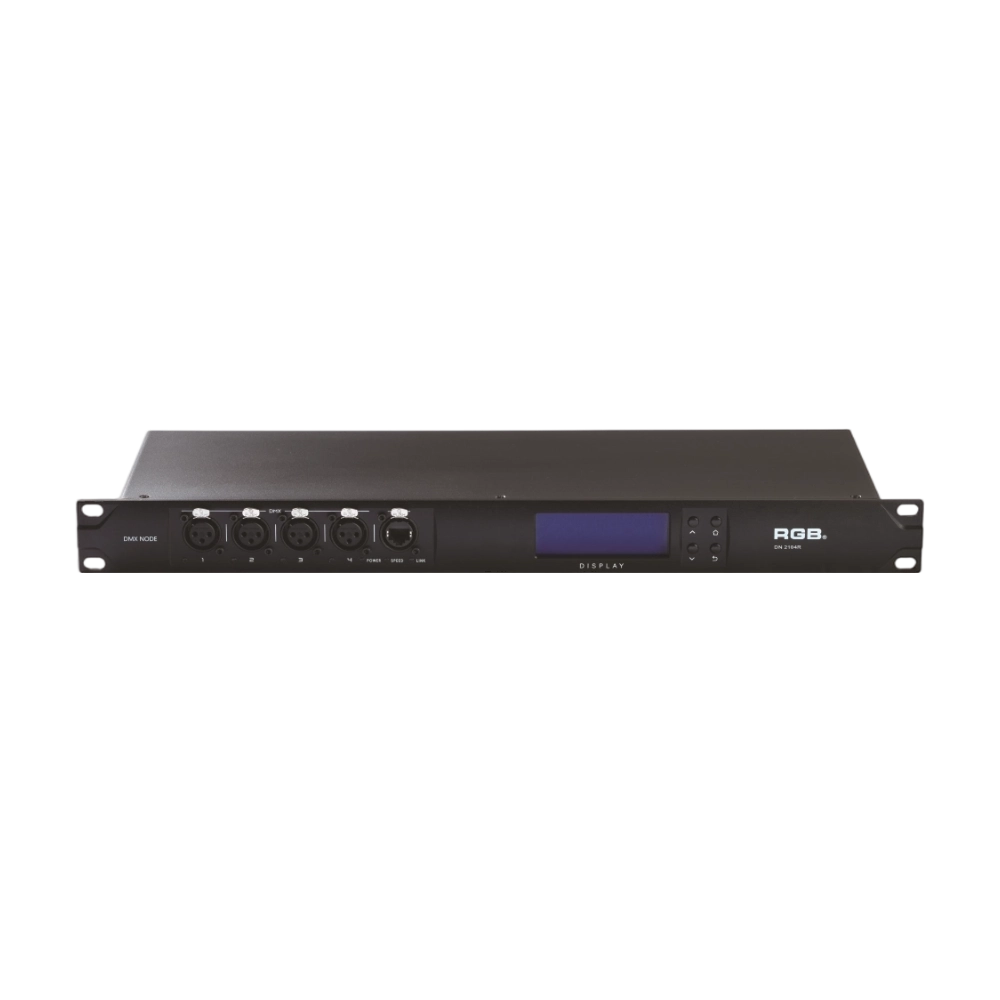
RGB DN Series DMX and RDM nodes connect Ethernet lighting networks with DMX512/RDM equipment. The dual-network-port models listed on this page support Art-Net, sACN and RDM, with 2-, 4-, 8- or 12-universe configurations depending on the selected DN model. Ethernet interfaces, status indication and network parameter management help technicians plan control networks for theaters and touring systems. Check the model-specific port count, dimensions, mounting type and optional interfaces before ordering.
Expert Support
Interested in learning more or need expert guidance related to this article? Fill in your details, and our team will provide tailored support.
Intelligent Control. Brilliant Performance.
RGB specializes in stage lighting control systems, delivering intelligent, reliable, and high-performance solutions for theaters and performance spaces worldwide.
Contact
Email:
Tel:
+86 20 3928 0245
+86 20 3928 0247
Address:
No.3, Huashan Road, Shilou Town, Panyu, Guangzhou, China.
Whatsapp: +8615975520131