
How to Integrate a DMX Ethernet Node with Consoles?
|
- 1. What are the key differences between Art-Net and sACN protocols, and how do they affect the choice of a DMX Ethernet node?
- 2. How do I configure a DMX Ethernet node to merge signals from multiple lighting consoles effectively?
- 3. What are the common pitfalls when integrating a DMX Ethernet node with a lighting console, and how can they be avoided?
- 4. How can I monitor and troubleshoot the performance of a DMX Ethernet node during a live event?
- 5. What are the best practices for cabling and network setup when integrating a DMX Ethernet node with a lighting console?
- 6. How do I ensure future scalability when integrating a DMX Ethernet node with a lighting console?
1. What are the key differences between Art-Net and sACN protocols, and how do they affect the choice of a DMX Ethernet node?
Art-Net and sACN are both protocols used for transmitting DMX data over Ethernet, but they have distinct characteristics that influence the selection of a DMX Ethernet node. Art-Net is widely adopted and offers broad compatibility with various lighting consoles and fixtures. It supports multiple versions, with Art-Net 4 being the latest, providing enhanced features and performance. sACN, on the other hand, is known for its reliability and scalability, supporting a large number of universes and devices. When choosing a DMX Ethernet node, consider the protocol compatibility of your lighting console and fixtures. For instance, the Swisson XND-8R5 supports both Art-Net and sACN, offering flexibility in protocol selection.
2. How do I configure a DMX Ethernet node to merge signals from multiple lighting consoles effectively?
Merging signals from multiple lighting consoles requires careful configuration to ensure seamless control and prevent data conflicts. Many DMX Ethernet nodes offer merging capabilities with modes like Highest Takes Precedence (HTP) and Latest Takes Precedence (LTP). For example, the Swisson XND-8R5 node automatically merges DMX data when two controllers send data to the same universe, simplifying the integration of a second lighting controller. To configure merging:
- Access the node's configuration interface, either through a built-in display, web server, or console.
- Select the desired merging mode (HTP or LTP) for each universe.
- Assign priorities to each console to determine which takes precedence.
Ensure that all consoles are set to transmit data on the same universes to facilitate proper merging.
3. What are the common pitfalls when integrating a DMX Ethernet node with a lighting console, and how can they be avoided?
Common pitfalls include:
Protocol Incompatibility: Ensure that both the lighting console and the DMX Ethernet node support the same protocol (Art-Net or sACN).
Network Configuration Issues: Incorrect IP addressing or subnet settings can prevent communication. Verify that all devices are on the same network segment and have unique IP addresses.
Insufficient Power Supply: Some nodes require specific power inputs. For instance, the ChamSys GeNetix GN4IP can be powered via PoE or mains power.
Firmware Mismatches: Ensure that the firmware versions of the console and node are compatible. Regularly check for updates from the manufacturers.
To avoid these issues, consult the user manuals of both devices, follow the manufacturer's guidelines, and perform thorough testing before live deployment.
4. How can I monitor and troubleshoot the performance of a DMX Ethernet node during a live event?
Monitoring and troubleshooting can be achieved through:
Status Indicators: Many nodes have LED indicators showing operational status. For example, the Enttec Storm 8 features clear status indicators for various conditions.
Web Interfaces: Some nodes offer web-based interfaces for real-time monitoring and configuration. The Swisson XND series provides a graphic display and encoder knob for easy configuration and status information.
Diagnostic Tools: Utilize network diagnostic tools to check for connectivity issues or data packet loss.
Redundancy Features: Implement redundancy protocols if supported by the node to ensure continuous operation.
Regularly monitor these aspects during events to ensure optimal performance.
5. What are the best practices for cabling and network setup when integrating a DMX Ethernet node with a lighting console?
Best practices include:
Use Quality Cables: Employ high-quality CAT5e or CAT6 cables to minimize signal degradation.
Limit Cable Lengths: Adhere to the maximum recommended cable lengths to prevent data loss. Typically, Ethernet cables should not exceed 100 meters.
Network Segmentation: Use dedicated network segments for lighting control to reduce interference from other network traffic.
Proper Termination: Ensure that all unused DMX ports are terminated correctly to prevent signal reflections.
Regular Testing: Before events, test the entire network setup to identify and resolve potential issues.
Following these practices ensures a reliable and efficient integration of the DMX Ethernet node with the lighting console.
6. How do I ensure future scalability when integrating a DMX Ethernet node with a lighting console?
To ensure scalability:
Choose Expandable Nodes: Select nodes that support multiple universes and can be easily expanded. The Swisson XND-8R5, for example, supports up to eight universes.
Modular Design: Opt for systems with modular components that can be upgraded or replaced as needed.
Protocol Support: Ensure the node supports current and future protocols to accommodate new devices.
Firmware Upgradability: Choose nodes with upgradable firmware to benefit from future enhancements.
Planning with scalability in mind allows for seamless integration of additional devices and features as your lighting system grows.
In conclusion, integrating a DMX Ethernet node with a lighting console involves understanding protocol compatibility, configuring merging options, avoiding common pitfalls, monitoring performance, adhering to best cabling practices, and planning for scalability. By addressing these areas, you can achieve a reliable and efficient lighting control system. For personalized assistance and to explore our range of DMX Ethernet nodes, please contact us at info@rgbsystem.com or visit our website at www.rgbsystem.com.
Latest News
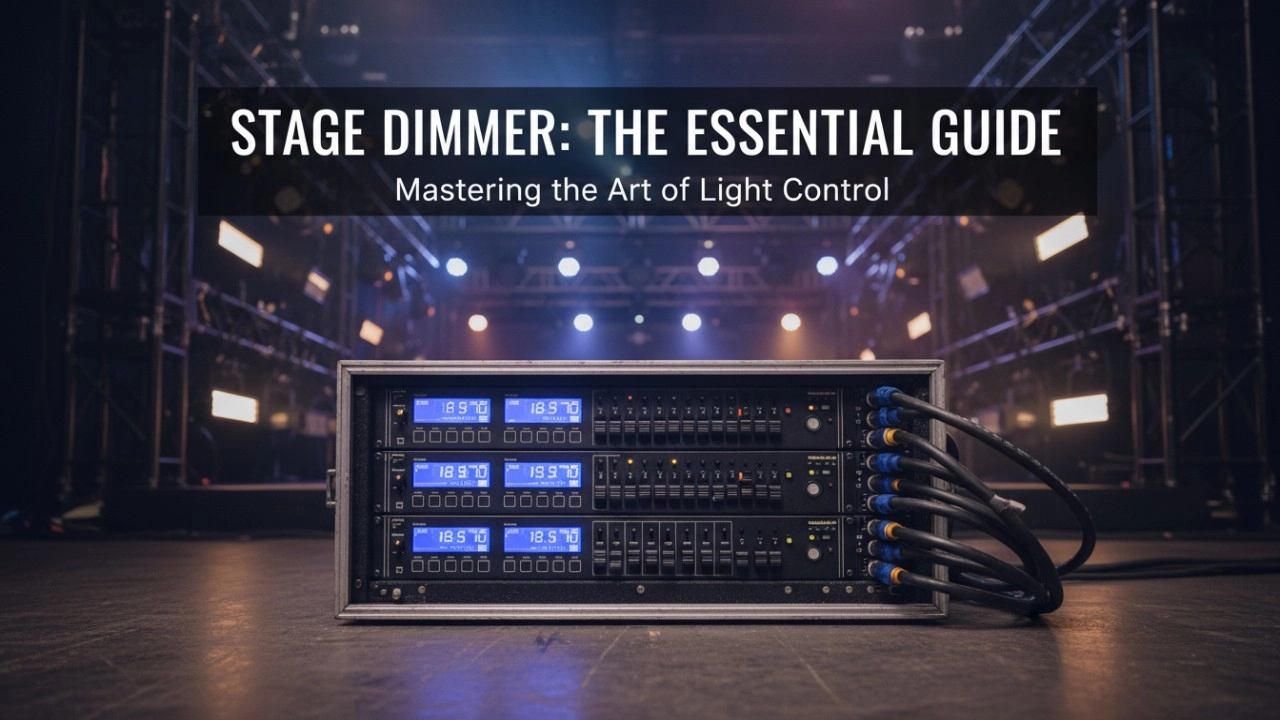
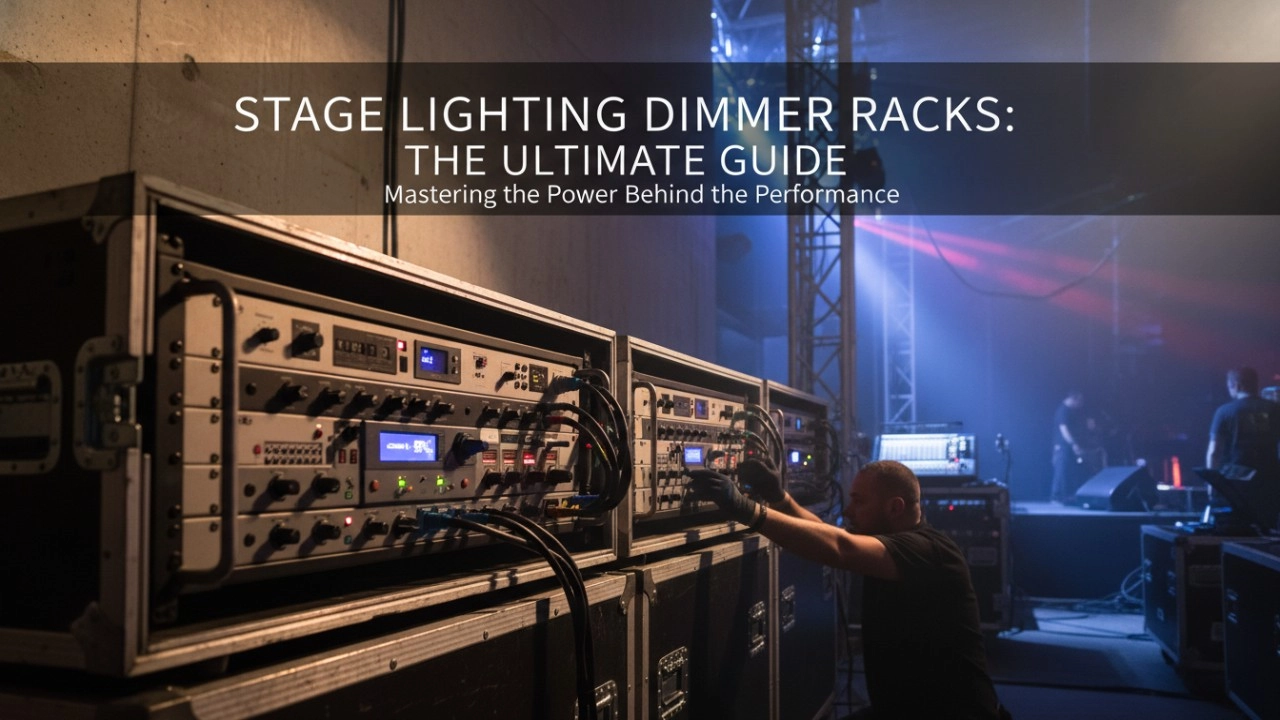
A comprehensive 2026 guide to selecting high-performance stage lighting dimmer racks. We review top hybrid systems, explore SCR vs sine wave technology, and analyze essential features like ThruPower for modern venues.
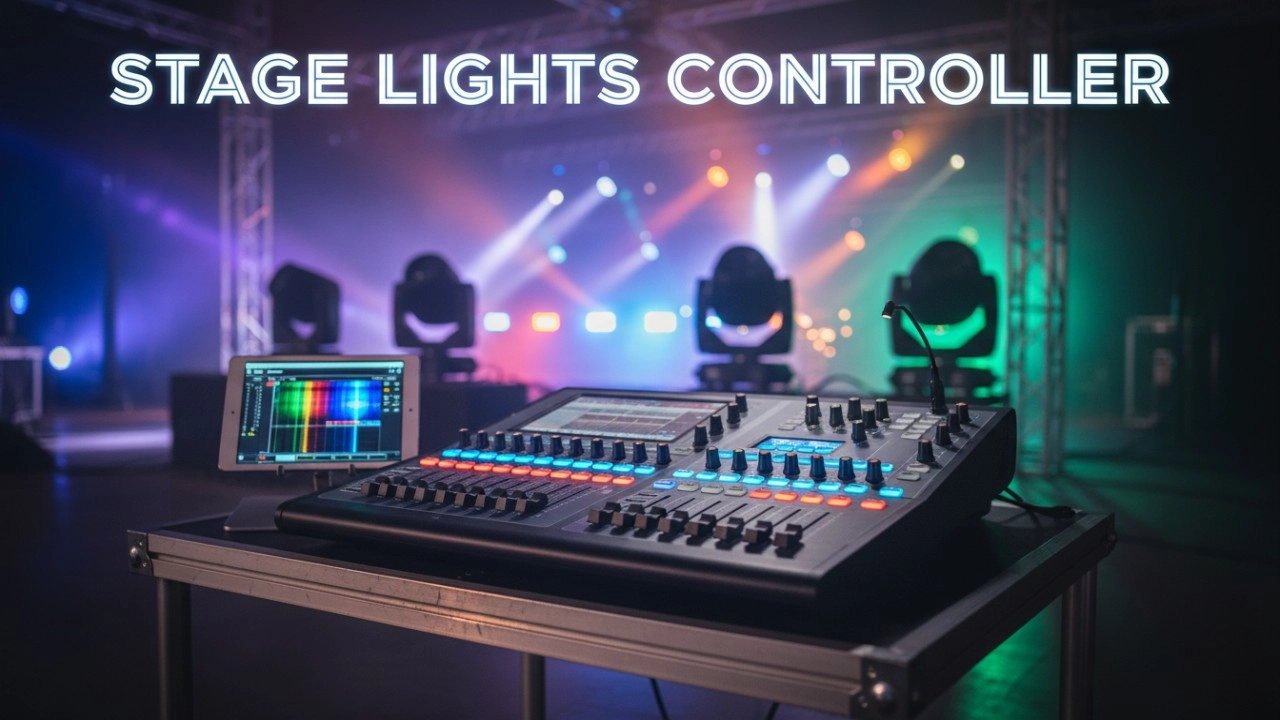
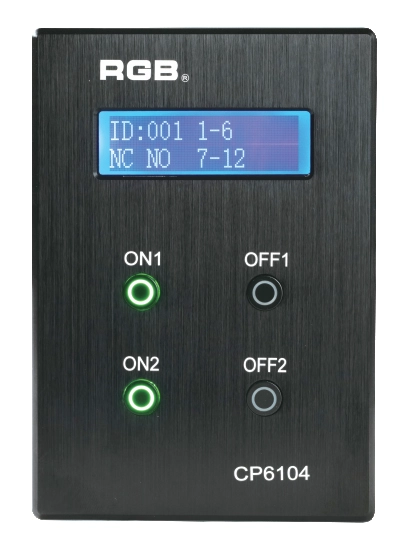
Site Light Controller CP6104
The CP6104 lighting control panel is a lighting control device for theater stage lights, work lights, environmental lighting, commercial art lighting, sports venue lighting and other places. By connecting to the dedicated lighting control host CP6100, it realizes the central control of the lighting system, supports a visual lighting control system, and intuitively displays the online and offline status of CP6104. Realize remote monitoring, editing and setting of corresponding parameters.
It is widely applicable to theaters, cinemas, auditoriums, stadiums, museums, exhibition halls, cultural tourism performances, commercial art lighting and other places.
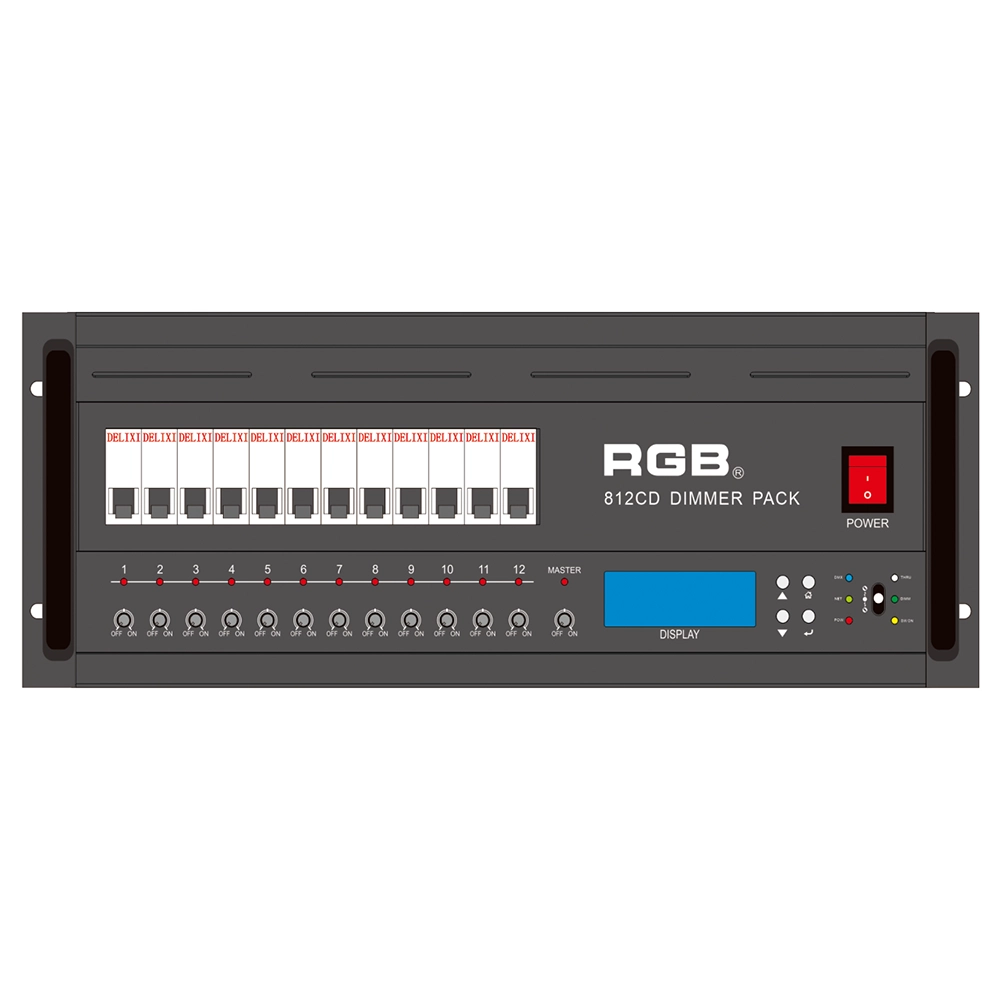
8 Series Intellight Dimmer/Relay Packs
RGB is the latest development and production of all digital, intelligent, and network dimming through the hybrid silicon box. It comes with six channels (806 silicon box), twelve channels (812 silicon box) with analog knob dimming, 49 DMX field recordings and replays (field backup function), and self-programming and recording field. RGB-8 silicon box with DMX512 digital signal input and RJ45 network input interface, with various types of dimming stations at home and abroad used. It is a powerful, stable performance and reliable work of a new generation of intelligent digital dimming through a hybrid silicon box.
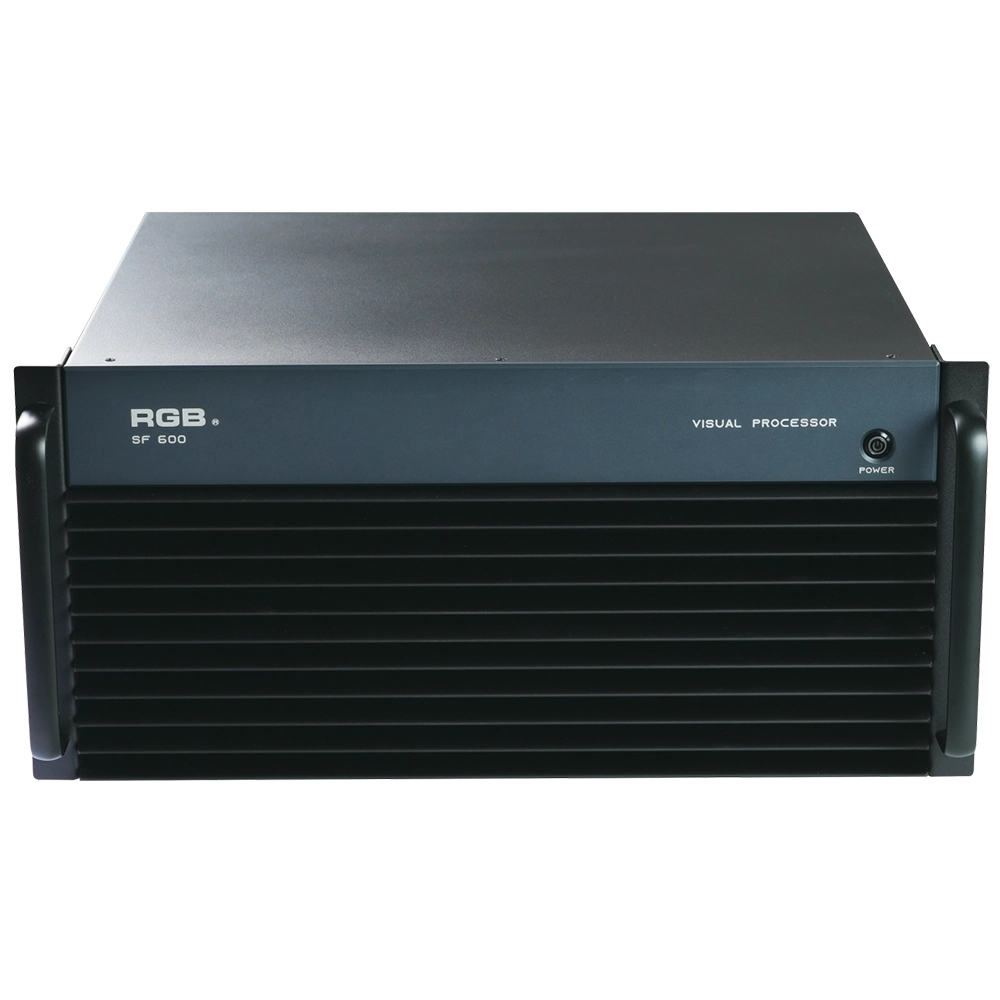
SF600 Visual R-net central processing processor
The SF600 Visual R-net central processing processor by RGB delivers advanced visual systems performance with high-speed processing and seamless integration. Designed for efficiency and reliability, it’s ideal for enhancing your visual system applications in corporate environments.
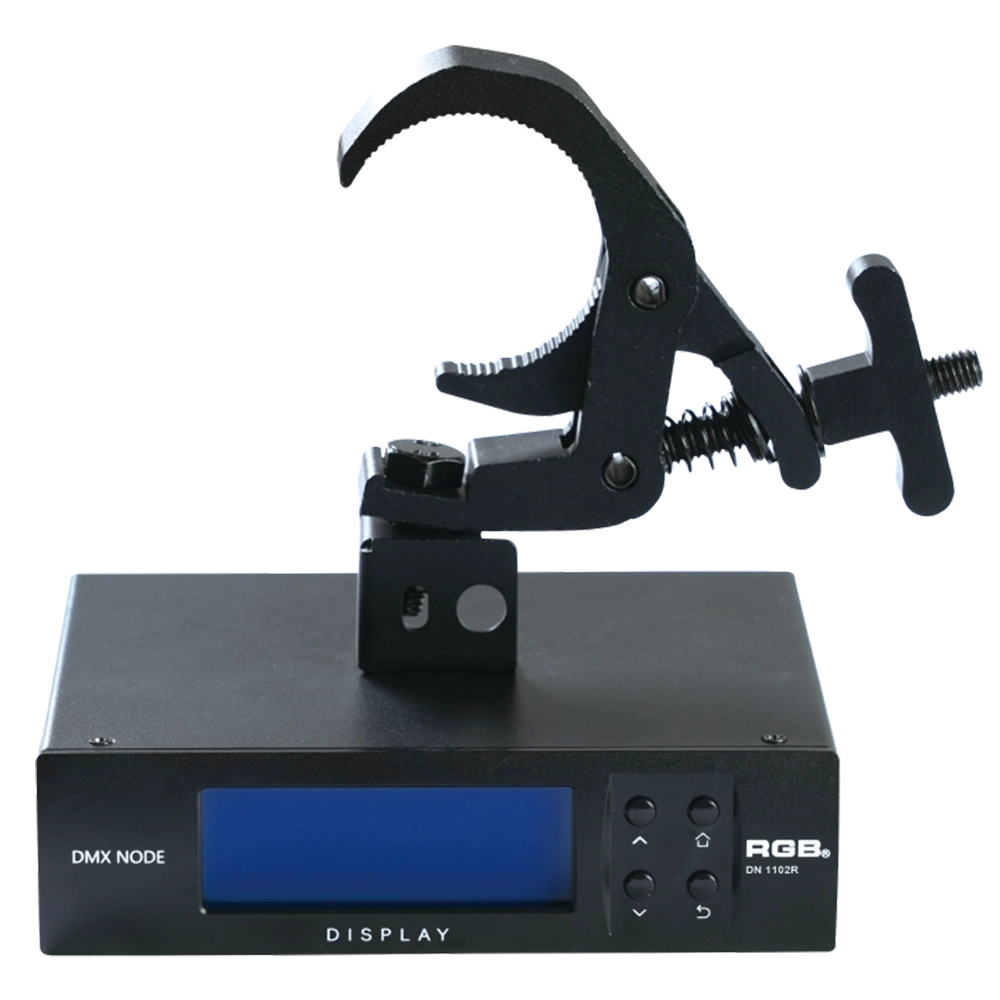
RDM Nodes
The DN series network decoder is a product of the lighting control system independently developed by RGB, featuring completely independent core technology and obtaining software copyrights. It seamlessly connects and decodes the sACN and Art-Net network protocols based on TCP/IP with the DMX-512 and RDM communication protocols. Supports a visual lighting control system, intuitively displaying the online and offline status of the DN series network decoders, and enabling remote monitoring, editing, and setting of corresponding parameters.
It is widely applied in theaters, concert halls, multi-functional halls, cultural and tourism performances, TV stations, gymnasiums, auditoriums, commercial art lighting, and other performance and cultural venues.
Expert Support
Interested in learning more or need expert guidance related to this article? Fill in your details, and our team will provide tailored support.
Intelligent Control. Brilliant Performance.
RGB specializes in stage lighting control systems, delivering intelligent, reliable, and high-performance solutions for theaters and performance spaces worldwide.
Contact
Email:
Tel:
+86 20 3928 0245
+86 20 3928 0247
Address:
No.3, Huashan Road, Shilou Town, Panyu, Guangzhou, China.
Whatsapp: +8615975520131