
Which DMX Controller Works Best with LED Fixtures?
|
- 1. What are the primary causes of flickering lights when using a DMX controller with LED fixtures?
- 2. How can I prevent my LED fixtures from becoming unresponsive when connected to a DMX controller?
- 3. What are the best practices for selecting a DMX controller that ensures compatibility with LED fixtures?
- 4. How do I troubleshoot and resolve common DMX lighting issues affecting LED fixtures?
- 5. What are the advantages of using a standalone DMX controller for LED fixtures?
- 6. How do I integrate a DMX controller with LED fixtures to achieve synchronized lighting effects?
1. What are the primary causes of flickering lights when using a DMX controller with LED fixtures?
Flickering lights in LED fixtures controlled via DMX can stem from several factors:
Signal Reflection: Without a 120-ohm terminator at the end of the DMX chain, the signal can reflect back, causing data errors and flickering.
Cable Quality: Using microphone cables instead of true DMX cables can lead to impedance mismatches, resulting in signal corruption and flickering.
Address Conflicts: Assigning the same DMX address to multiple fixtures can cause them to respond erratically, leading to flickering.
Electrical Interference: Running DMX cables near high-voltage power lines or electronic devices can introduce noise, affecting signal integrity and causing flickering.
To mitigate these issues:
Always use DMX-rated cables and connectors.
Terminate the DMX line with a 120-ohm resistor at the last fixture.
Ensure each fixture has a unique DMX address.
Route DMX cables away from potential sources of electrical interference.
2. How can I prevent my LED fixtures from becoming unresponsive when connected to a DMX controller?
Unresponsive LED fixtures can result from:
Incorrect Addressing: Fixtures must be set to the correct DMX address to receive commands.
Mode Mismatch: Ensure the fixture's operating mode matches the DMX controller's configuration.
Faulty Cables or Connectors: Damaged or low-quality cables can disrupt the DMX signal, leading to unresponsiveness.
To address these issues:
Verify that each fixture's DMX address and mode are correctly set.
Inspect and replace any damaged cables or connectors.
Test the DMX controller with known working fixtures to rule out controller issues.
3. What are the best practices for selecting a DMX controller that ensures compatibility with LED fixtures?
When choosing a DMX controller for LED fixtures:
Channel Capacity: Ensure the controller supports the number of channels required by your fixtures. For instance, a 12-channel controller is suitable for basic setups, while more complex rigs may need controllers with higher channel counts.
Fixture Profiles: Confirm that the controller includes profiles for your specific LED fixtures to facilitate seamless control.
User Interface: Opt for controllers with intuitive interfaces, such as touchscreens or backlit buttons, to simplify operation.
Connectivity Options: Consider controllers with multiple DMX outputs or wireless capabilities for flexible setup.
Expandability: Choose controllers that allow for future expansion as your lighting setup grows.
4. How do I troubleshoot and resolve common DMX lighting issues affecting LED fixtures?
Common DMX lighting issues include:
Signal Loss or Flickering: Often caused by damaged cables, missing terminators, or excessive cable lengths.
Address Conflicts: Multiple fixtures sharing the same DMX address can lead to erratic behavior.
Unresponsive Fixtures: Incorrect addressing, mode mismatches, or faulty cables can render fixtures unresponsive.
To troubleshoot:
Inspect and replace damaged cables.
Ensure all fixtures have unique DMX addresses and correct modes.
Use a DMX tester to verify signal integrity.
Consult the fixture's manual for specific troubleshooting steps.
5. What are the advantages of using a standalone DMX controller for LED fixtures?
Standalone DMX controllers offer:
Portability: Ideal for mobile setups and events requiring quick deployment.
Simplicity: User-friendly interfaces with dedicated controls for ease of use.
Cost-Effectiveness: Generally more affordable than computer-based systems.
Reliability: Less prone to software crashes or technical issues compared to computer-dependent systems.
6. How do I integrate a DMX controller with LED fixtures to achieve synchronized lighting effects?
To achieve synchronized lighting effects:
Programming: Use the DMX controller to program scenes, chases, and effects that match your performance or event.
Timing: Set precise timing intervals for chases and effects to ensure synchronization.
Testing: Before the event, test all programmed sequences to confirm synchronization.
Documentation: Keep detailed records of your programming for future reference and troubleshooting.
In conclusion, selecting the right DMX controller is crucial for achieving optimal performance with LED fixtures. By understanding common challenges and implementing best practices, you can ensure a seamless and professional lighting experience. For personalized assistance and a tailored quote, please contact us at info@rgbsystem.com or visit our website at www.rgbsystem.com.
Latest News
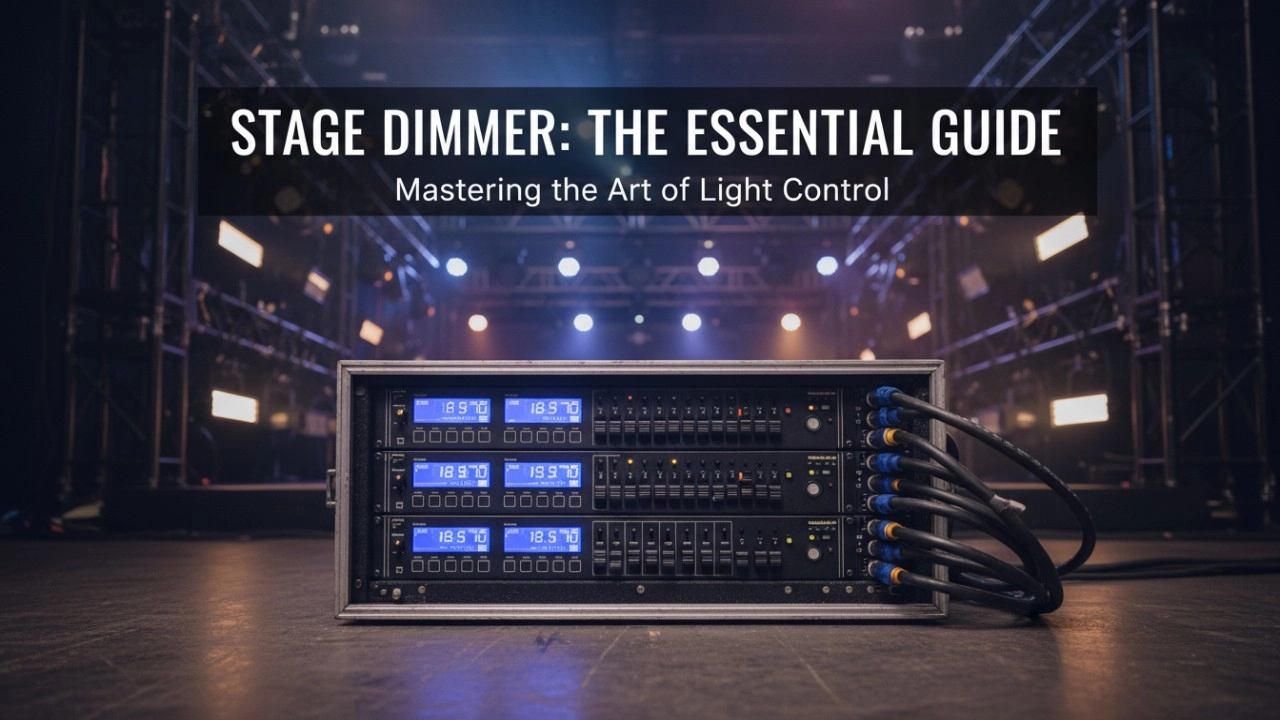
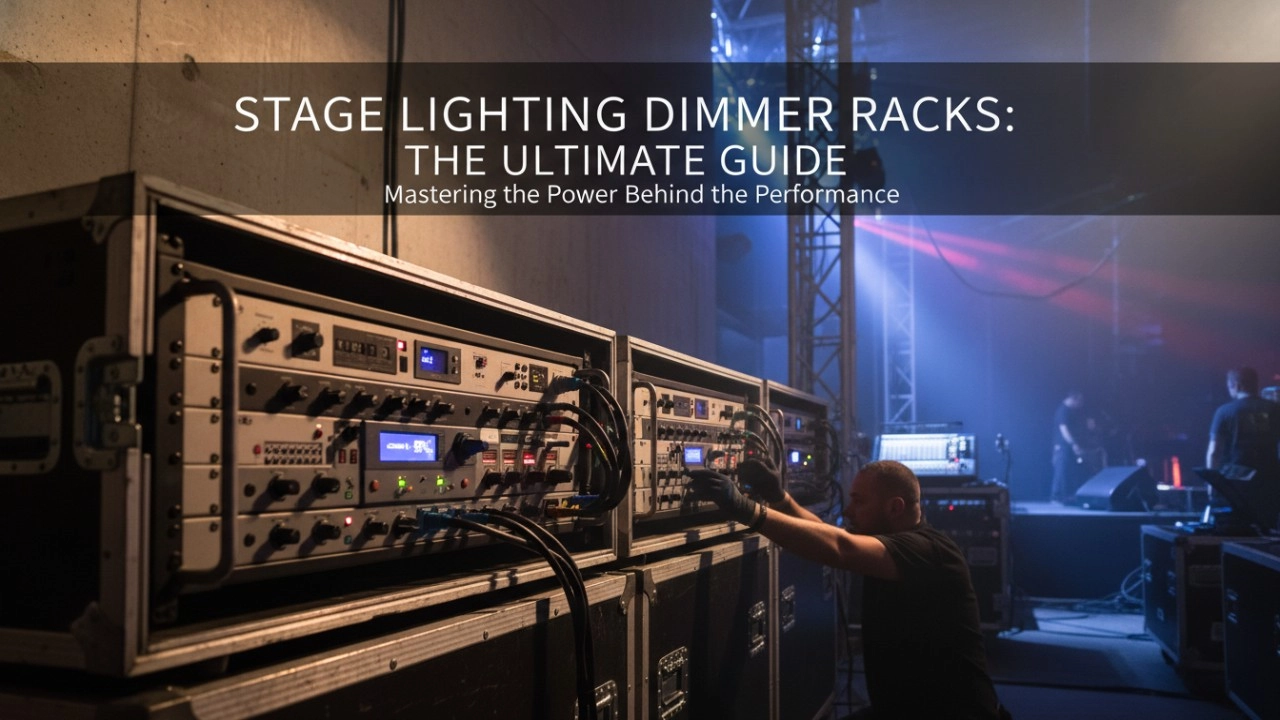
A comprehensive 2026 guide to selecting high-performance stage lighting dimmer racks. We review top hybrid systems, explore SCR vs sine wave technology, and analyze essential features like ThruPower for modern venues.
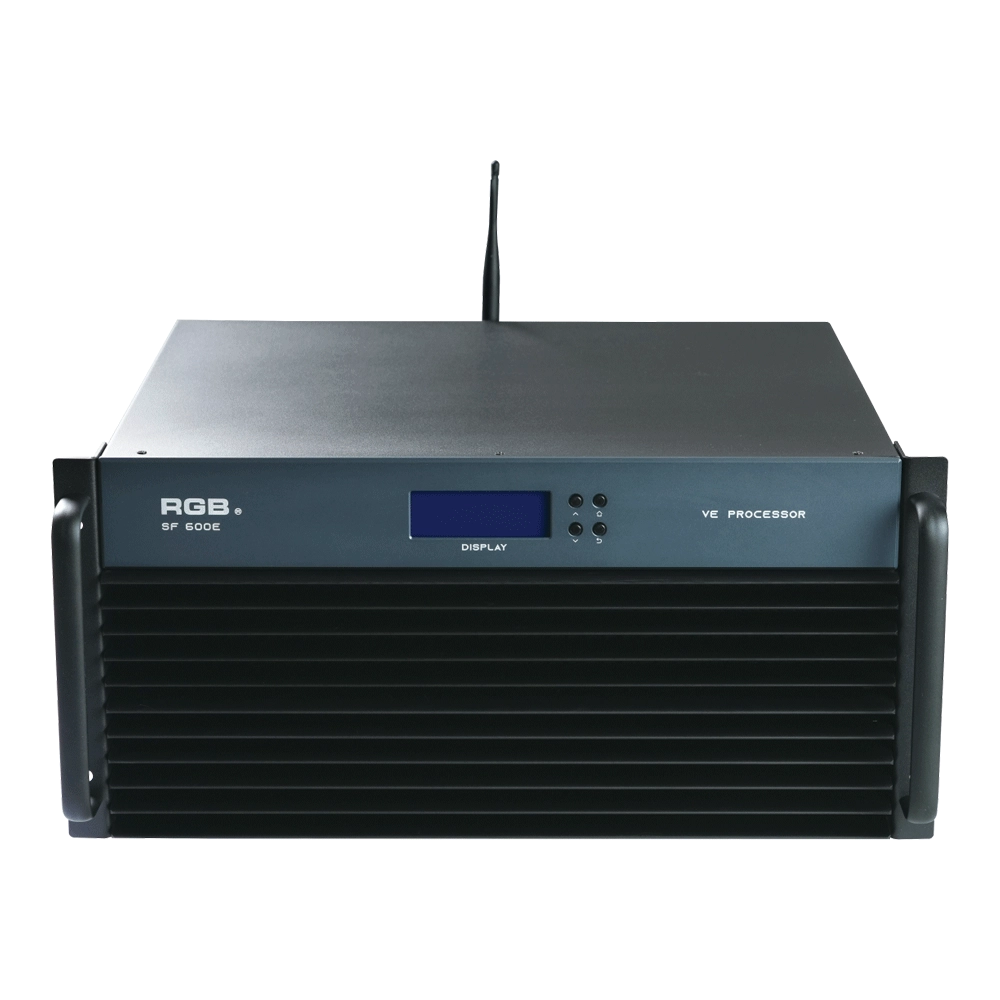
SF600E Visual R-net environment processor
The SF600E Visual R-net environment processor by RGB delivers advanced performance for visual systems. As a leading visual systems manufacturer, RGB ensures seamless integration and high reliability, making SF600E ideal for complex visual processing needs in diverse environments.
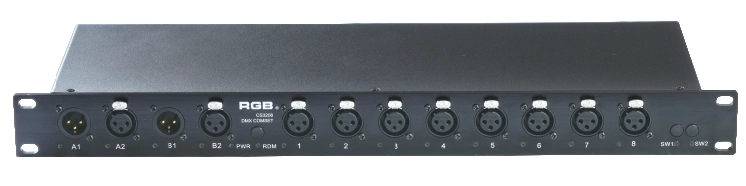
DMX&RDM Signal Mergers Amplifiers
The rack-mounted DMX signal amplifier complies with the DMX-512 standard protocol, improving the transmission quality of DMX-512 signals, ensuring the reliability of system control, and preventing faults such as reverse connection of AC high voltage in the lighting control system, high voltage intrusion due to lightning strikes, and line short circuits, which may affect the stability of the system.
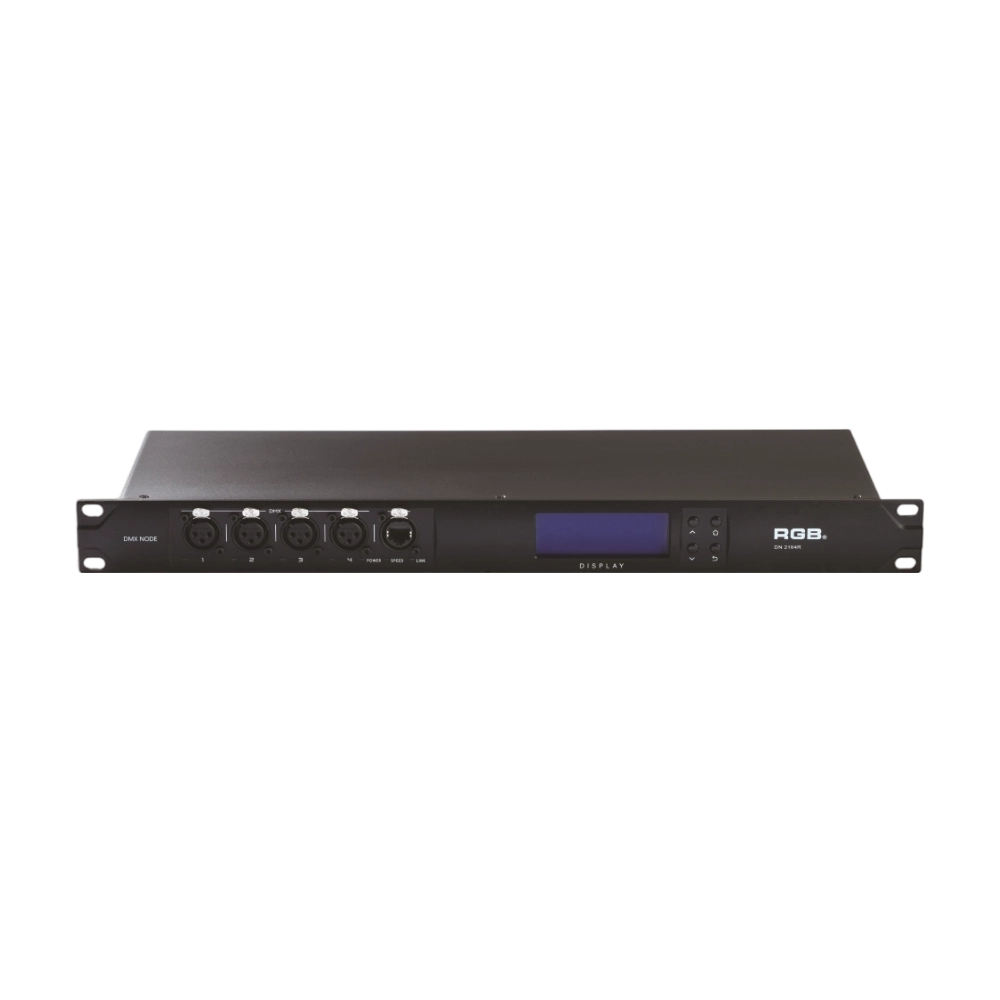
DMX, RDM Nodes
The DN series dual network port network decoder is a lighting control system product independently developed by RGB, featuring completely independent core technology and software copyright. It seamlessly connects and decodes the sACN and ART-Net network protocols based on TCP/IP with the DMX-512 and RDM communication protocols, achieving gigabit communication with dual independent physical address codes. Supports a visual lighting control system, intuitively displaying the online and offline status of the DN series network decoders, and enabling remote monitoring, editing, and setting of corresponding parameters.
It is widely applied in theaters, concert halls, multi-functional halls, cultural and tourism performances, TV stations, gymnasiums, auditoriums, commercial art lighting, and other performance and cultural venues.
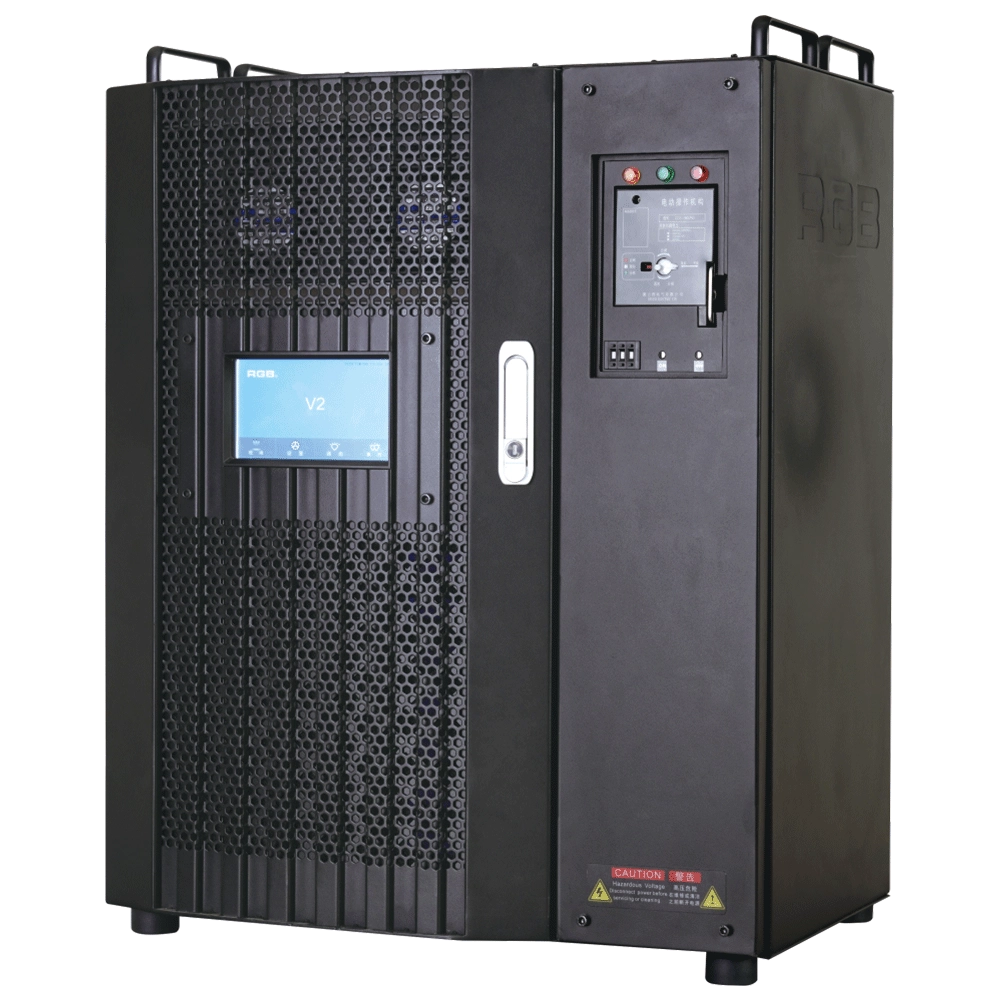
V2 Intelligent Network Dimmer/Relay Racks
V2 is an artificial intelligence dimming rack independently developed by RGB, which has completely independent core technology and obtained software copyrights. It is a fully digital electrodeless trigger and multi-backup independent CPU central processor technology. It has a variety of output configurations, such as sine wave, thyristor, relay, dimming relay, etc. It supports visual lighting control system and visually displays the online and offline status of dimming racks. Realize remote monitoring, editing, and setting of relevant parameters.
It is widely used in performing arts and cultural venues such as theaters, concert halls, multi-function halls, cultural travel and performing arts, TV stations, gymnasiums, auditoriums, commercial art lighting and so on.
Expert Support
Interested in learning more or need expert guidance related to this article? Fill in your details, and our team will provide tailored support.
Intelligent Control. Brilliant Performance.
RGB specializes in stage lighting control systems, delivering intelligent, reliable, and high-performance solutions for theaters and performance spaces worldwide.
Contact
Email:
Tel:
+86 20 3928 0245
+86 20 3928 0247
Address:
No.3, Huashan Road, Shilou Town, Panyu, Guangzhou, China.
Whatsapp: +8615975520131