
How to Test DMX Controller Compatibility with Your Fixtures?
|
- 1. What are the key differences between 3-pin and 5-pin DMX connectors, and how do they impact fixture compatibility?
- 2. How can I prevent DMX signal reflections that cause flickering and erratic behavior in my lighting fixtures?
- 3. What are the common causes of unresponsive or erratic behavior in DMX-controlled fixtures, and how can I troubleshoot them?
- 4. How do I determine the correct DMX address for each fixture in my lighting setup?
- 5. What are the best practices for wiring and connecting DMX fixtures to ensure reliable communication?
- 6. How can I test the compatibility of my DMX controller with various lighting fixtures?
1. What are the key differences between 3-pin and 5-pin DMX connectors, and how do they impact fixture compatibility?
Understanding the distinctions between 3-pin and 5-pin DMX connectors is crucial for ensuring seamless integration of lighting fixtures. While both connectors serve the same purpose, the 5-pin XLR connectors are the standard for DMX512 communication, offering a more robust and reliable connection.
Using 3-pin connectors, which are commonly associated with audio equipment, can lead to confusion and potential damage if connected incorrectly. Therefore, it's advisable to use 5-pin connectors for DMX512 signals to avoid such issues.
2. How can I prevent DMX signal reflections that cause flickering and erratic behavior in my lighting fixtures?
DMX signal reflections occur when the signal encounters impedance mismatches, leading to data errors and unpredictable lighting behavior. To mitigate this, it's essential to use a 120-ohm terminator at the end of the DMX chain.
Additionally, ensure that all cables are of high quality and properly shielded to maintain signal integrity. Regularly inspect cables for damage and replace any that show signs of wear to prevent signal degradation.
3. What are the common causes of unresponsive or erratic behavior in DMX-controlled fixtures, and how can I troubleshoot them?
Unresponsive or erratic behavior in DMX-controlled fixtures can stem from several issues:
Address Conflicts: Ensure that each fixture has a unique DMX address to prevent communication errors.
Incorrect DMX Mode: Verify that the fixture is set to the correct DMX mode that matches its channel configuration.
Faulty Cables: Inspect all DMX cables for damage or wear, as faulty cables can disrupt the DMX signal.
To troubleshoot:
Check Addresses: Confirm that all fixtures have unique and correct DMX addresses.
Verify DMX Mode: Ensure that each fixture is operating in the correct DMX mode.
Test Cables: Replace any suspect cables with known-good ones to identify and eliminate cable-related issues.
4. How do I determine the correct DMX address for each fixture in my lighting setup?
Assigning the correct DMX address is vital for precise control of each fixture. The DMX address corresponds to the starting channel of the fixture's control parameters. For example, if a fixture requires 6 channels, and you assign it address 1, it will occupy channels 1 through 6.
To determine the correct address:
Calculate Total Channels: Sum the total number of channels required by all fixtures in the setup.
Assign Sequential Addresses: Starting from 1, assign addresses sequentially, ensuring that each fixture's address range does not overlap with others.
Document Addresses: Maintain a detailed record of all assigned addresses for easy reference during setup and troubleshooting.
5. What are the best practices for wiring and connecting DMX fixtures to ensure reliable communication?
Proper wiring and connection practices are essential for reliable DMX communication:
Use DMX-Rated Cables: Always use cables specifically designed for DMX512 communication to ensure signal integrity.
Implement Daisy-Chain Topology: Connect fixtures in a daisy-chain configuration, starting from the controller to the first fixture, then to the next, and so on.
Terminate the Last Fixture: Place a 120-ohm terminator at the end of the DMX chain to prevent signal reflections and ensure stable communication.
Avoid Using Microphone Cables: Do not use microphone cables for DMX connections, as they are not designed for DMX signals and can lead to communication issues.
6. How can I test the compatibility of my DMX controller with various lighting fixtures?
Testing the compatibility of your DMX controller with lighting fixtures involves several steps:
Consult Manufacturer Specifications: Review the technical specifications of both the controller and fixtures to ensure they support the same DMX protocols and modes.
Perform a Dry Run: Before a live performance, conduct a thorough test of all fixtures with the controller to identify any compatibility issues.
Use DMX Testers: Employ DMX testers to verify the integrity of the DMX signal and ensure proper communication between the controller and fixtures.
Check Firmware Versions: Ensure that both the controller and fixtures have the latest firmware updates, as updates can resolve known compatibility issues.
By following these steps, you can ensure that your DMX controller and fixtures work harmoniously, providing reliable and precise lighting control.
In conclusion, understanding the intricacies of DMX controllers and the methods for testing fixture compatibility is essential for achieving optimal performance in stage lighting setups. By adhering to best practices in wiring, addressing, and troubleshooting, you can ensure a seamless and reliable lighting experience.
For personalized assistance and to receive a quote tailored to your specific needs, please contact us at info@rgbsystem.com or visit our website at www.rgbsystem.com.
Latest News
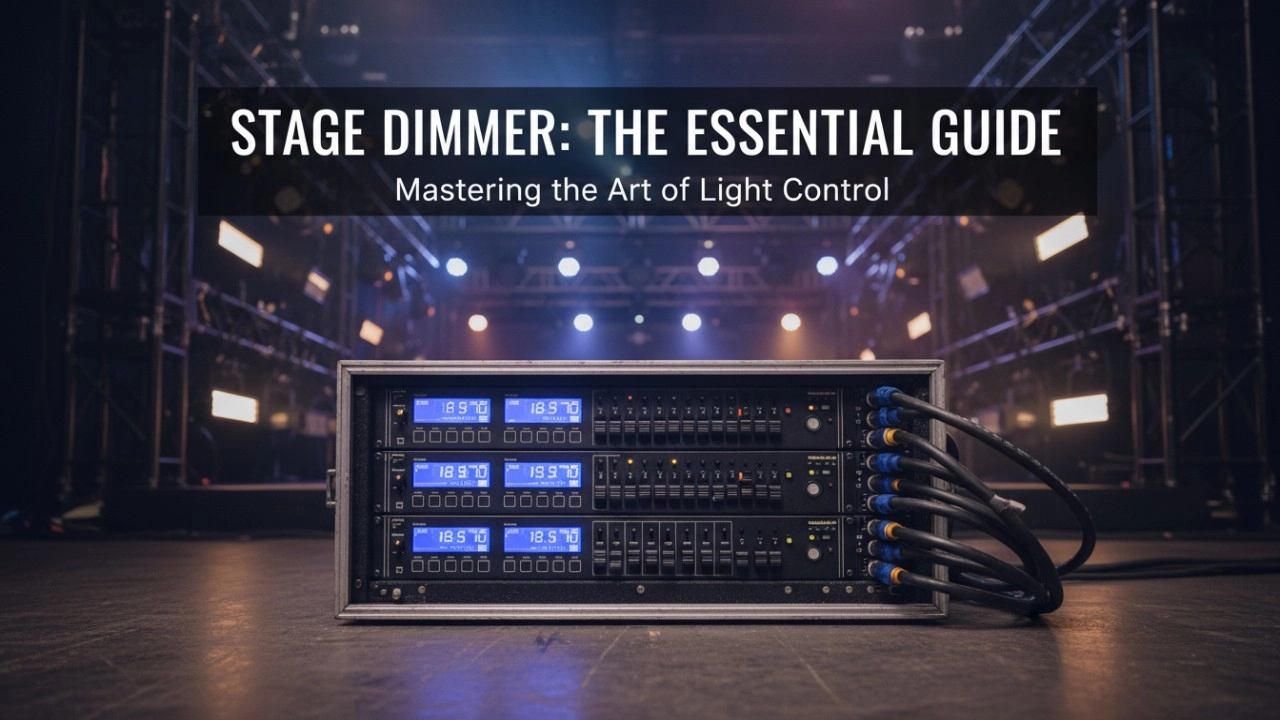
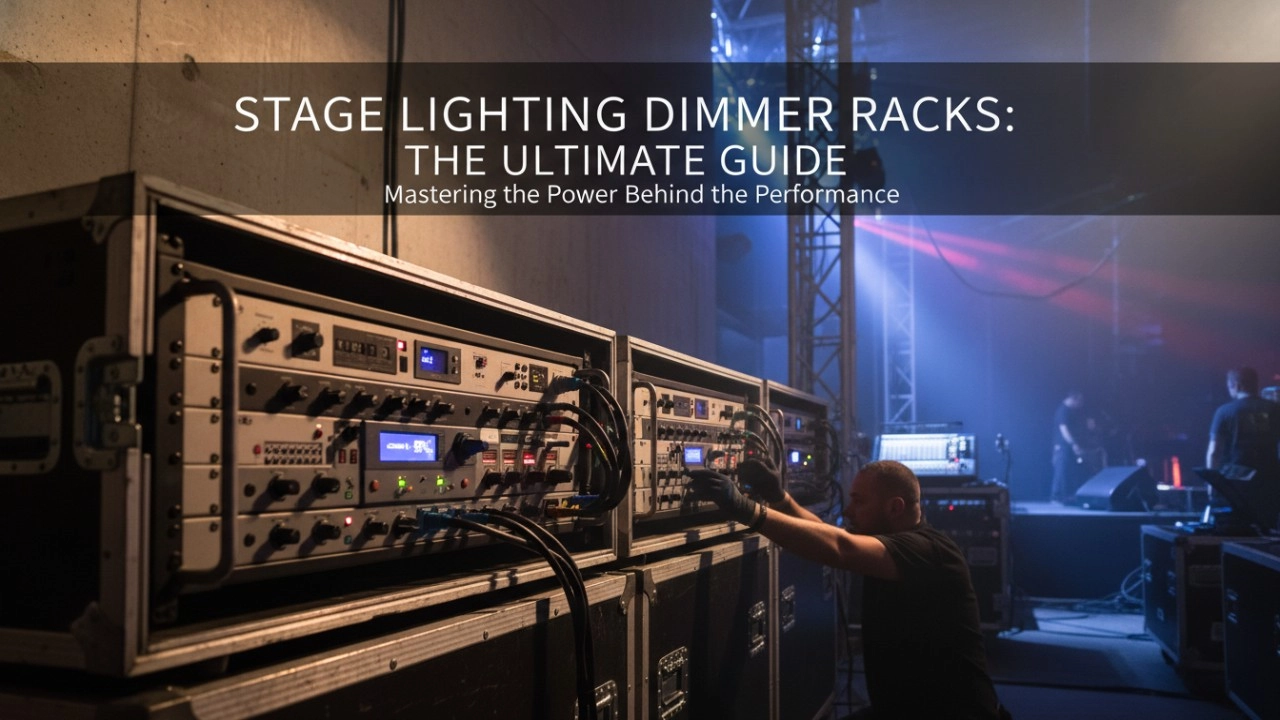
A comprehensive 2026 guide to selecting high-performance stage lighting dimmer racks. We review top hybrid systems, explore SCR vs sine wave technology, and analyze essential features like ThruPower for modern venues.
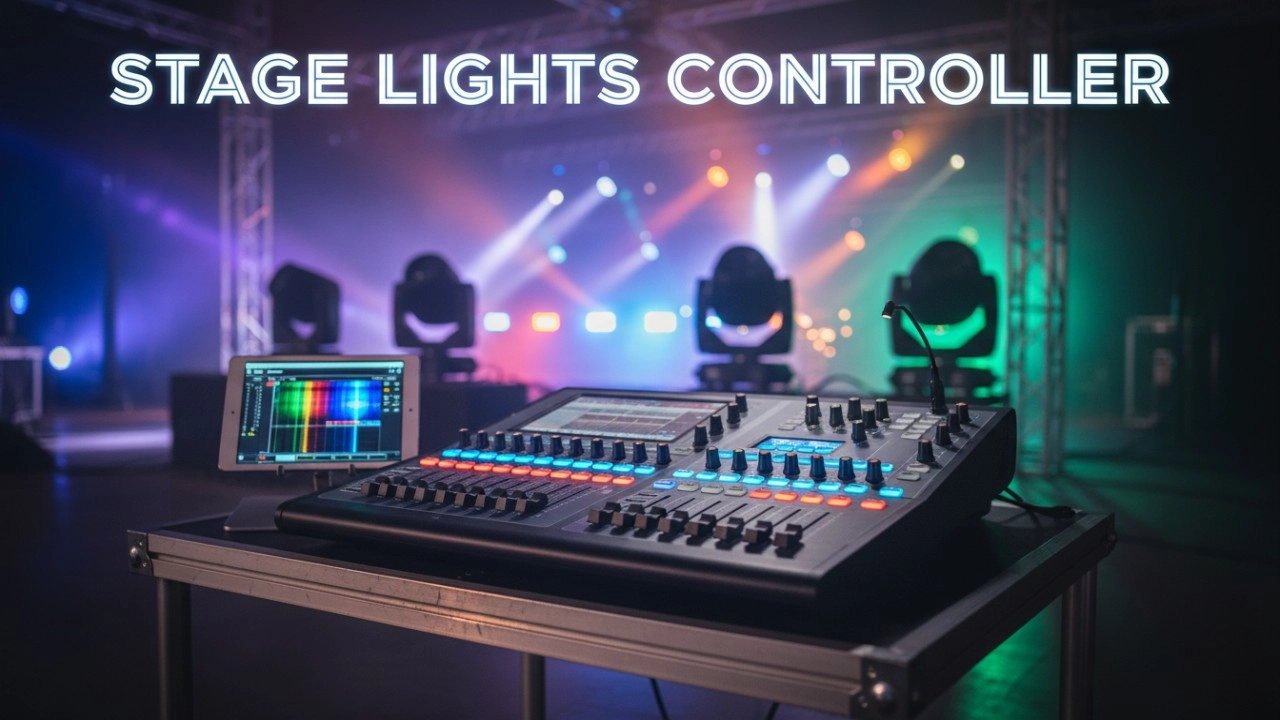

7i Dimmer/Relay Racks
7i is RGB independent research and development, with completely independent core technology, full digital decoding technology dimming racks, using a dual system, double decoding, double trigger, and duplex dual backup central decoding processor, with thyristor, relay, dimming relay mixed and other output configurations, supporting a visual lighting control system, intuitive display of dimming racks' online and offline status, and remote monitoring.
It is widely used in performing arts and cultural venues such as theaters, concert halls, multi-function halls, cultural travel and performing arts, TV stations, gymnasiums, auditoriums, commercial art lighting and so on.
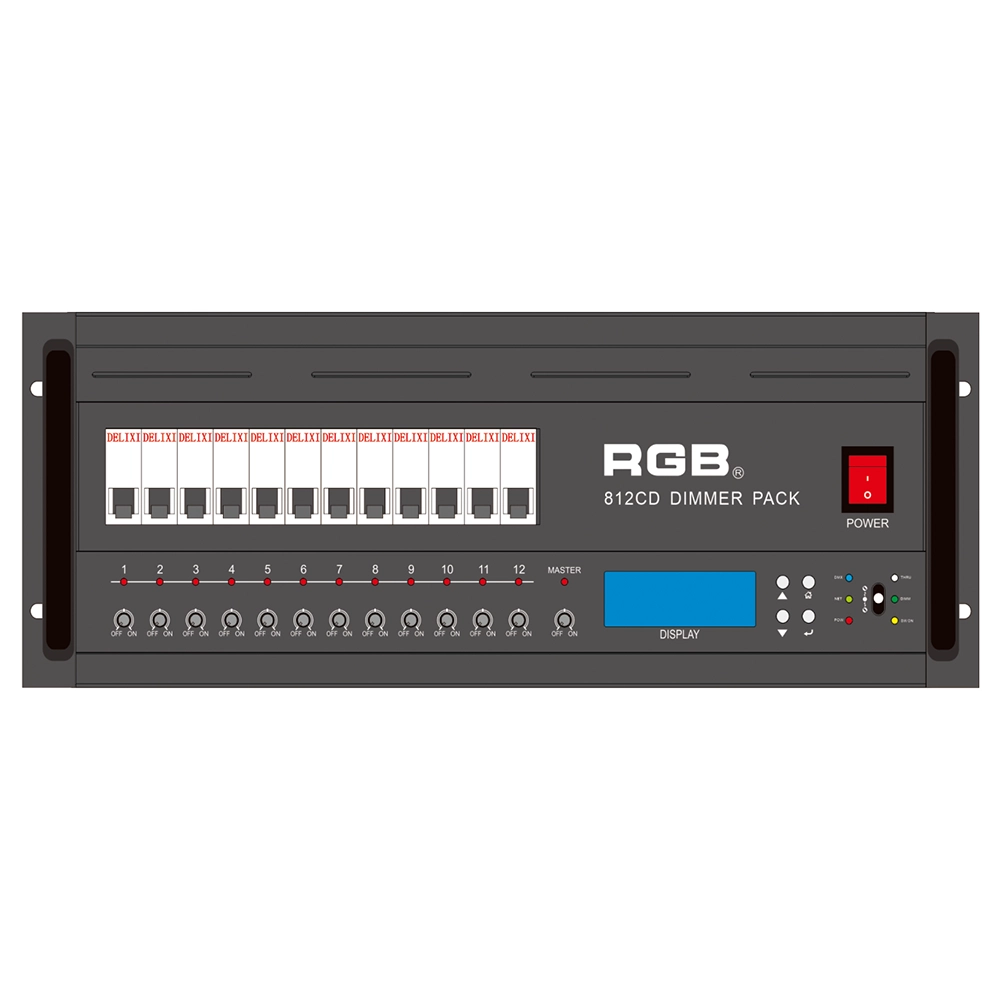
8 Series Intellight Dimmer/Relay Packs
RGB is the latest development and production of all digital, intelligent, and network dimming through the hybrid silicon box. It comes with six channels (806 silicon box), twelve channels (812 silicon box) with analog knob dimming, 49 DMX field recordings and replays (field backup function), and self-programming and recording field. RGB-8 silicon box with DMX512 digital signal input and RJ45 network input interface, with various types of dimming stations at home and abroad used. It is a powerful, stable performance and reliable work of a new generation of intelligent digital dimming through a hybrid silicon box.
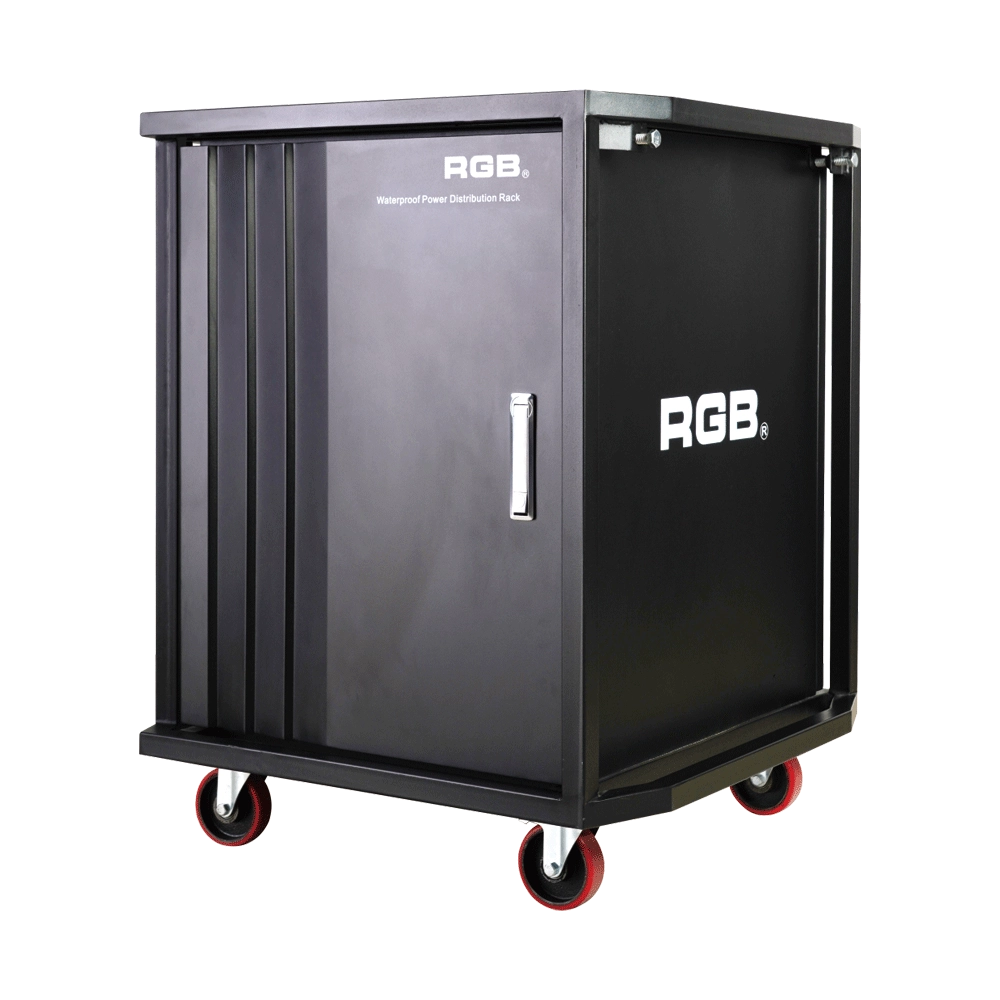
Multifunction Waterproofing Racks Of RGB-W Series
With the continuous development of flow performance, the requirement for performance is more demanding. In order to facilitate the transportation and make it easier to carry for all the equipment used in the performance, the stage light and sound equipment will be installed into a cabinet, for example, the power supply system. During the transportation process, it is inevitable for a collision or crash to take place. If the cabinet material is not strong enough, it may lead to deformation and even damage the equipment inside. Moreover, most of the existing cabinets are not waterproof. It will be very dangerous for the flow performance, as it is normal and inevitable to encounter rainy days. As the equipment inside the cabinets is electriferous, it might cause damage to the electronic equipment at least and even cause casualties at worst. Meanwhile, most of the existing cabinets can only be installed with one kind of equipment with a single variety.
In order to overcome the above-mentioned technical flaw, the RGB company has developed a new type of waterproofing multifunction cabinet of the W series. The waterproofing cabinet of the W series meets the need for the installation of dimming and tone-tuning devices, transportation, and utilization.
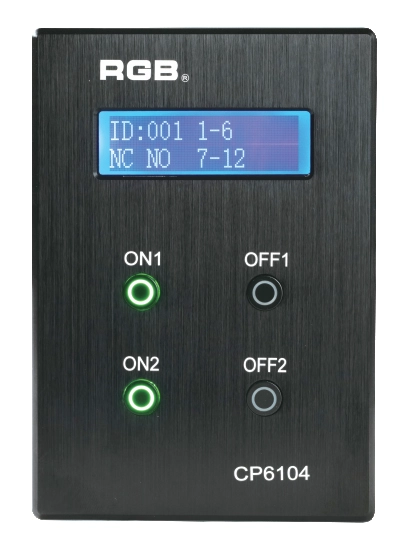
Site Light Controller CP6104
The CP6104 lighting control panel is a lighting control device for theater stage lights, work lights, environmental lighting, commercial art lighting, sports venue lighting and other places. By connecting to the dedicated lighting control host CP6100, it realizes the central control of the lighting system, supports a visual lighting control system, and intuitively displays the online and offline status of CP6104. Realize remote monitoring, editing and setting of corresponding parameters.
It is widely applicable to theaters, cinemas, auditoriums, stadiums, museums, exhibition halls, cultural tourism performances, commercial art lighting and other places.
Expert Support
Interested in learning more or need expert guidance related to this article? Fill in your details, and our team will provide tailored support.
Intelligent Control. Brilliant Performance.
RGB specializes in stage lighting control systems, delivering intelligent, reliable, and high-performance solutions for theaters and performance spaces worldwide.
Contact
Email:
Tel:
+86 20 3928 0245
+86 20 3928 0247
Address:
No.3, Huashan Road, Shilou Town, Panyu, Guangzhou, China.
Whatsapp: +8615975520131