
Best budget DMX controllers for rental companies and theaters?
|
- 1. What is a DMX Stage Lighting Controller, and How Does It Operate?
- 2. How Do I Set Up a DMX Stage Lighting System for the First Time?
- 3. What Are the Best Budget DMX Controllers Suitable for Rental Companies and Theaters?
- 4. How Do I Address DMX Fixtures Without Causing Conflicts?
- 5. What Are the Key Features to Look for in a DMX Controller for Small Venues?
- 6. How Do I Program DMX Lights for Beginners?
1. What is a DMX Stage Lighting Controller, and How Does It Operate?
A DMX (Digital Multiplex) stage lighting controller is a device that sends out DMX signals to control lights and effects. The DMX protocol (Digital Multiplex) sends signals to all your connected devices via a single cable, allowing you to adjust the color, intensity, speed, and movement of your lighting.
2. How Do I Set Up a DMX Stage Lighting System for the First Time?
Setting up a DMX stage lighting system involves several key steps:
Plan Your Setup: Determine your lighting goals, the number of fixtures, and whether to use a hardware console or DMX software.
Gather Your Equipment: You'll need a DMX controller, DMX cables, lighting fixtures, and a power supply.
Assign DMX Addresses: Each fixture requires a unique DMX address to ensure commands reach the correct device.
Connect Your Fixtures: Arrange your fixtures in a daisy chain using DMX cables, and consider using a terminator at the end of the chain to reduce signal reflections.
Program Your Controller: Assign channels to each fixture and program basic commands like dimming, color changes, and movement.
Test and Tweak: Turn on your system, test each fixture, and adjust settings as needed to achieve the desired effects.
3. What Are the Best Budget DMX Controllers Suitable for Rental Companies and Theaters?
When selecting a budget-friendly DMX controller for rental companies and theaters, consider the following options:
Chauvet DJ Xpress 60: A touchscreen controller supporting up to 512 channels, ideal for small to medium venues.
ENTTEC Open DMX USB: A computer-controlled interface supporting up to 512 channels, suitable for beginners and small setups.
Milan M2: A hardware controller with an LCD display, supporting up to 512 channels and multiple protocols, offering a balance between functionality and affordability.
4. How Do I Address DMX Fixtures Without Causing Conflicts?
To address DMX fixtures correctly and avoid conflicts:
Set the Correct Channel Mode: Ensure each fixture is set to the appropriate channel mode as specified by the manufacturer.
Assign Non-Overlapping Addresses: Assign unique starting addresses to each fixture, ensuring they do not overlap. For example, if a fixture uses 7 channels, and you assign it address 1, the next fixture should start at address 8.
Use a DMX Terminator: Place a terminator at the end of the DMX chain to prevent signal reflections and ensure reliable communication.
5. What Are the Key Features to Look for in a DMX Controller for Small Venues?
When selecting a DMX controller for small venues, consider the following features:
Channel Capacity: Ensure the controller can handle the number of channels required for your fixtures.
User Interface: Look for an intuitive interface with faders, buttons, and possibly a touchscreen for easy control.
Scene Memory: The ability to save and recall lighting scenes can streamline performances.
Connectivity: Consider controllers with USB or Ethernet connectivity for future expandability.
6. How Do I Program DMX Lights for Beginners?
Programming DMX lights involves:
Understanding the DMX Universe: A DMX universe contains 512 channels, each controlling a specific parameter of your fixtures.
Connecting Your Equipment: Link your DMX controller to your fixtures in a daisy chain configuration.
Setting DMX Addresses: Assign unique addresses to each fixture to ensure correct control.
Patching in Your Software: In your DMX software, add your fixtures and set their addresses to match your physical setup.
Creating Scenes: Adjust your faders to create desired lighting looks and save them as scenes or cues.
Programming Transitions: Set fade times between scenes for smooth transitions during performances.
In conclusion, selecting the right DMX stage lighting controller is crucial for achieving professional lighting effects in your venue. By understanding the fundamentals of DMX control, addressing fixtures correctly, and choosing a controller that fits your budget and needs, you can enhance the visual experience for your audience. For personalized recommendations and a quote tailored to your specific requirements, please contact us at info@rgbsystem.com or visit our website at www.rgbsystem.com.
Latest News
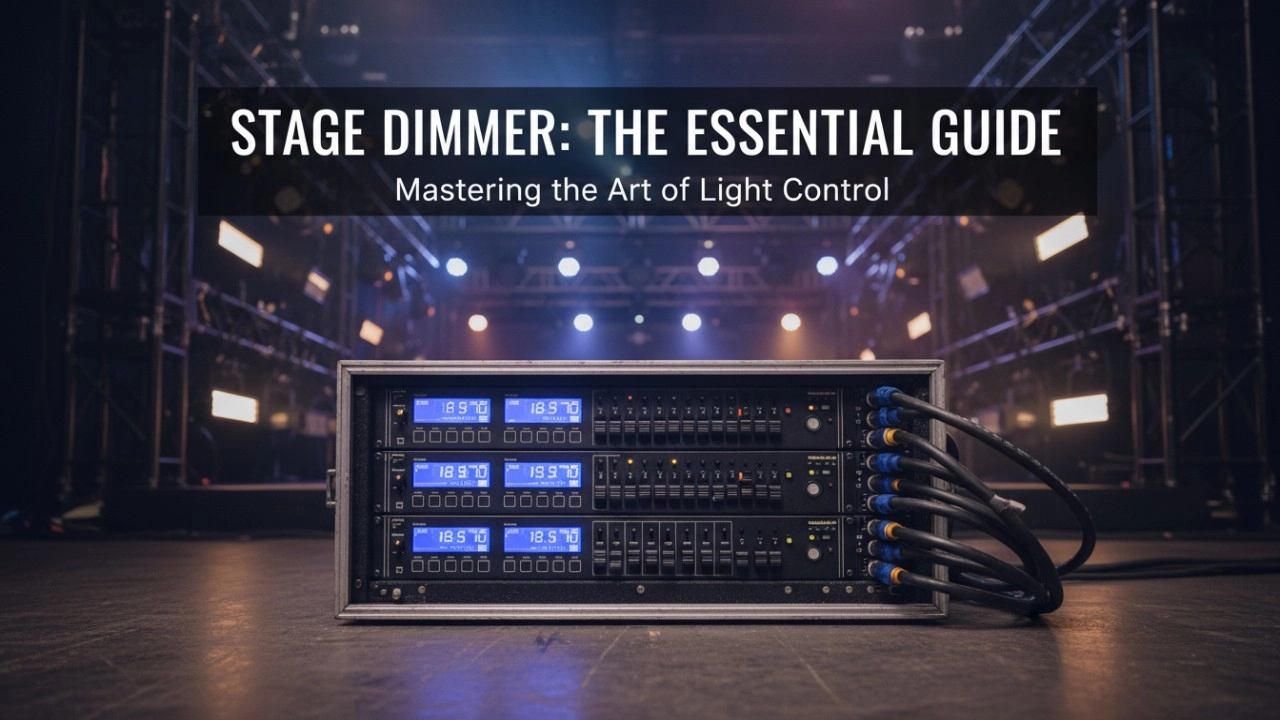
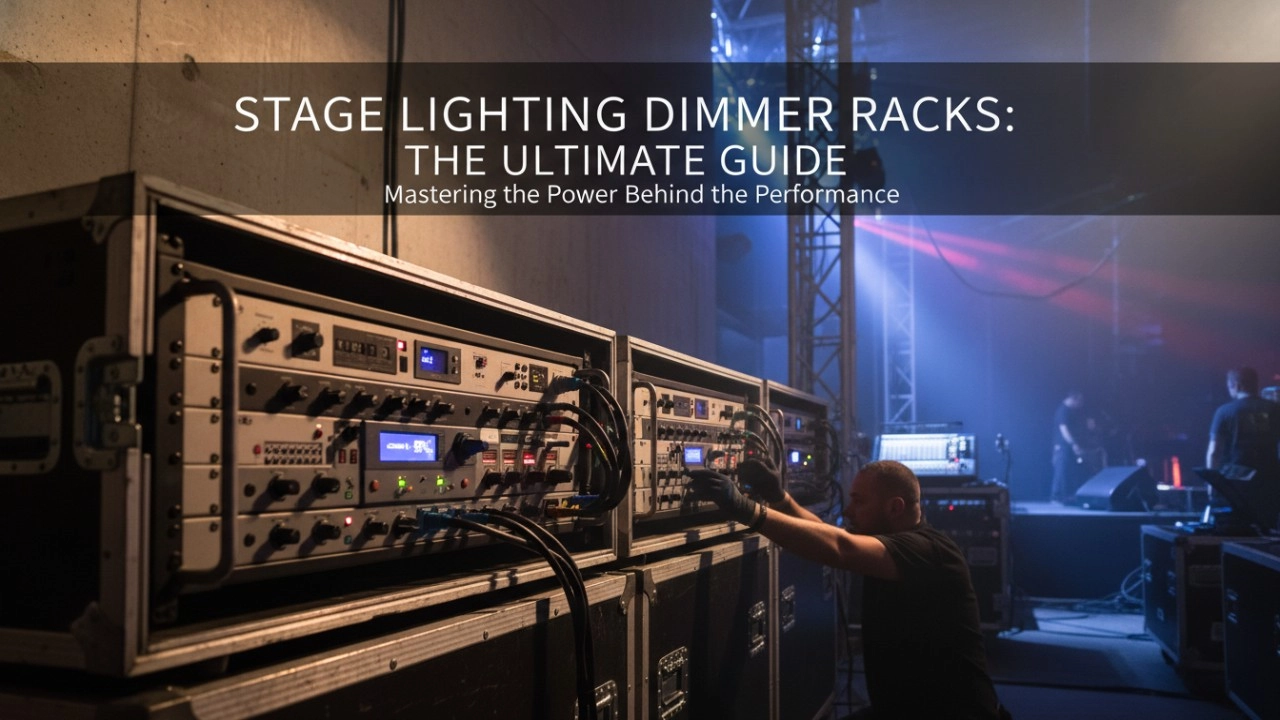
A comprehensive 2026 guide to selecting high-performance stage lighting dimmer racks. We review top hybrid systems, explore SCR vs sine wave technology, and analyze essential features like ThruPower for modern venues.
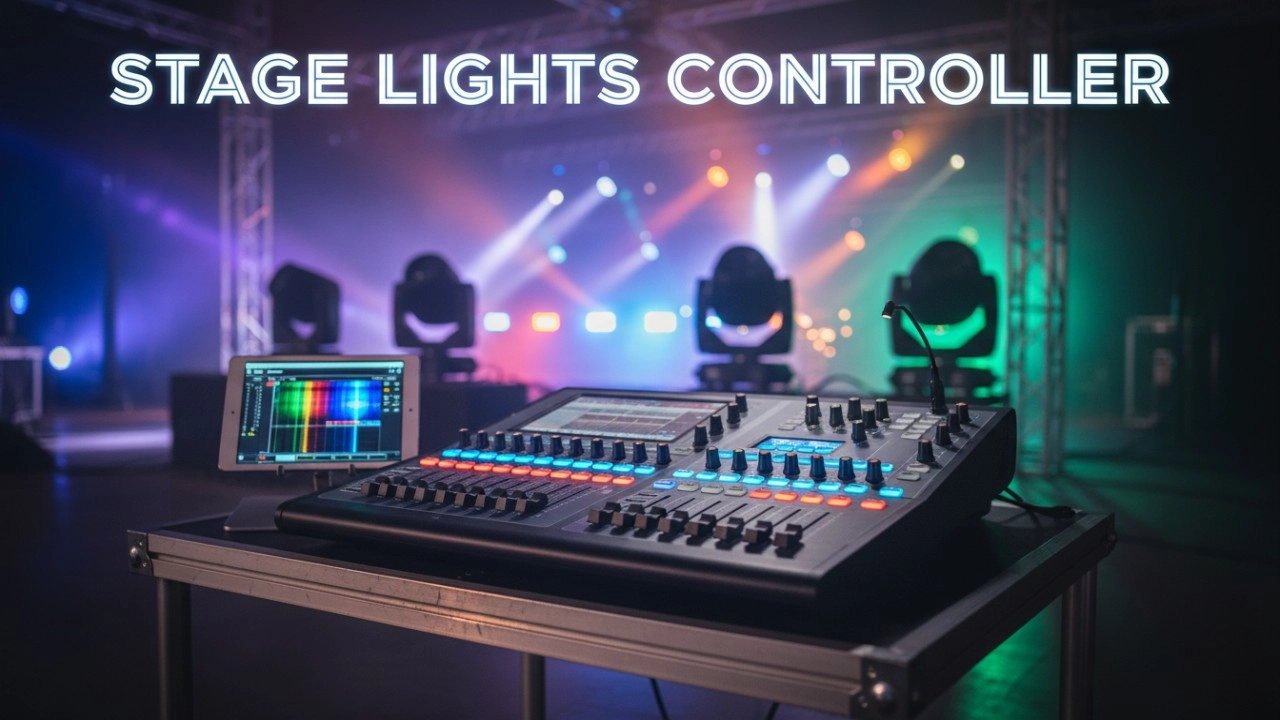
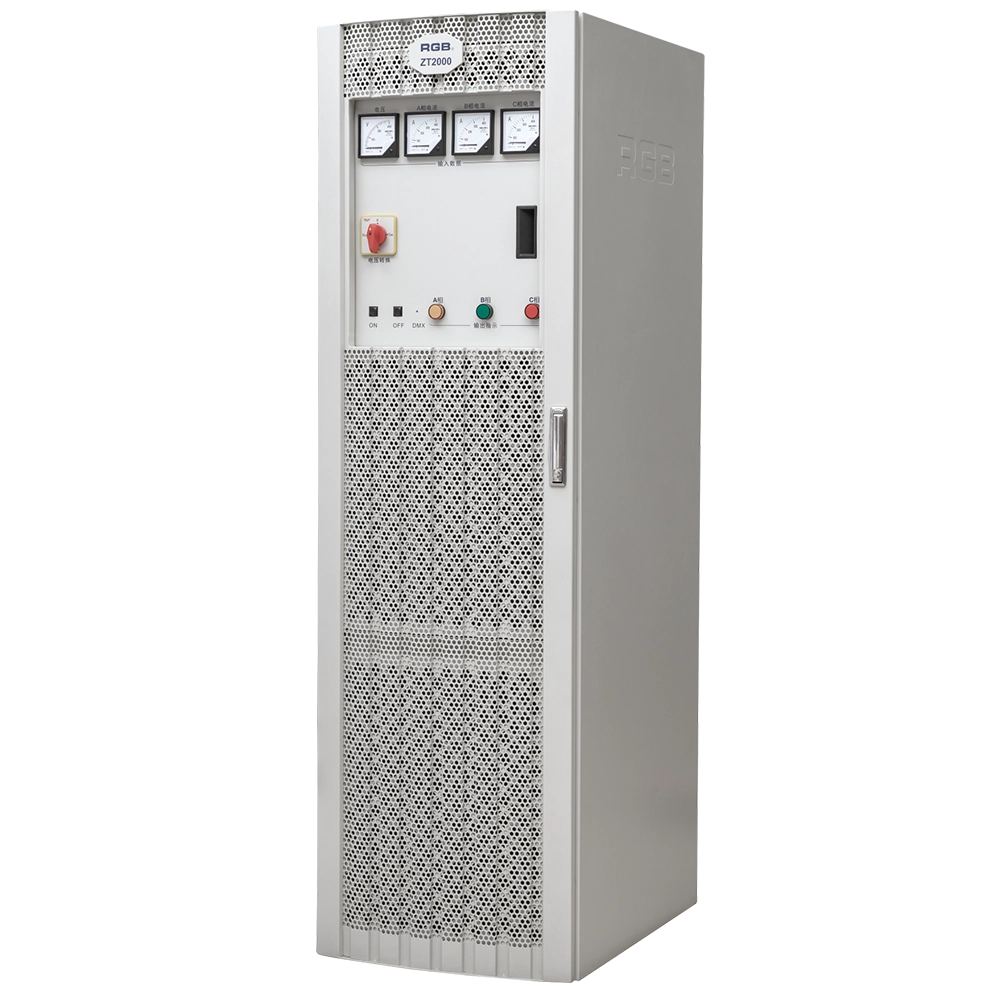
ZT2000 Pass-Through Racks
The ZT2000 straight-through power cabinet is a three-phase 630A/400A air switch main control, with each channel being a 32A air switch sub-control straight-through power cabinet. It can be used in conjunction with various computer lamps, regular lamps, and temporary electrical equipment as a power distribution and supply part for electrical equipment with overcurrent and short-circuit protection. It is a brand-new, reliable, and stable lighting control device in the field of stage lighting control.
It is widely applied in theaters, concert halls, multi-functional halls, cultural and tourism performances, TV stations, gymnasiums, auditoriums, commercial art lighting, and other performance and cultural venues.
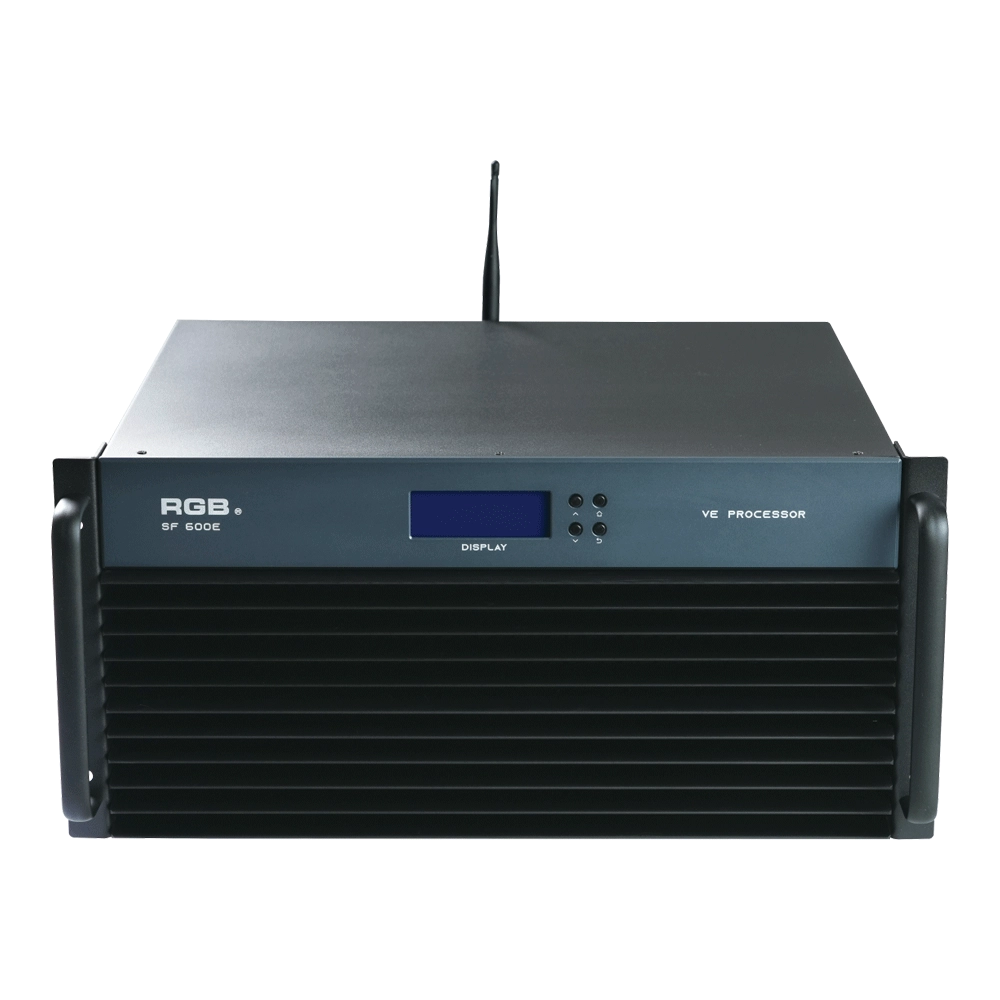
SF600E Visual R-net environment processor
The SF600E Visual R-net environment processor by RGB delivers advanced performance for visual systems. As a leading visual systems manufacturer, RGB ensures seamless integration and high reliability, making SF600E ideal for complex visual processing needs in diverse environments.
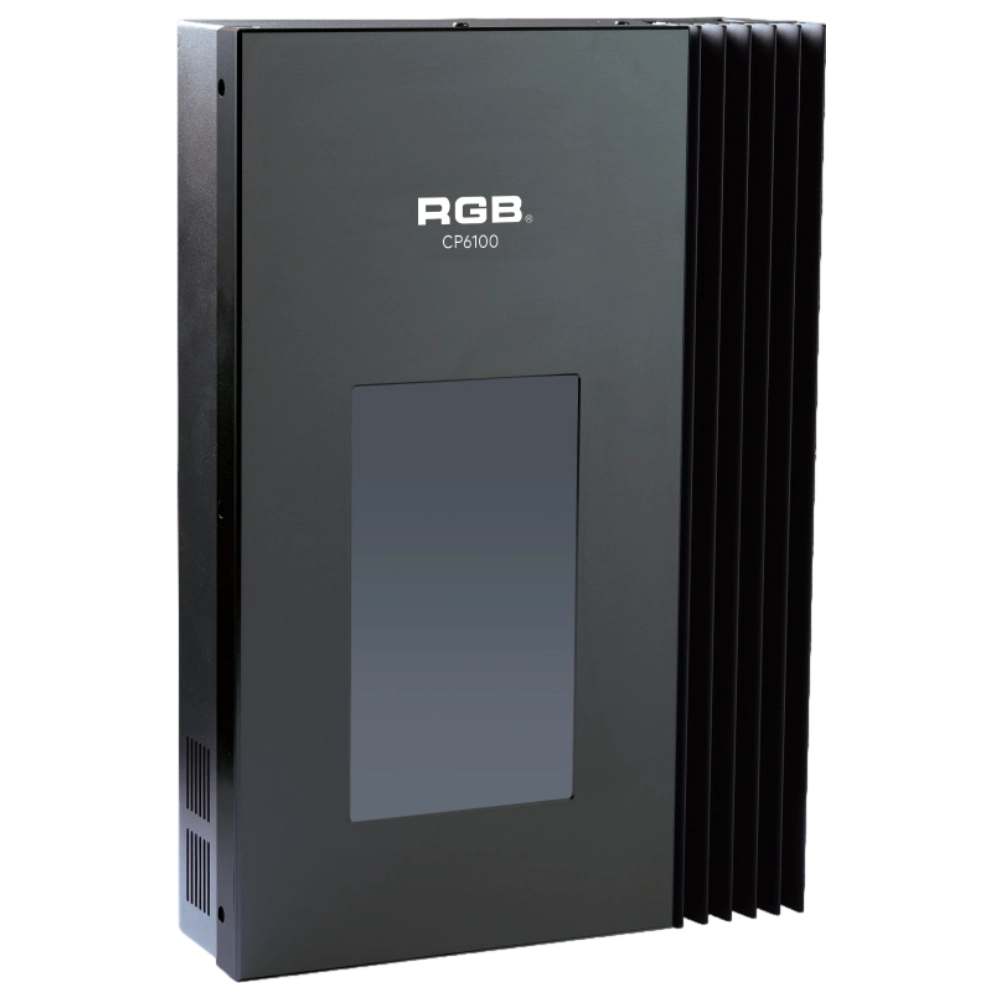
CP6100 Light Control System
The lighting control host is the main control device for theater stage lights, work lights, environmental lighting, commercial art lighting, sports venue lighting, and other places. By connecting the dedicated lighting control panels CP6104 and CP6108, it realizes the central control of the lighting system, supports a visual lighting control system, and intuitively displays the online and offline status of CP6100. Realize remote monitoring, editing, and setting of corresponding parameters.
It is widely applicable to theaters, cinemas, auditoriums, stadiums, museums, exhibition halls, cultural tourism performances, commercial art lighting, and other places.
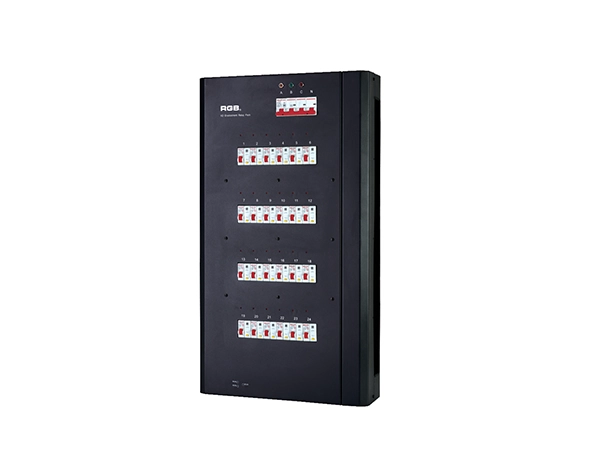
K2 Intelligent Network Relay Racks
K series is the newly developed and produced product of all-weather smart network relay cabinet. It has two major indoor and outdoor waterproof series and has multiple network control modes, such as double DMX512, sACN, ART-net, etc, which can control any equipment like resistive, inductive and capacitive and so on
K series has two major series from the perspective of function, namely, K2 ordinary type and KW2 waterproof type. It has two modes of installation, one is hanging on the wall, and the other is cabinet. It has three specifications of output circuit, namely, 24, 48 and 60 respectively.
K series applies to different performance places, such as, outdoor cultural tourism, TV station, theater, stadium and ambient intelligence lighting and so on.
Expert Support
Interested in learning more or need expert guidance related to this article? Fill in your details, and our team will provide tailored support.
Intelligent Control. Brilliant Performance.
RGB specializes in stage lighting control systems, delivering intelligent, reliable, and high-performance solutions for theaters and performance spaces worldwide.
Contact
Email:
Tel:
+86 20 3928 0245
+86 20 3928 0247
Address:
No.3, Huashan Road, Shilou Town, Panyu, Guangzhou, China.
Whatsapp: +8615975520131