
Wired vs. wireless DMX controllers: Which suits your venue?
|
As a professional content writer with extensive SEO and experience, and a seasoned expert in stage light control systems, I understand the complexities involved in selecting and troubleshooting DMX lighting controllers. This guide addresses six specific, pain-point-oriented questions frequently asked by beginners, providing in-depth answers to assist you in making informed decisions for your venue.
1. Why do my DMX-controlled lights flicker intermittently, and how can I resolve this issue?
Intermittent flickering in DMX-controlled lights can stem from several factors:
Signal Integrity Issues: Using microphone cables instead of DMX-rated cables can lead to signal degradation.
Missing Termination: An unterminated DMX line can cause signal reflections, leading to flickering.
Address Conflicts: Duplicate DMX addresses can result in unpredictable lighting behavior.
Solutions:
Use Proper Cables: Ensure all cables are DMX-rated to maintain signal integrity.
Terminate the Line: Place a 120-ohm resistor at the end of the DMX chain to prevent signal reflections.
Check Addresses: Verify that each fixture has a unique DMX address to avoid conflicts.
2. What are the key differences between wired and wireless DMX controllers, and which is more suitable for my venue?
Wired and wireless DMX controllers each have distinct advantages and considerations:
Wired DMX Controllers:
- Advantages: Reliable signal transmission, lower latency, and no risk of interference.
- Considerations: Installation can be labor-intensive, especially in venues with complex layouts.
Wireless DMX Controllers:
- Advantages: Ease of installation, flexibility in fixture placement, and reduced cable clutter.
- Considerations: Potential for signal interference, limited range, and possible latency issues.
Recommendation: For venues requiring flexibility and quick setup, wireless DMX controllers are advantageous. However, for installations where reliability and minimal interference are paramount, wired DMX controllers are preferred.
3. How can I prevent address conflicts in my DMX lighting system?
Address conflicts occur when multiple fixtures share the same DMX address, leading to erratic behavior. To prevent this:
Assign Unique Addresses: Ensure each fixture has a distinct DMX address.
Document Settings: Maintain a record of all fixture addresses for easy reference.
Use Addressing Tools: Utilize software or hardware tools designed to assist in assigning and verifying addresses.
4. What are the common causes of unresponsive DMX fixtures, and how can I troubleshoot them?
Unresponsive fixtures can result from several issues:
Incorrect Addressing: Fixtures may not respond if their addresses don't match the controller's output.
Faulty Cables: Damaged or low-quality cables can disrupt the DMX signal.
Fixture Settings: Ensure fixtures are set to the correct operating mode and are not in a default or auto mode that overrides DMX control.
Troubleshooting Steps:
Verify Addresses: Check that fixture addresses align with the controller's output.
Inspect Cables: Replace any damaged or suspect cables.
Check Fixture Modes: Ensure fixtures are in the correct mode to receive DMX signals.
5. How do I address signal interference in a wireless DMX system?
Signal interference can disrupt wireless DMX communication:
Identify Sources: Common culprits include Wi-Fi networks, LED screens, and metal structures.
Optimize Placement: Position transmitters and receivers to minimize obstructions and interference.
Use Quality Equipment: Invest in high-quality wireless DMX systems designed to handle interference.
6. What are the advantages of using a DMX lighting controller with Remote Device Management (RDM) capabilities?
RDM allows for bidirectional communication between the controller and fixtures:
Remote Configuration: Adjust fixture settings without physical access.
Diagnostics: Monitor fixture status and troubleshoot issues remotely.
Firmware Updates: Update fixture firmware without manual intervention.
Recommendation: Incorporating RDM-capable controllers enhances system flexibility and reduces maintenance time.
By addressing these common challenges and understanding the distinctions between wired and wireless DMX controllers, you can make informed decisions tailored to your venue's specific needs. For personalized assistance and a comprehensive quote, please contact us at info@rgbsystem.com or visit our website at www.rgbsystem.com.
Latest News
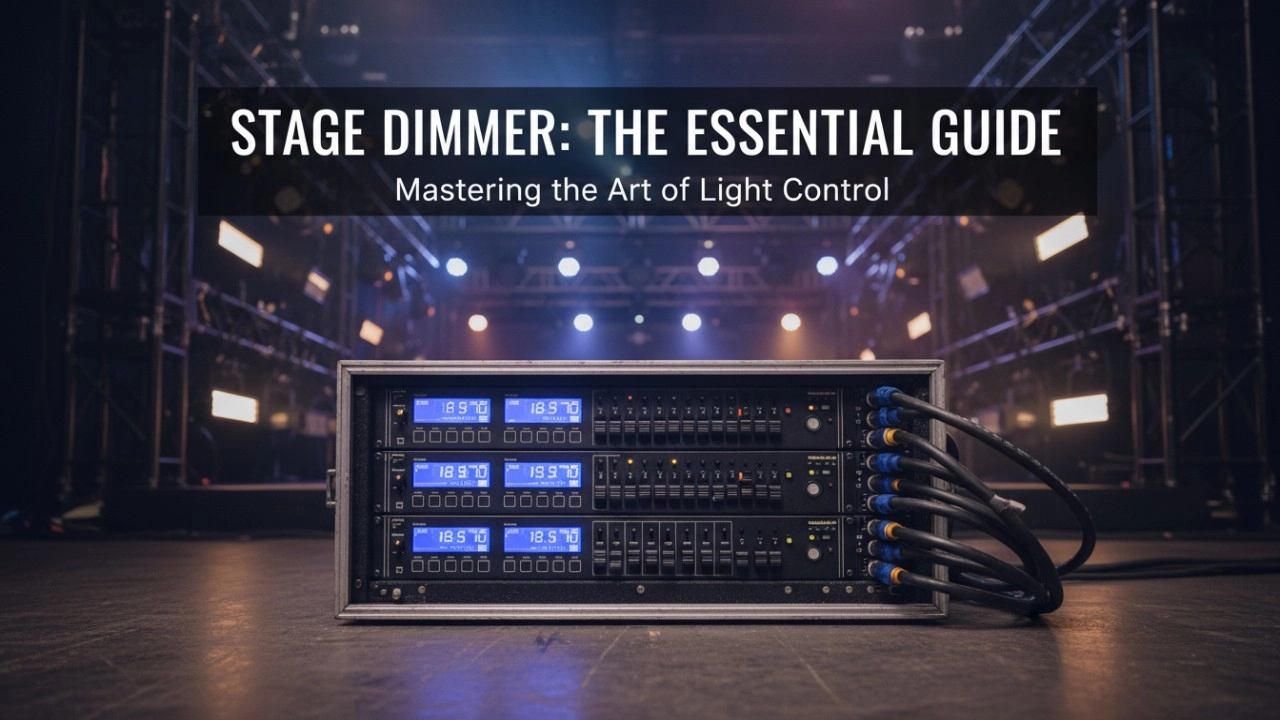
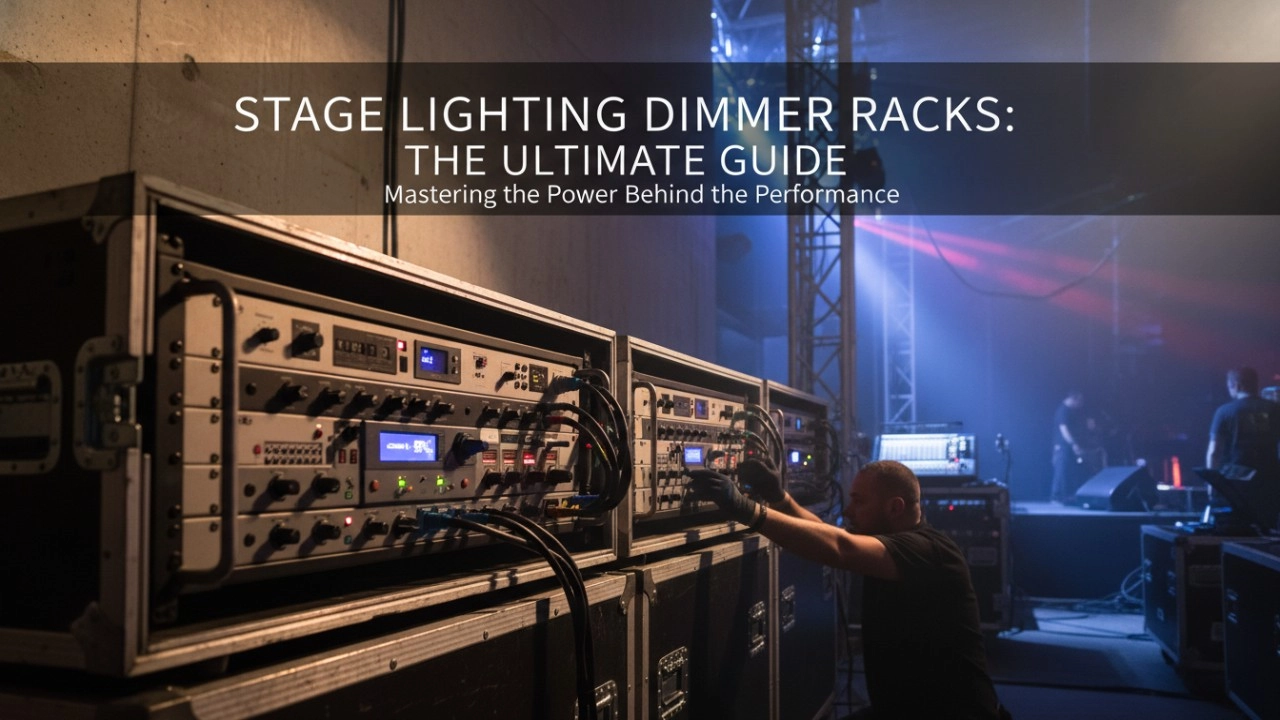
A comprehensive 2026 guide to selecting high-performance stage lighting dimmer racks. We review top hybrid systems, explore SCR vs sine wave technology, and analyze essential features like ThruPower for modern venues.
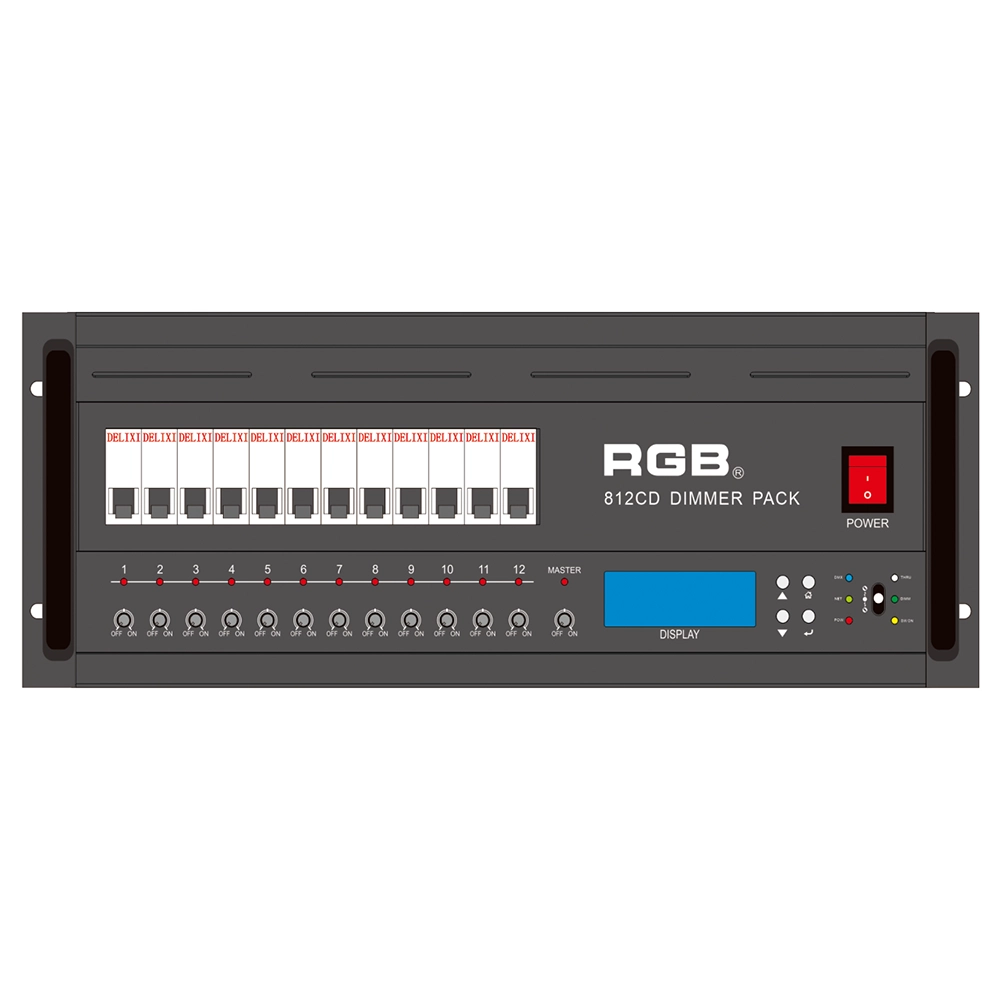
8 Series Intellight Dimmer/Relay Packs
RGB is the latest development and production of all digital, intelligent, and network dimming through the hybrid silicon box. It comes with six channels (806 silicon box), twelve channels (812 silicon box) with analog knob dimming, 49 DMX field recordings and replays (field backup function), and self-programming and recording field. RGB-8 silicon box with DMX512 digital signal input and RJ45 network input interface, with various types of dimming stations at home and abroad used. It is a powerful, stable performance and reliable work of a new generation of intelligent digital dimming through a hybrid silicon box.
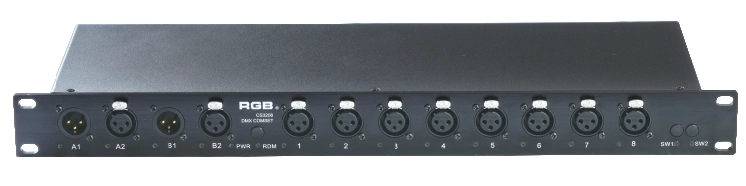
DMX&RDM Signal Mergers Amplifiers
The rack-mounted DMX signal amplifier complies with the DMX-512 standard protocol, improving the transmission quality of DMX-512 signals, ensuring the reliability of system control, and preventing faults such as reverse connection of AC high voltage in the lighting control system, high voltage intrusion due to lightning strikes, and line short circuits, which may affect the stability of the system.
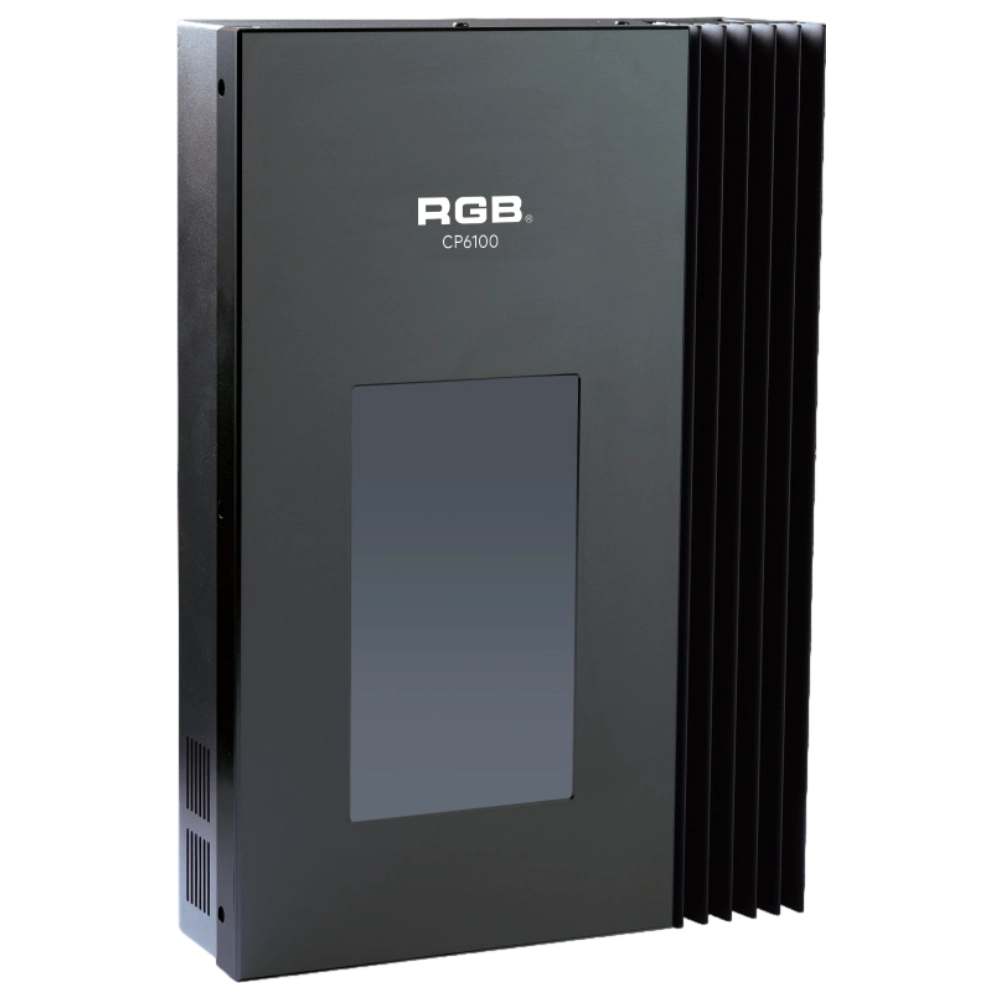
CP6100 Light Control System
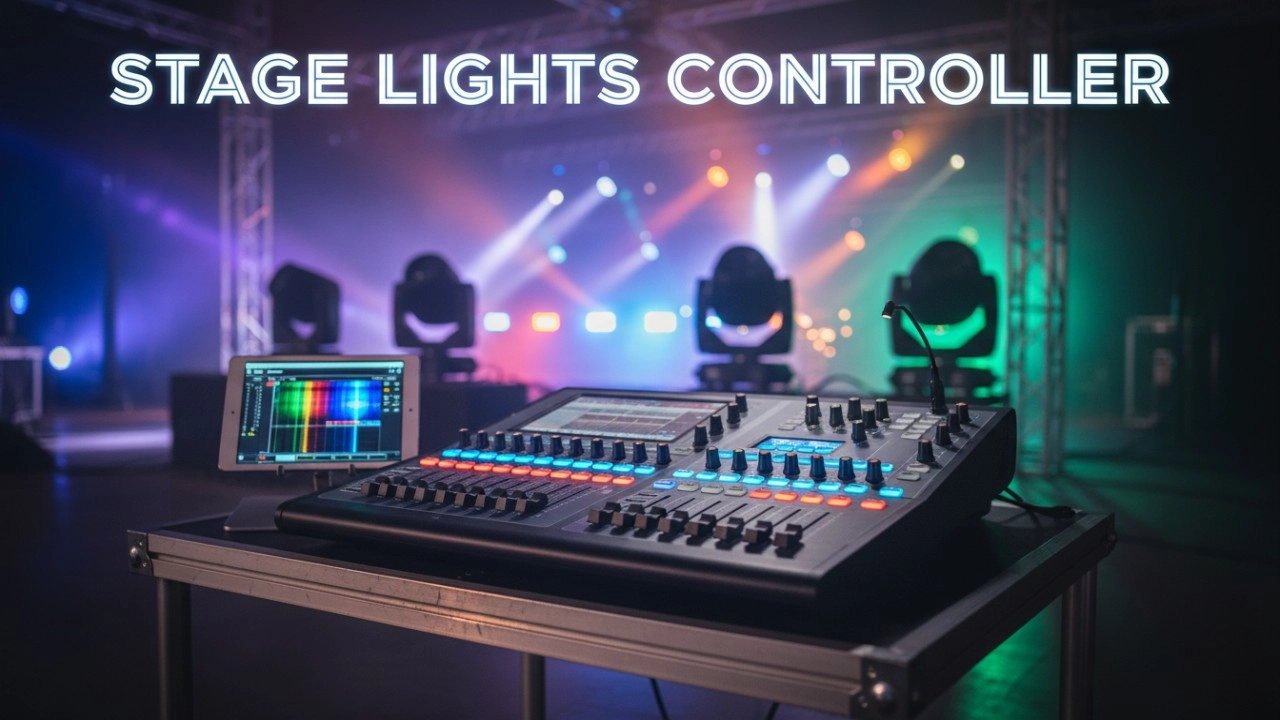
The lighting control host is the main control device for theater stage lights, work lights, environmental lighting, commercial art lighting, sports venue lighting, and other places. By connecting the dedicated lighting control panels CP6104 and CP6108, it realizes the central control of the lighting system, supports a visual lighting control system, and intuitively displays the online and offline status of CP6100. Realize remote monitoring, editing, and setting of corresponding parameters.
It is widely applicable to theaters, cinemas, auditoriums, stadiums, museums, exhibition halls, cultural tourism performances, commercial art lighting, and other places.
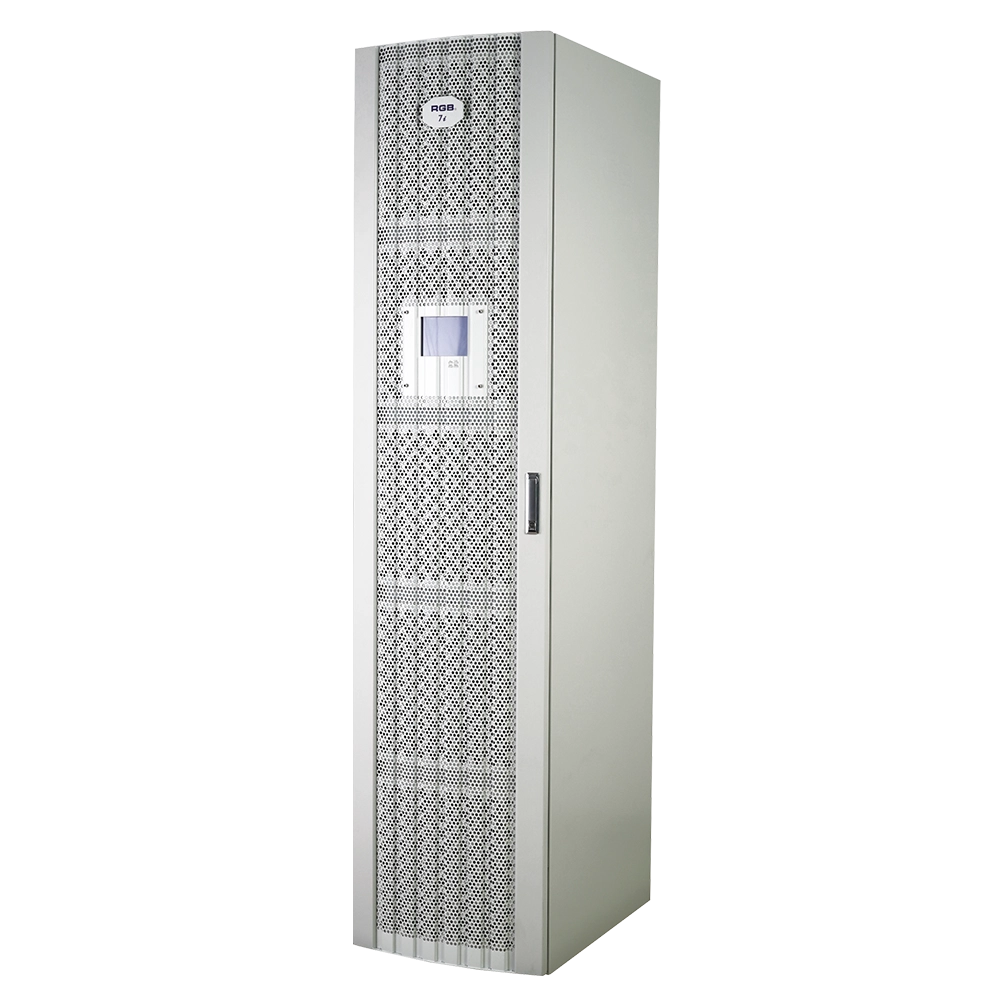
7i Dimmer/Relay Racks
7i is RGB independent research and development, with completely independent core technology, full digital decoding technology dimming racks, using a dual system, double decoding, double trigger, and duplex dual backup central decoding processor, with thyristor, relay, dimming relay mixed and other output configurations, supporting a visual lighting control system, intuitive display of dimming racks' online and offline status, and remote monitoring.
It is widely used in performing arts and cultural venues such as theaters, concert halls, multi-function halls, cultural travel and performing arts, TV stations, gymnasiums, auditoriums, commercial art lighting and so on.
Expert Support
Interested in learning more or need expert guidance related to this article? Fill in your details, and our team will provide tailored support.
Intelligent Control. Brilliant Performance.
RGB specializes in stage lighting control systems, delivering intelligent, reliable, and high-performance solutions for theaters and performance spaces worldwide.
Contact
Email:
Tel:
+86 20 3928 0245
+86 20 3928 0247
Address:
No.3, Huashan Road, Shilou Town, Panyu, Guangzhou, China.
Whatsapp: +8615975520131